GET STARTED
A new HQ.
A familiar first step.
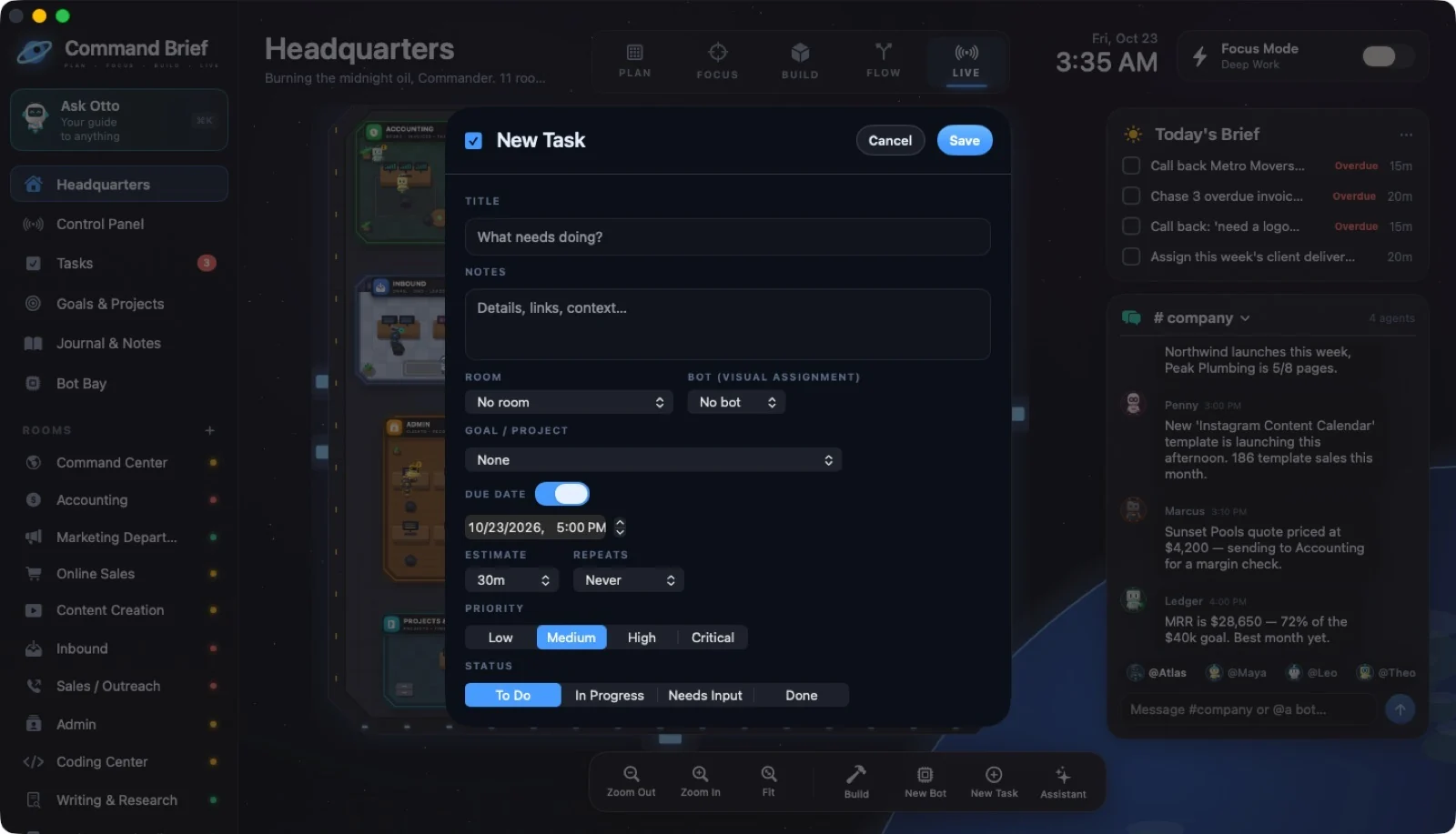
You don’t have to build the whole business at once. Open the station, add one real task, and make the next move clear.
GOOD QUESTIONS
Here’s the straight answer.
What is an AI agent factory?+
It is a workspace for creating specialized AI agents, assigning their work, and reviewing their output. In Command Brief, customizable rooms organize the work, bots become agents when you connect your own API key, and proposed changes need your approval.
Are the rooms fixed departments?+
No. The screenshots show an example agency template. Rename rooms, change their purpose and furniture tools, add departments, or start empty. Ordinary bots show task status; AI agents need your own API account.
Is Command Brief a web app?+
Command Brief is a macOS app. This website showcases it; the headquarters runs on your Mac.
Does it work offline?+
Yes. Core features—including Otto’s built-in guide—work offline. Optional cloud AI requires an internet connection and your own API account.
Do regular bots actually do my work?+
Regular bots visualize assigned work and status. AI agent bots can produce drafts, plans, and other text output when you connect a supported API account. You review their results.
Does it sync my store, bank, or inbox?+
No automatic store, bank, email, or social inbox sync is described in the current app. Use trackers, records, tasks, and links to keep your information organized.
Does it send outreach automatically?+
No. Client Outreach opens a draft in your Mail app, and you press Send. The app logs the contact on the client record.
Do I need to pay for AI?+
Only if you choose to use cloud AI. You bring your own OpenAI or Claude API key, and your provider bills usage separately. A ChatGPT or Claude chat subscription does not supply API access.
Can AI change my data or access passwords?+
Proposed changes require your approval. AI agents do not access the Password Vault or client contact details. Otto is read-only. See Data & Control for more detail.
Does lifetime access end in 2027?+
No. December 31, 2027 is the purchase deadline for the $9.99 lifetime offer. It is not an access expiration date.
Which macOS versions are supported?+
Command Brief is for macOS. The supplied guides do not specify a minimum OS version or hardware requirements; check the seller’s confirmed requirements before purchasing.
 ↗ Enlarge