CORE APP
Local first.
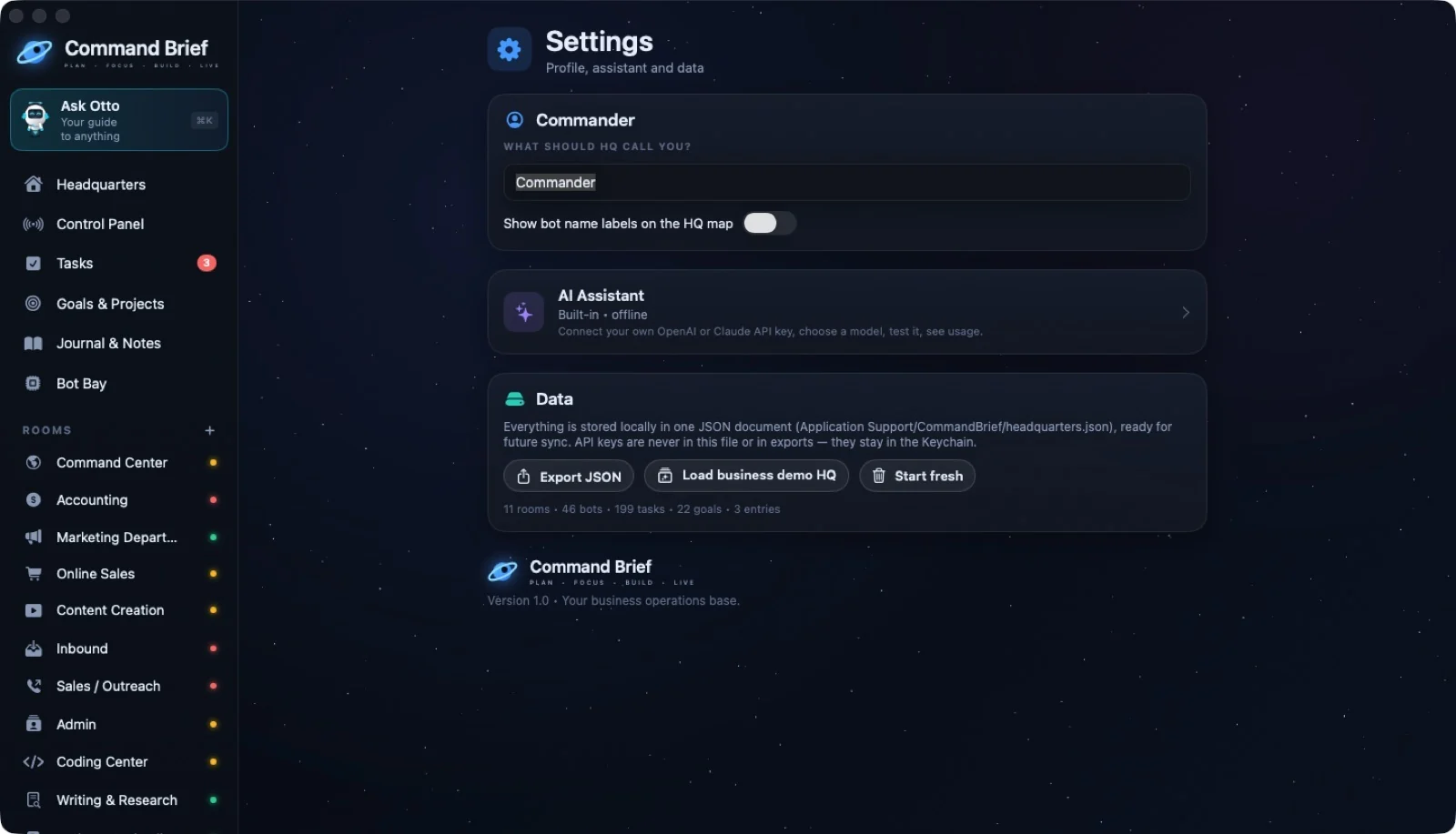
Your headquarters saves automatically to a local JSON file. Export your data, make a backup, or load the sample HQ from Settings. The guide describes no Command Brief analytics or server.
LOCAL DATA & CONTROL
The core app runs without a Command Brief account or server. Cloud AI is an option you turn on—not a requirement for your headquarters.
CORE APP
Your headquarters saves automatically to a local JSON file. Export your data, make a backup, or load the sample HQ from Settings. The guide describes no Command Brief analytics or server.
OPTIONAL CLOUD AI
When enabled, relevant feature context goes directly to the AI provider you choose. Connect a key, test it, and enable consent before AI runs.
PASSWORD VAULT
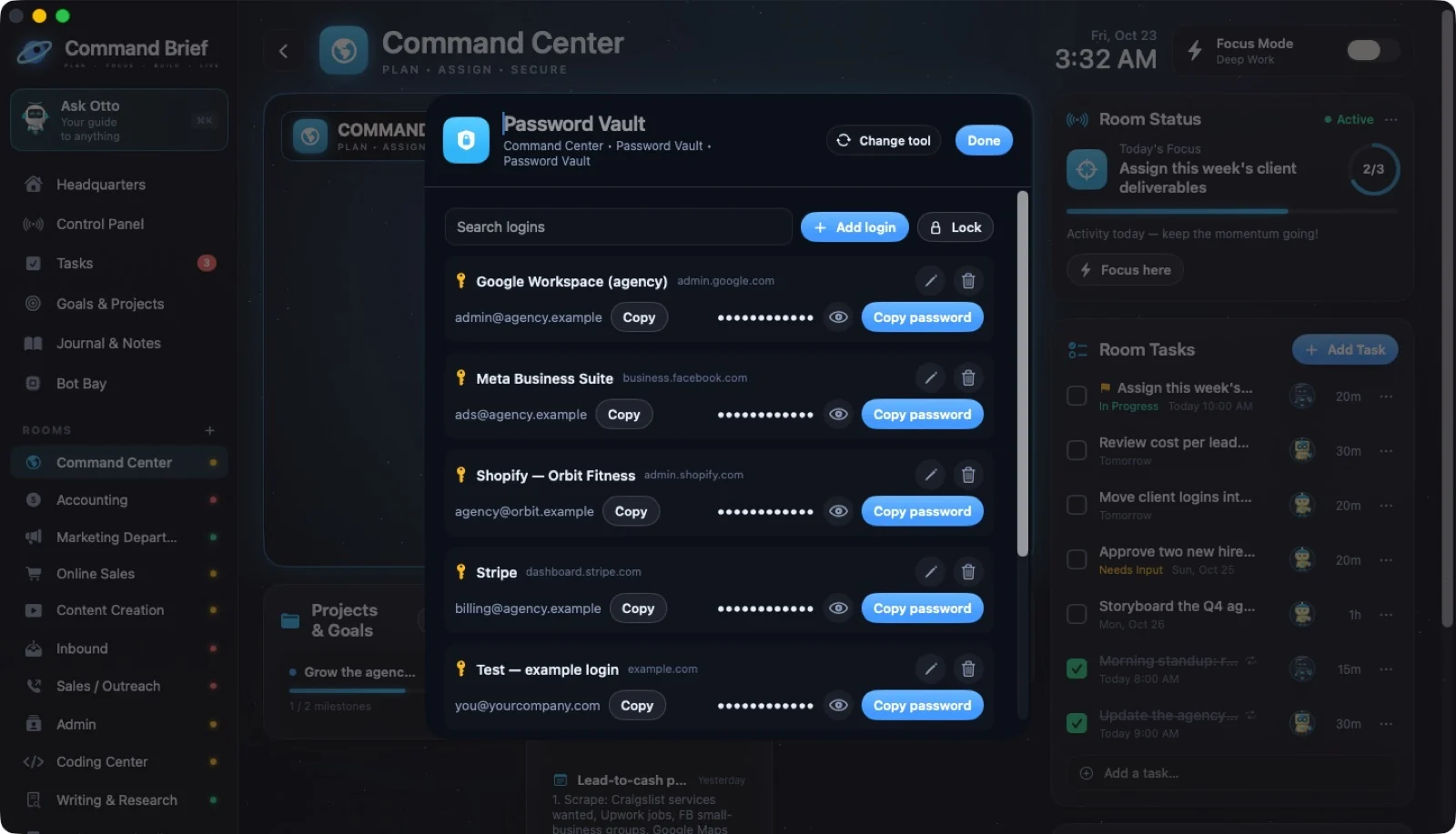
The app’s Password Vault stores credentials in your Mac’s Keychain. Unlock with Touch ID or your Mac password; the vault locks when closed.
 ↗ Enlarge
WHAT GOES WHERE
| Feature | Data handling described in the guide |
|---|---|
| HQ & backups | Autosaved on your Mac. Export and backup controls in Settings. |
| API keys | Stored in Mac Keychain, not logged or exported in HQ data. |
| Otto with AI | Room names and counts, goal titles and progress, and up to eight of today’s task titles. No notes, client details, passwords, or keys. |
| AI agents | Task and room context, goals, recent notes, and tools to search notes and list open tasks. No Password Vault or client contact access. |
| AI outreach drafts | Your message description is sent, not client details. You send the finished draft in Mail. |
| Vault | Device-local Keychain storage; not synced or included in exports. |
This page explains the desktop app’s behavior as documented in the supplied October 2026 guide. It is not a privacy policy for this website or its payment provider.
KEEP A COPY
Export JSON or make a backup in Settings. Loading the business demo or starting empty first backs up the existing HQ.
 ↗ Enlarge
YOUR NEXT MOVE
A world for your work. A crew with character. Your business in view.
Offer available through December 31, 2027.
Optional AI usage is billed separately.