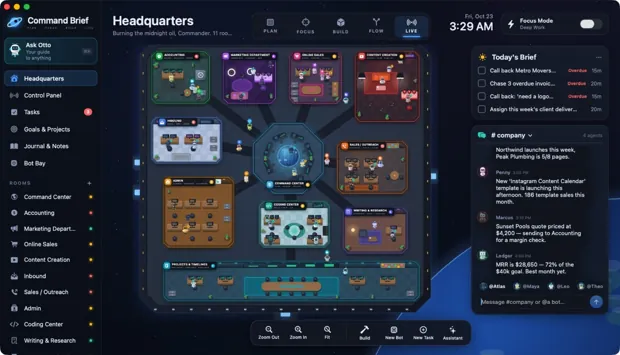
All images show the sample agency HQ. Financial figures and client records are illustrative. The final two AI screens use the app’s built-in test AI. This gallery is a product tour, not a live app.
 ↗ Enlarge
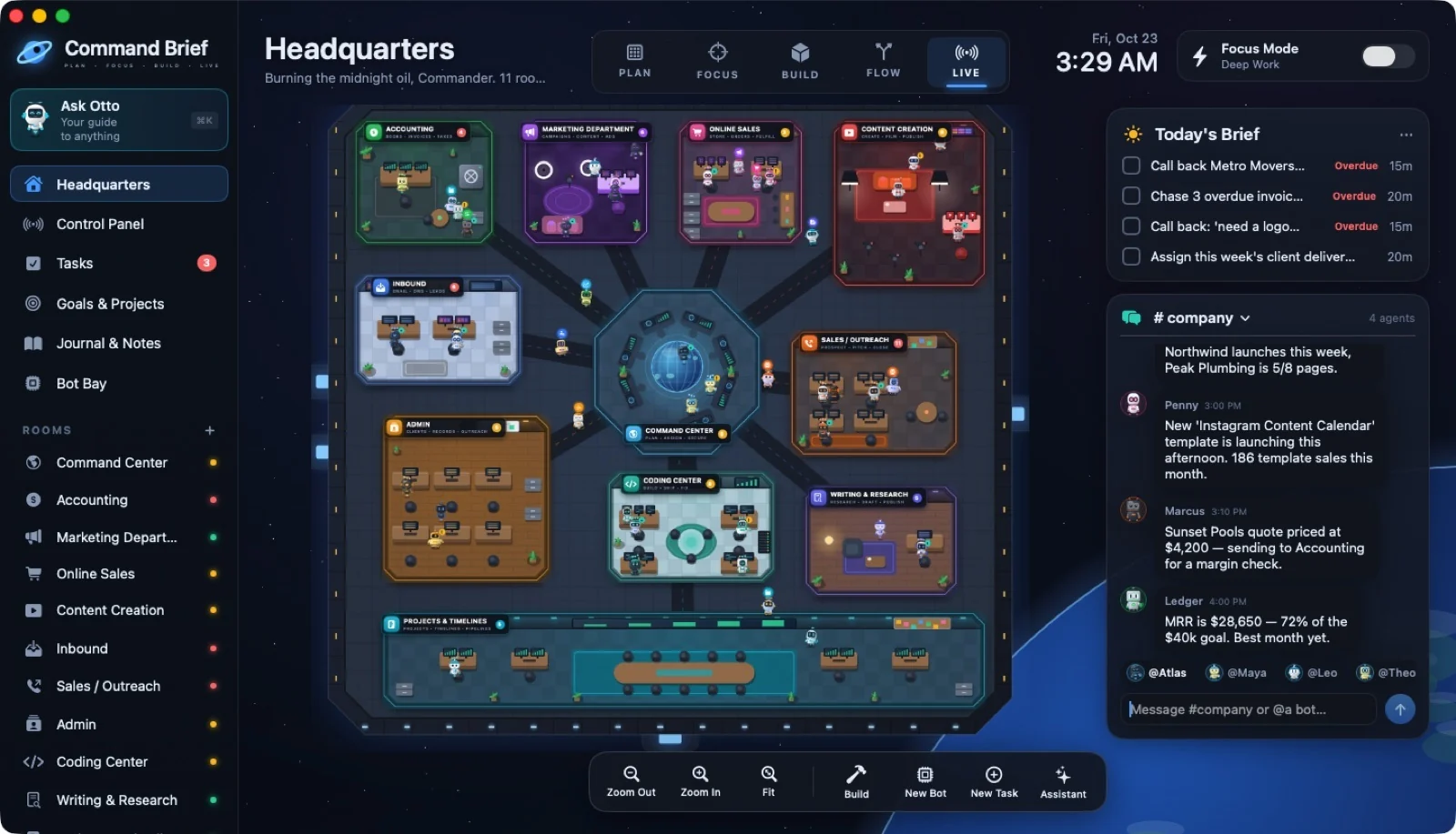
01 / HEADQUARTERS
The Headquarters map
 ↗ Enlarge
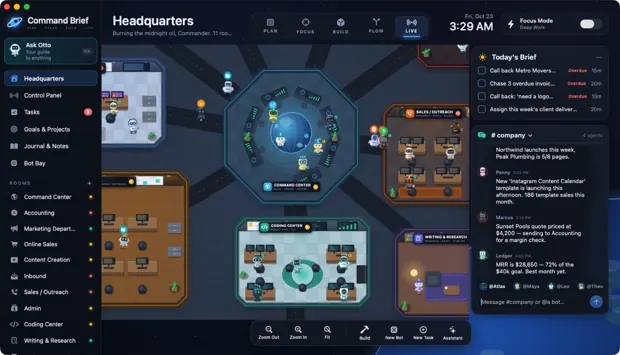
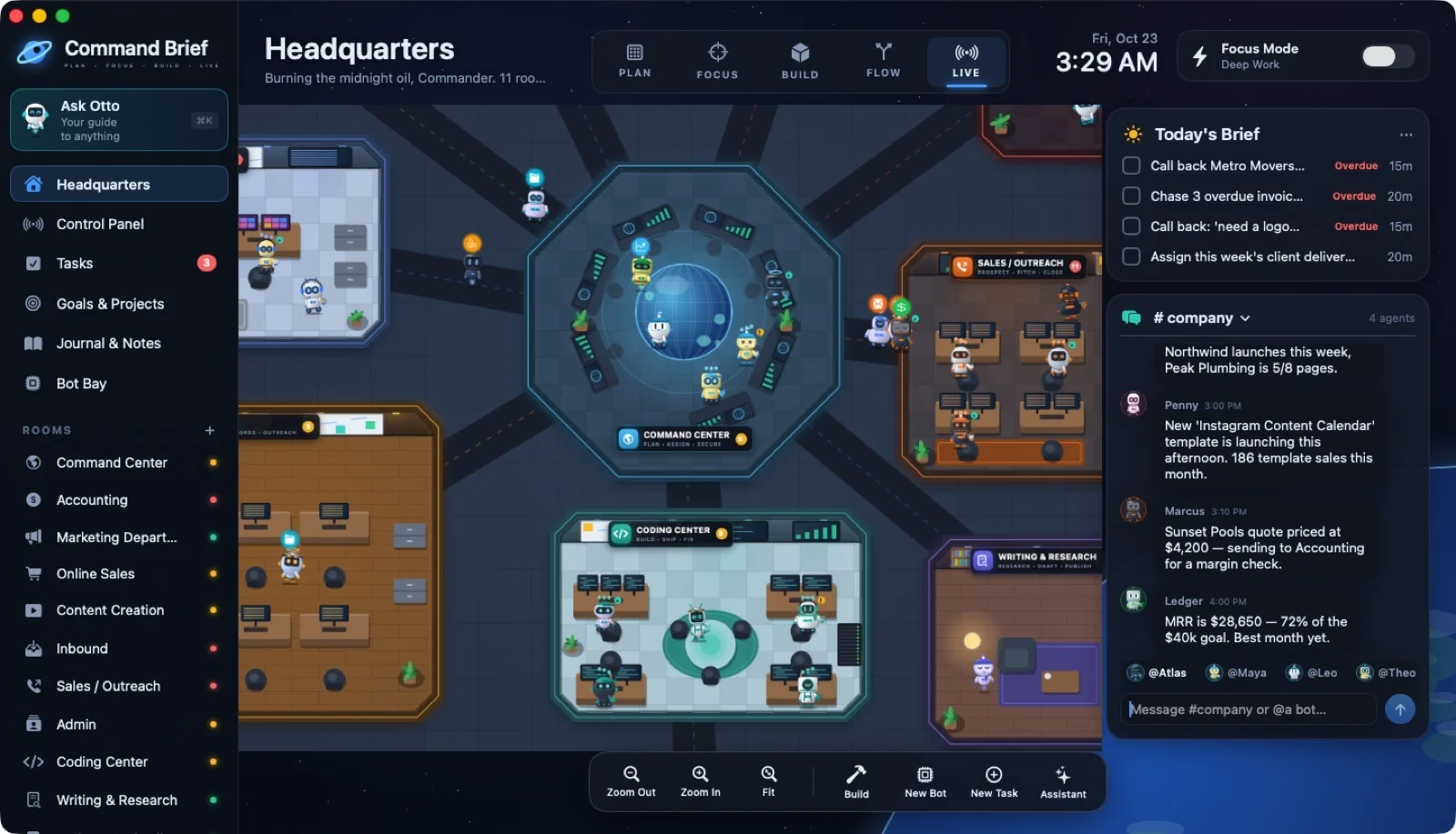
02 / HEADQUARTERS
Zooming in
 ↗ Enlarge
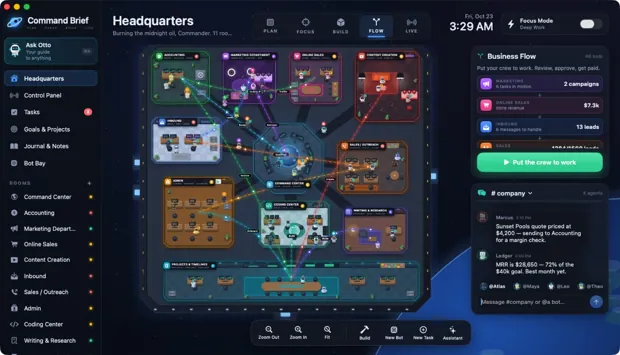
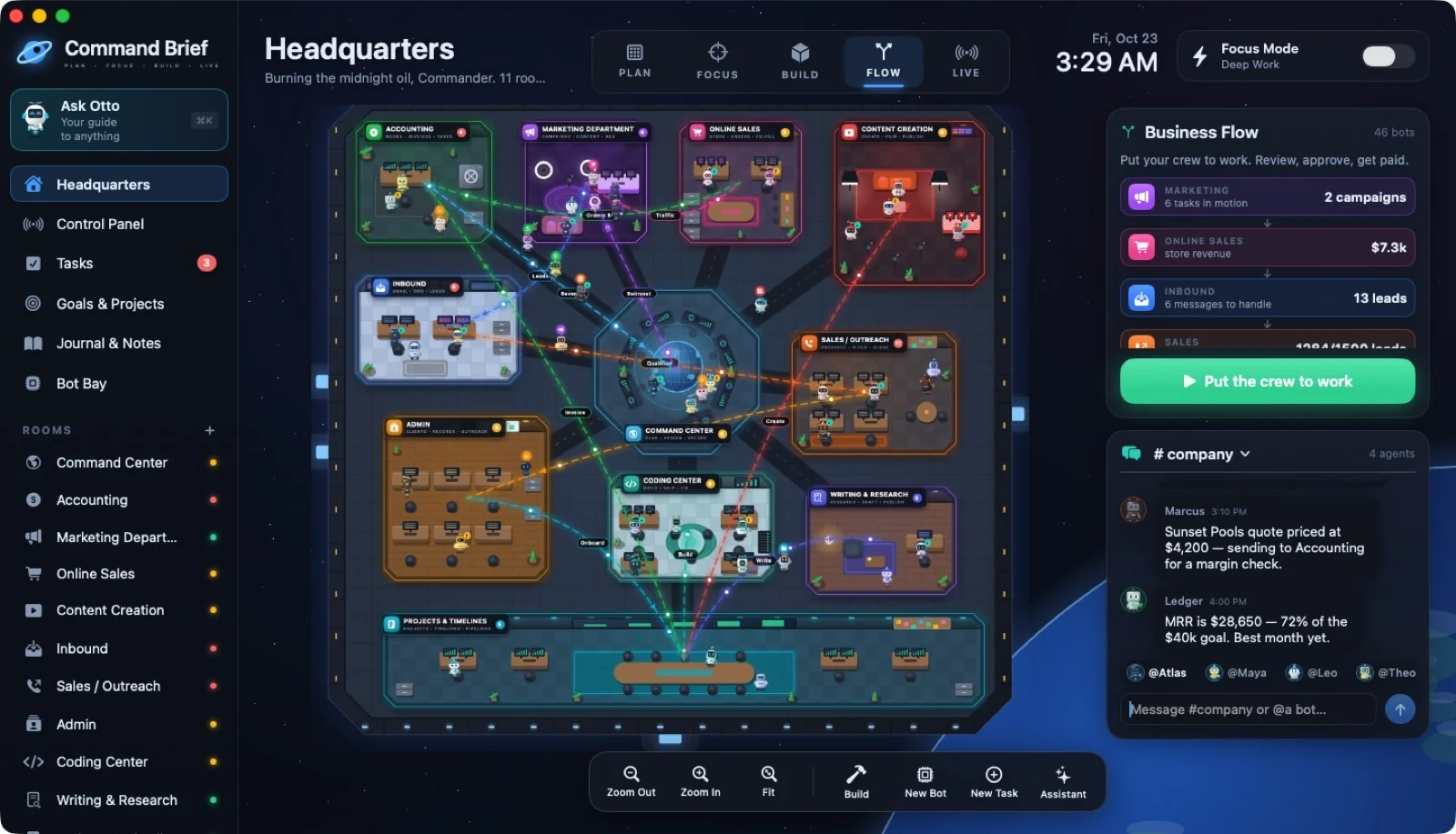
03 / FLOW MODE
FLOW: how the money moves
 ↗ Enlarge
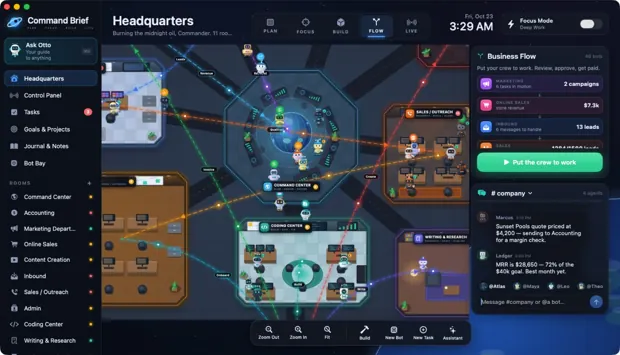
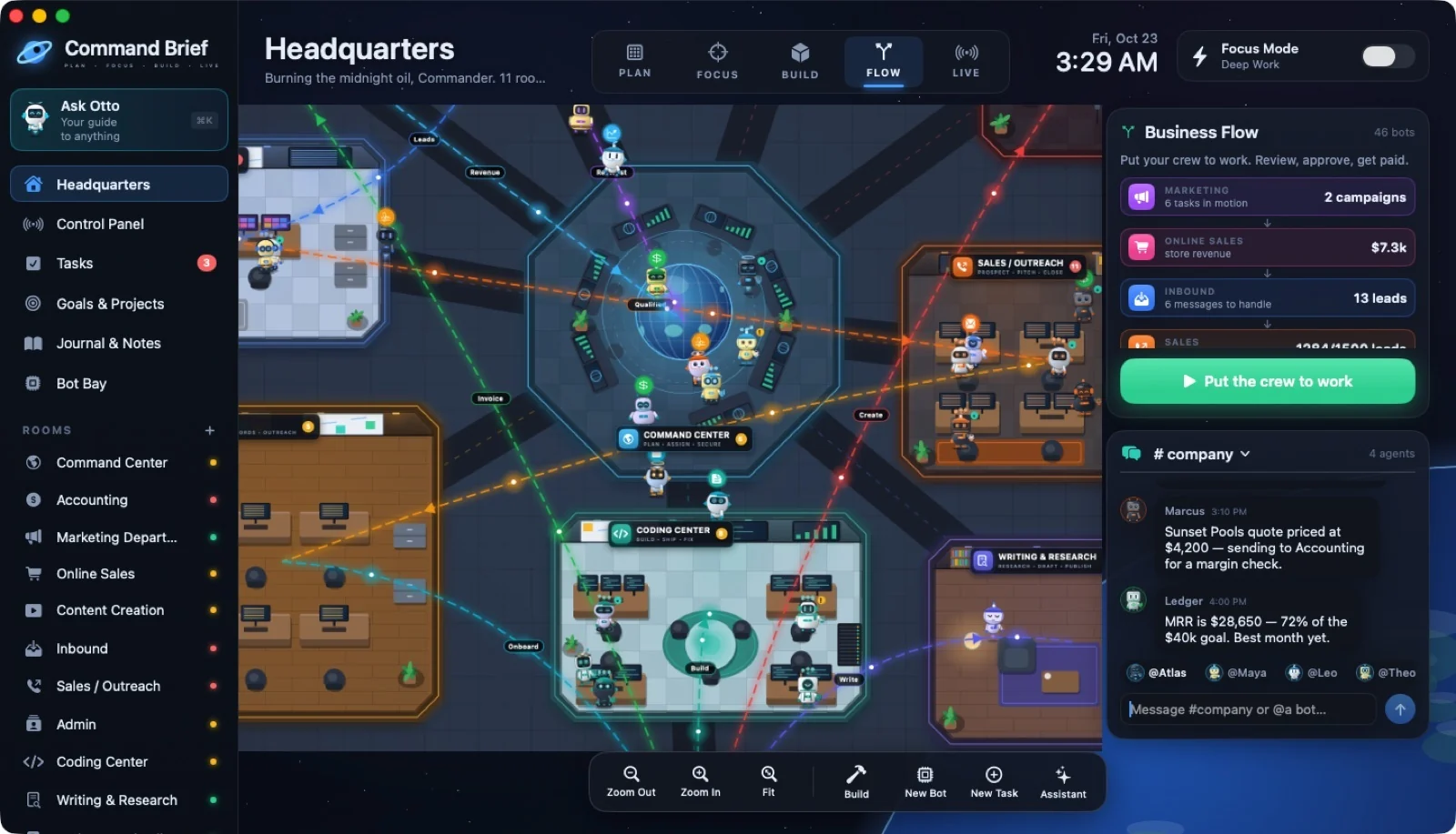
04 / FLOW MODE
FLOW up close
 ↗ Enlarge
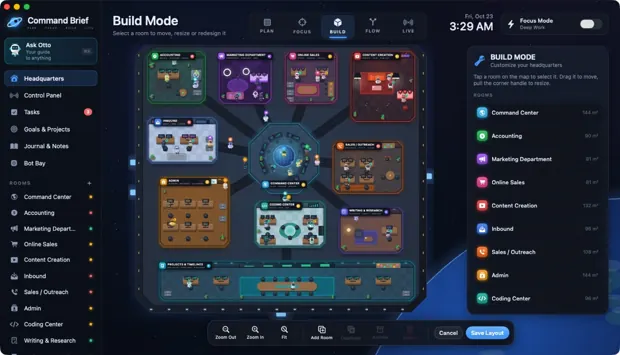
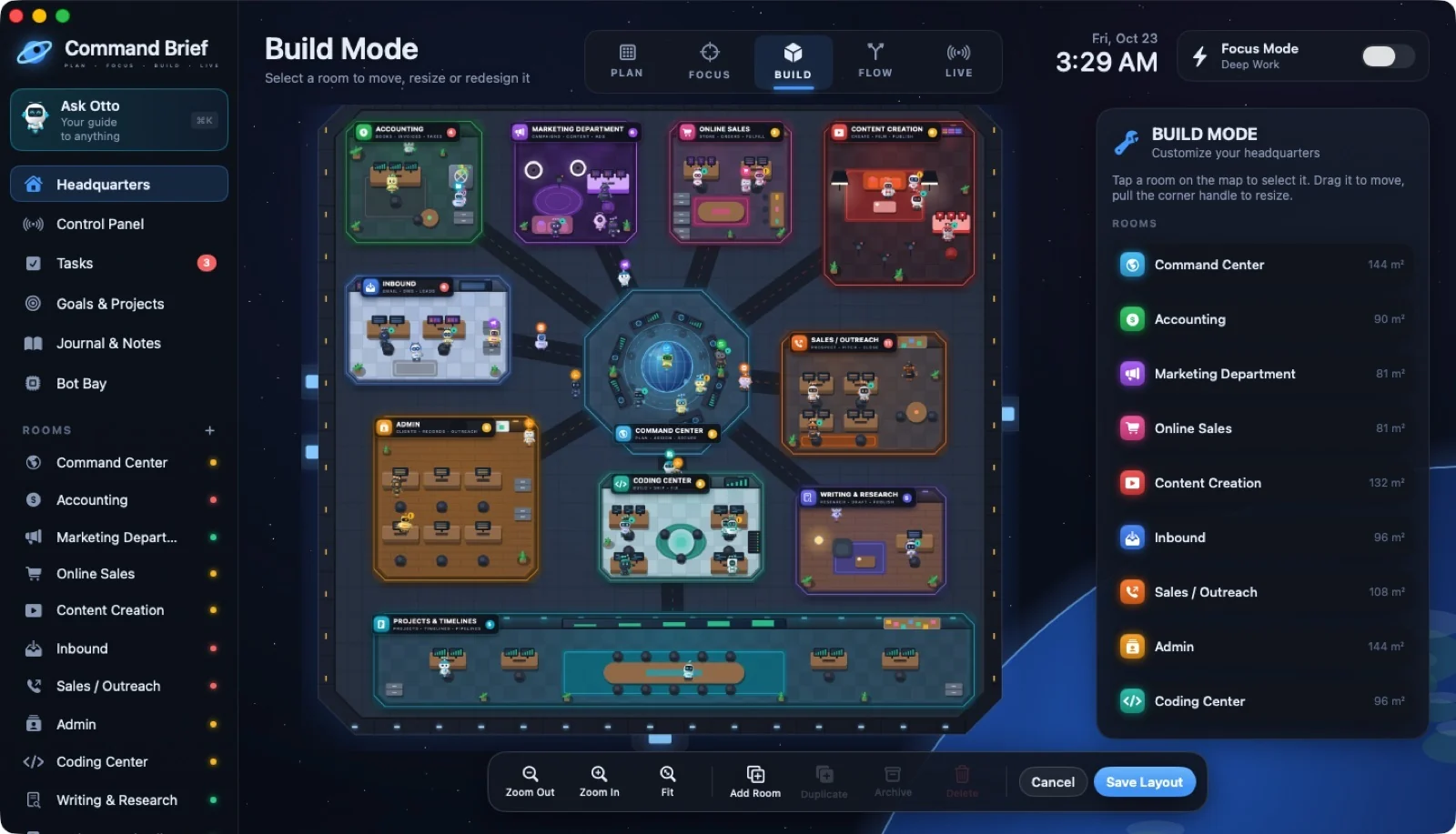
05 / BUILD MODE
Build Mode: edit the station
 ↗ Enlarge
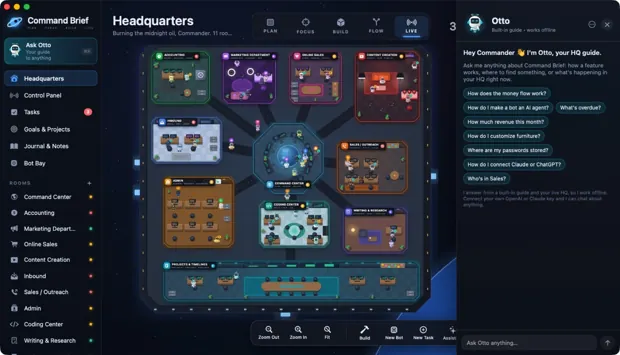
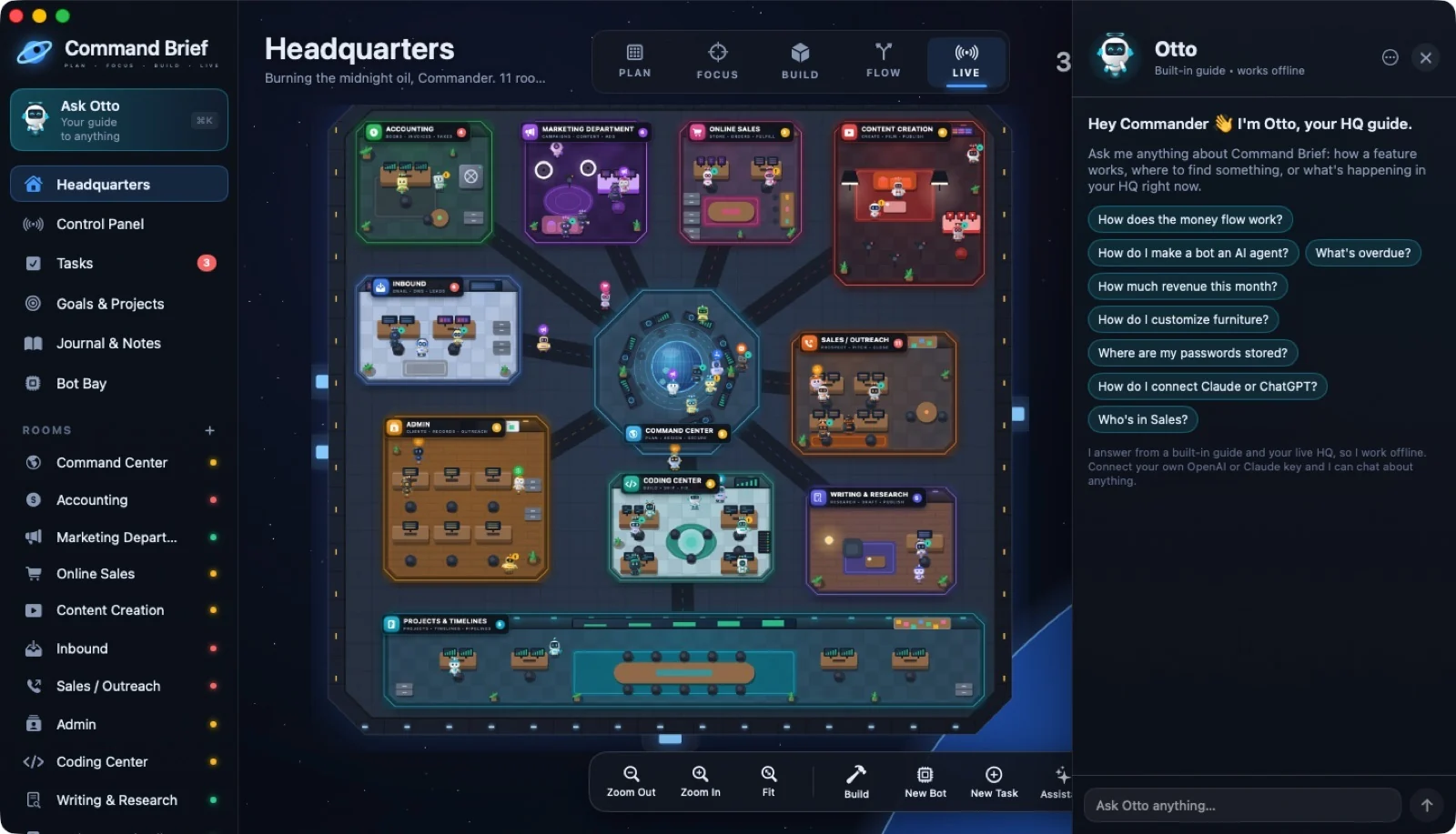
06 / OTTO
Meet Otto
 ↗ Enlarge
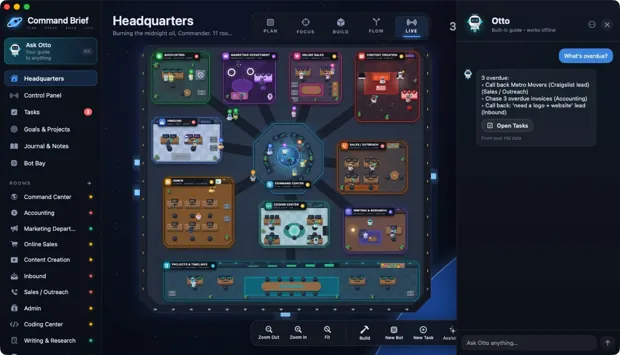
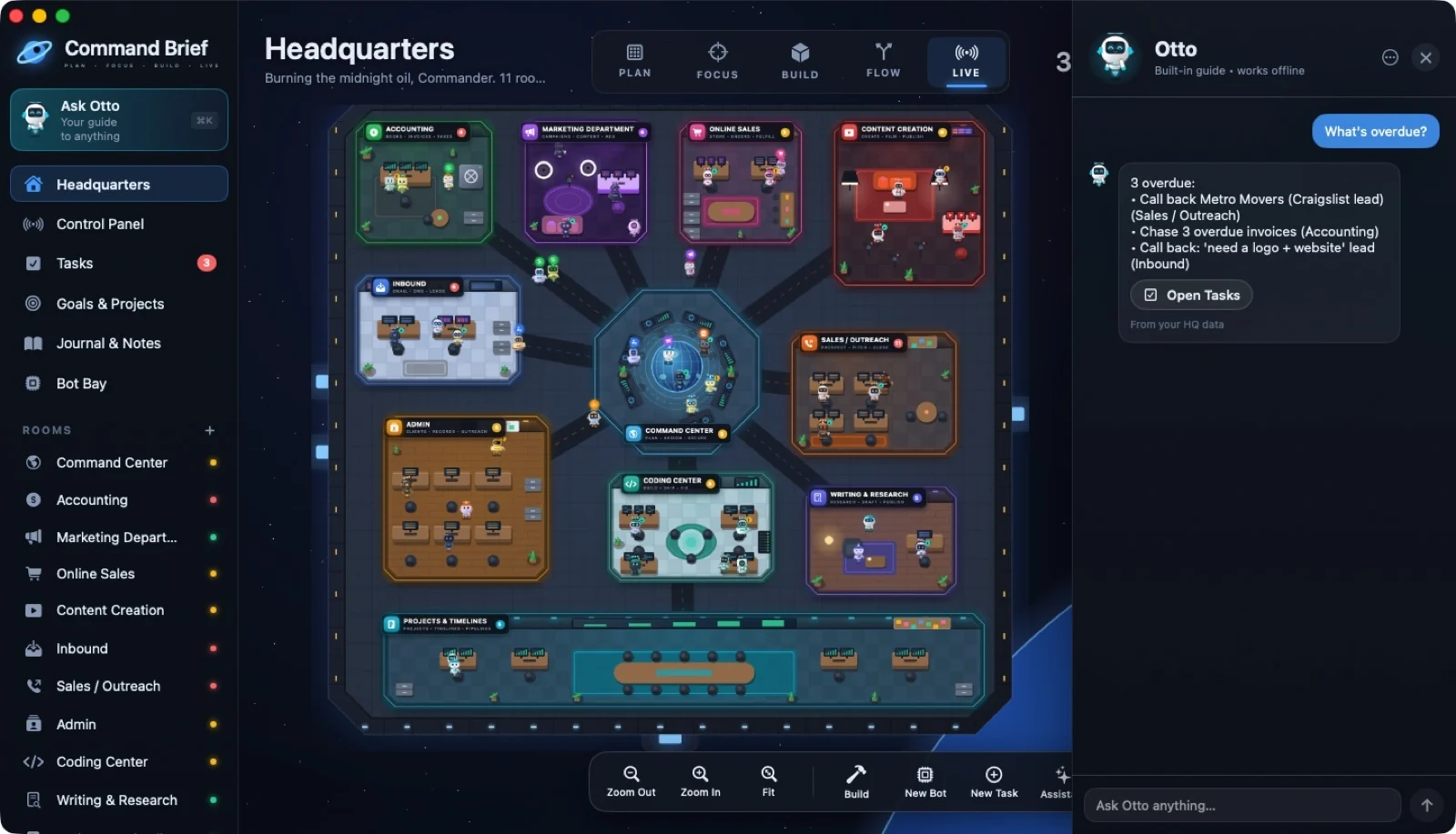
07 / OTTO
Otto: "What's overdue?"
 ↗ Enlarge
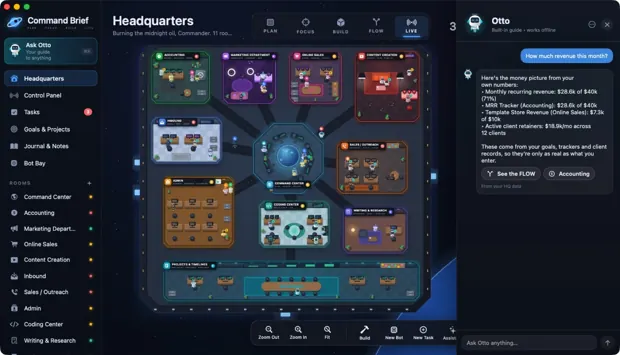
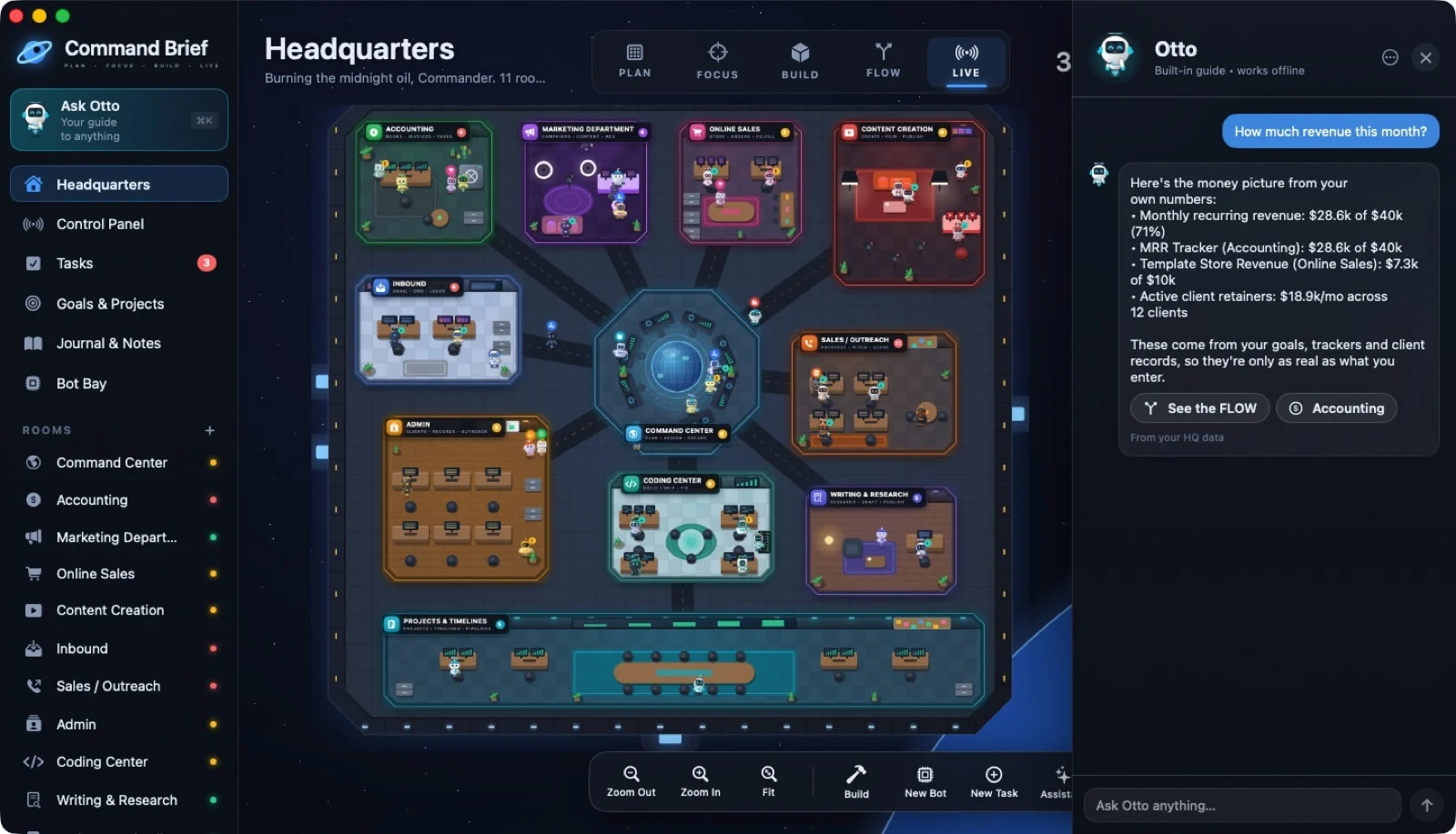
08 / OTTO
Otto: "How much revenue this month?"
 ↗ Enlarge
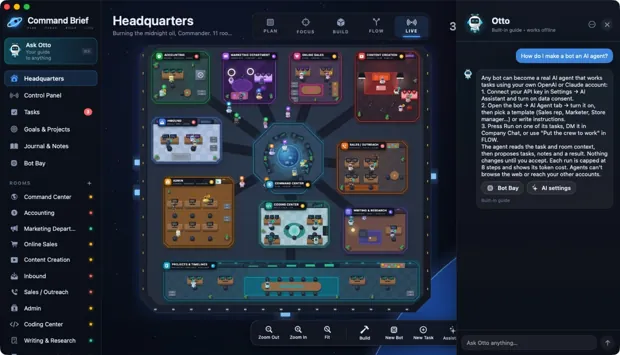
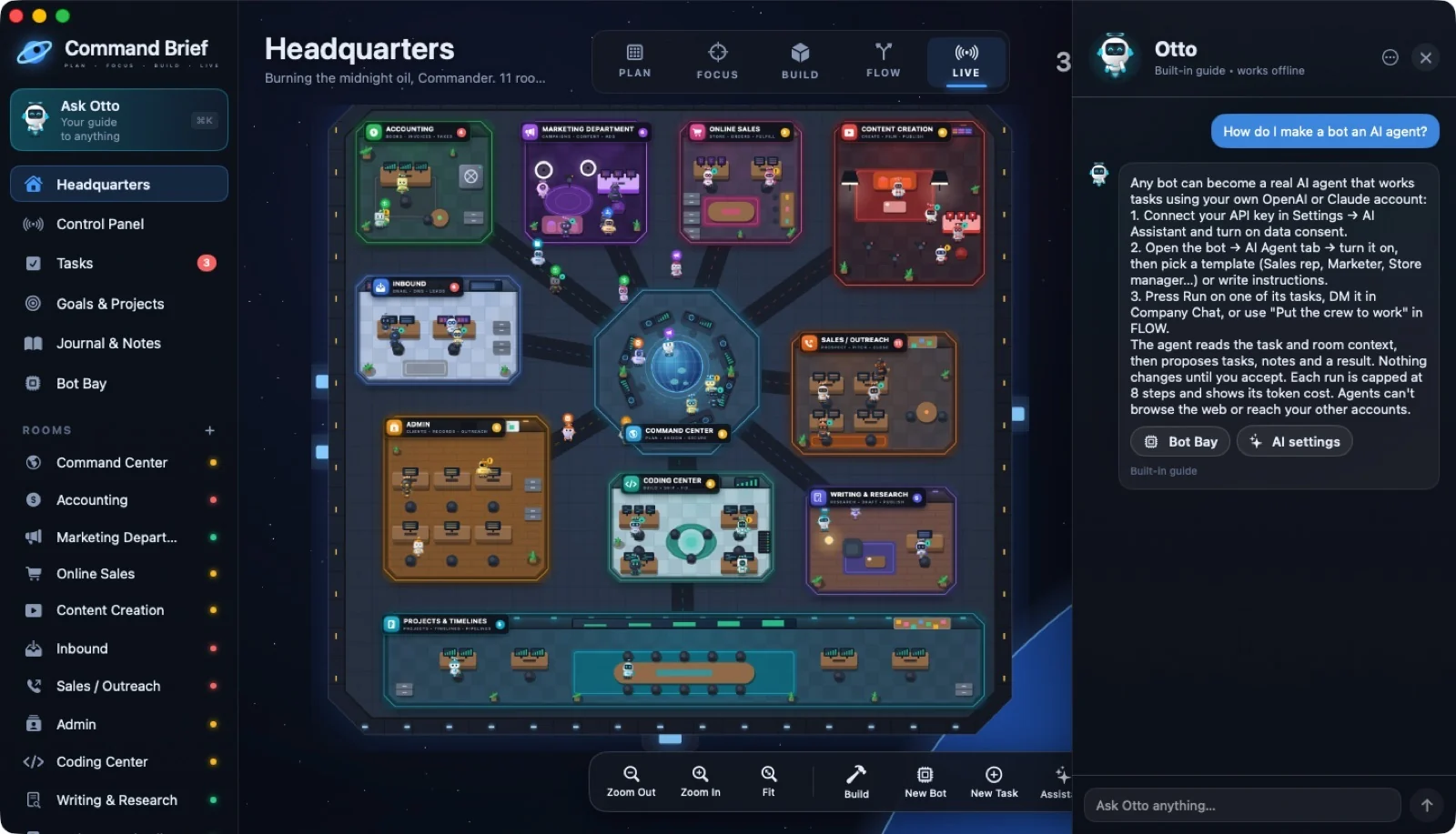
09 / OTTO
Otto: "How do I make a bot an AI agent?"
 ↗ Enlarge
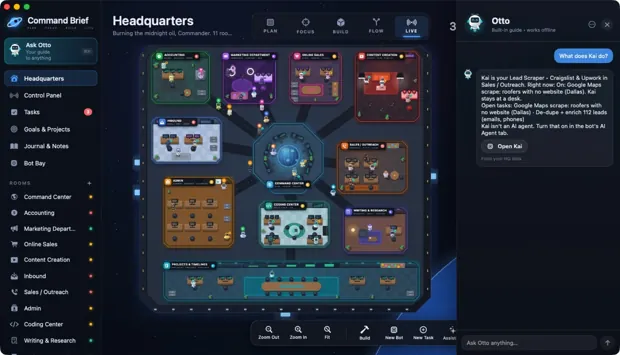
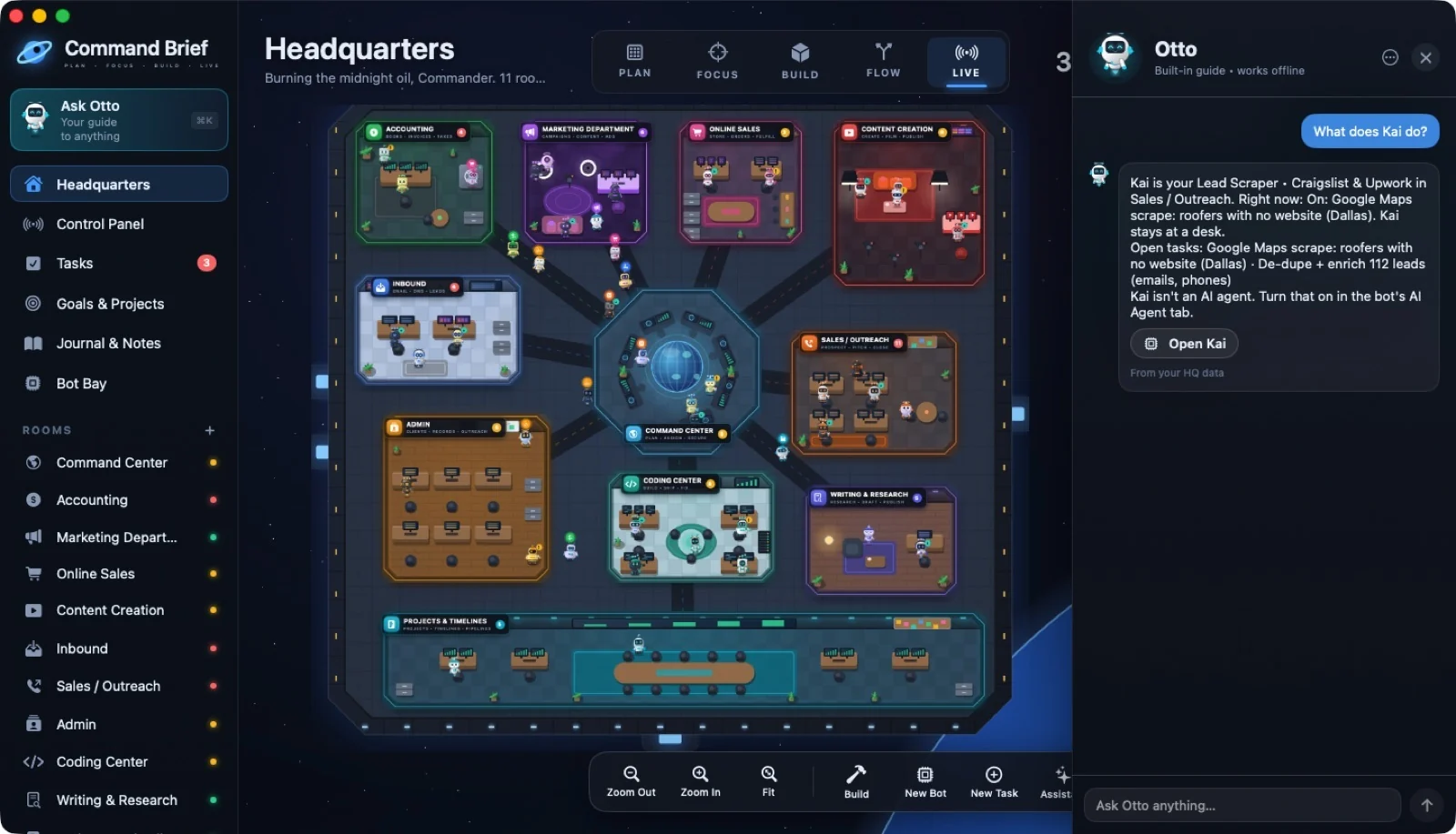
10 / OTTO
Otto: "What does Kai do?"
 ↗ Enlarge
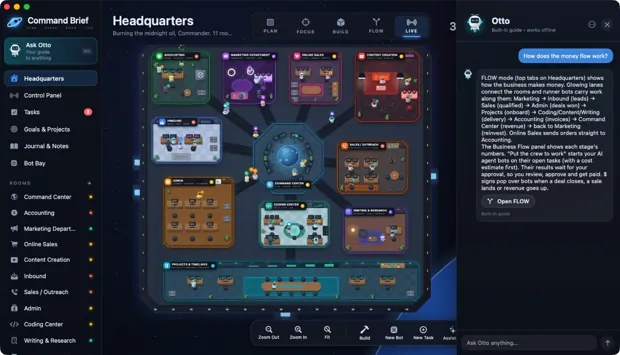
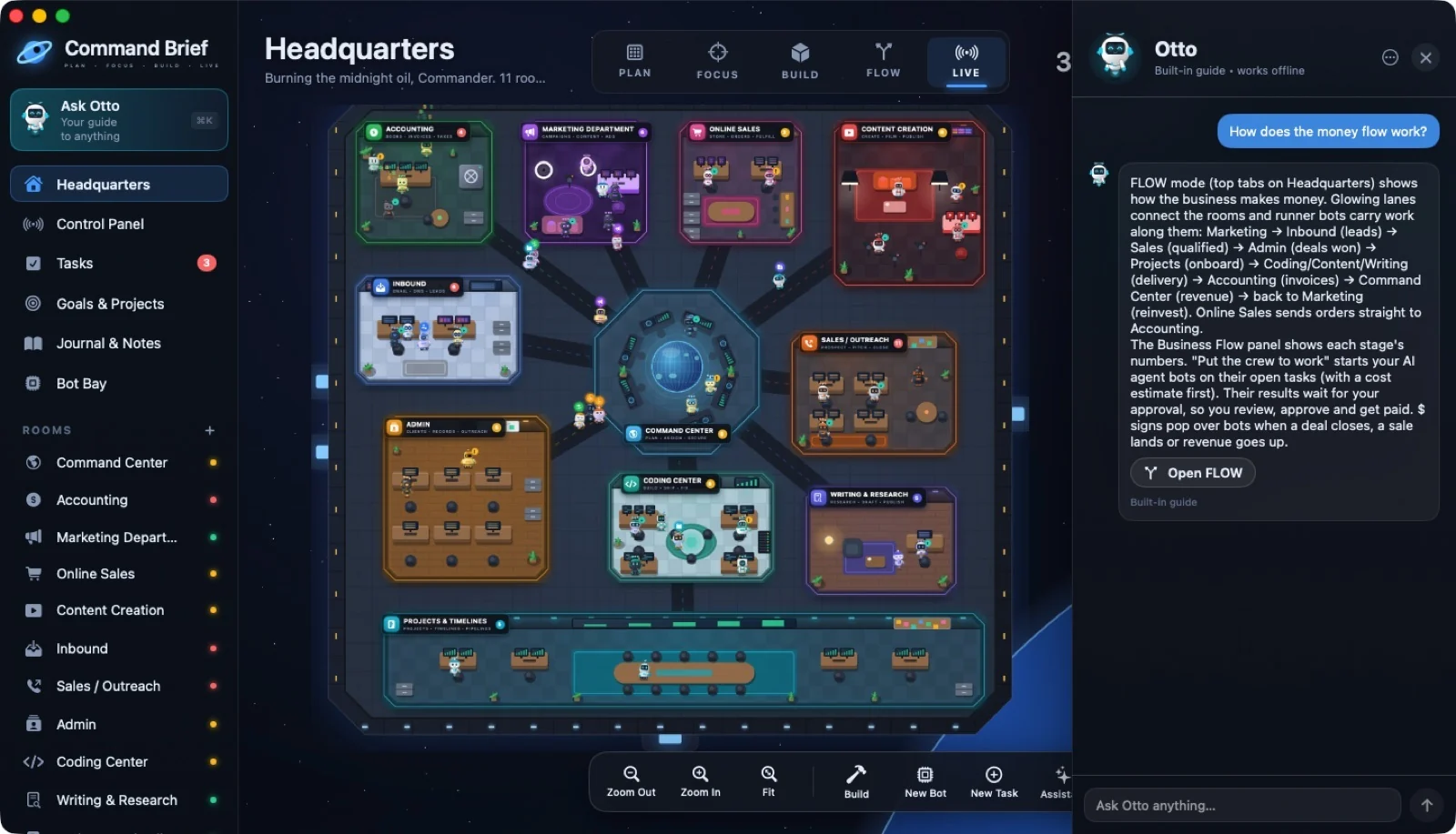
11 / OTTO
Otto: "How does the money flow work?"
 ↗ Enlarge
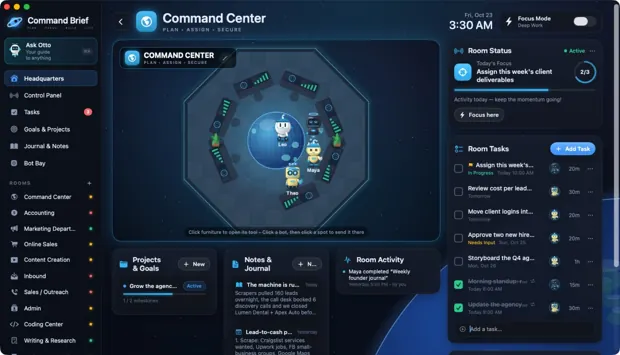
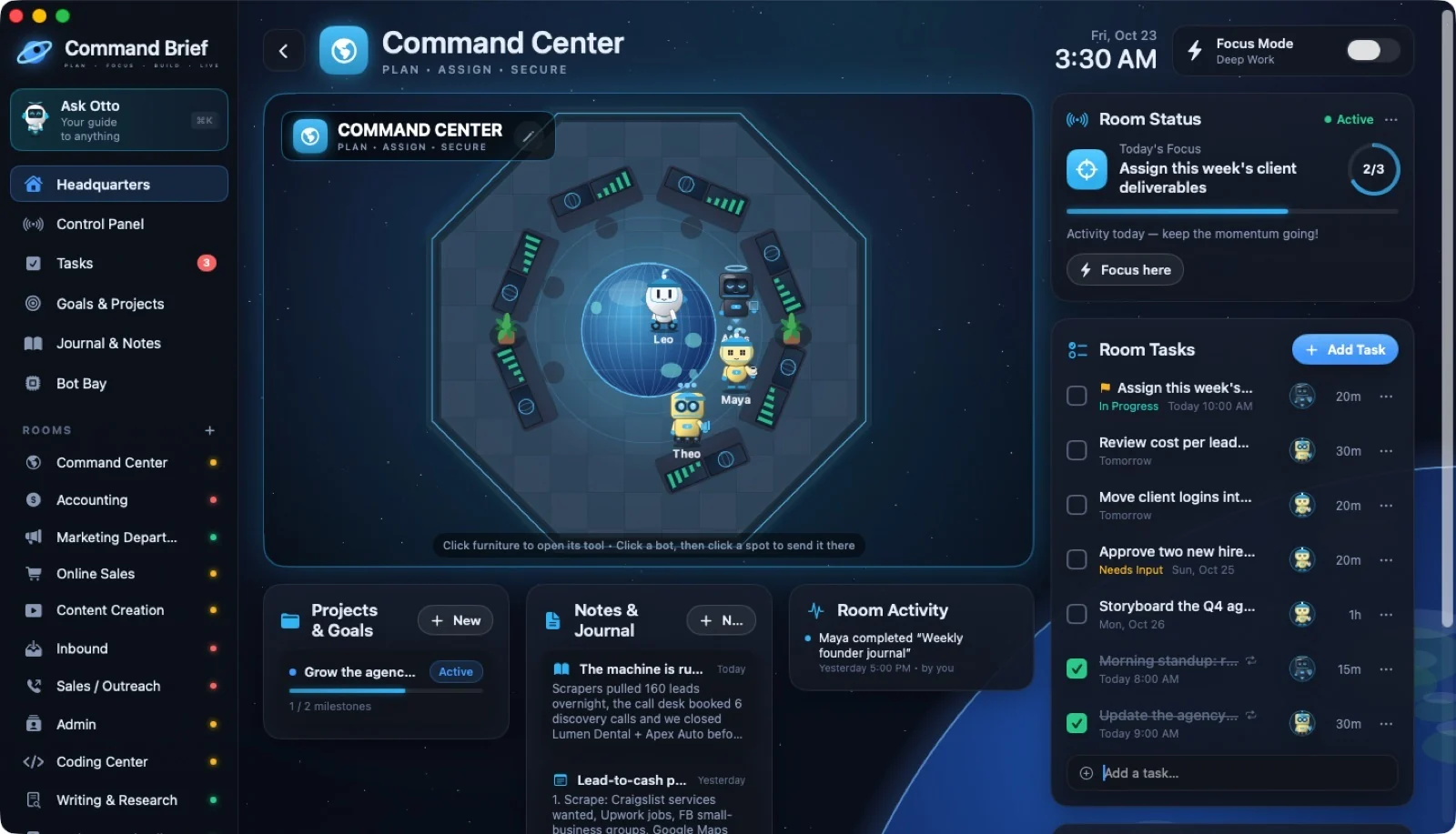
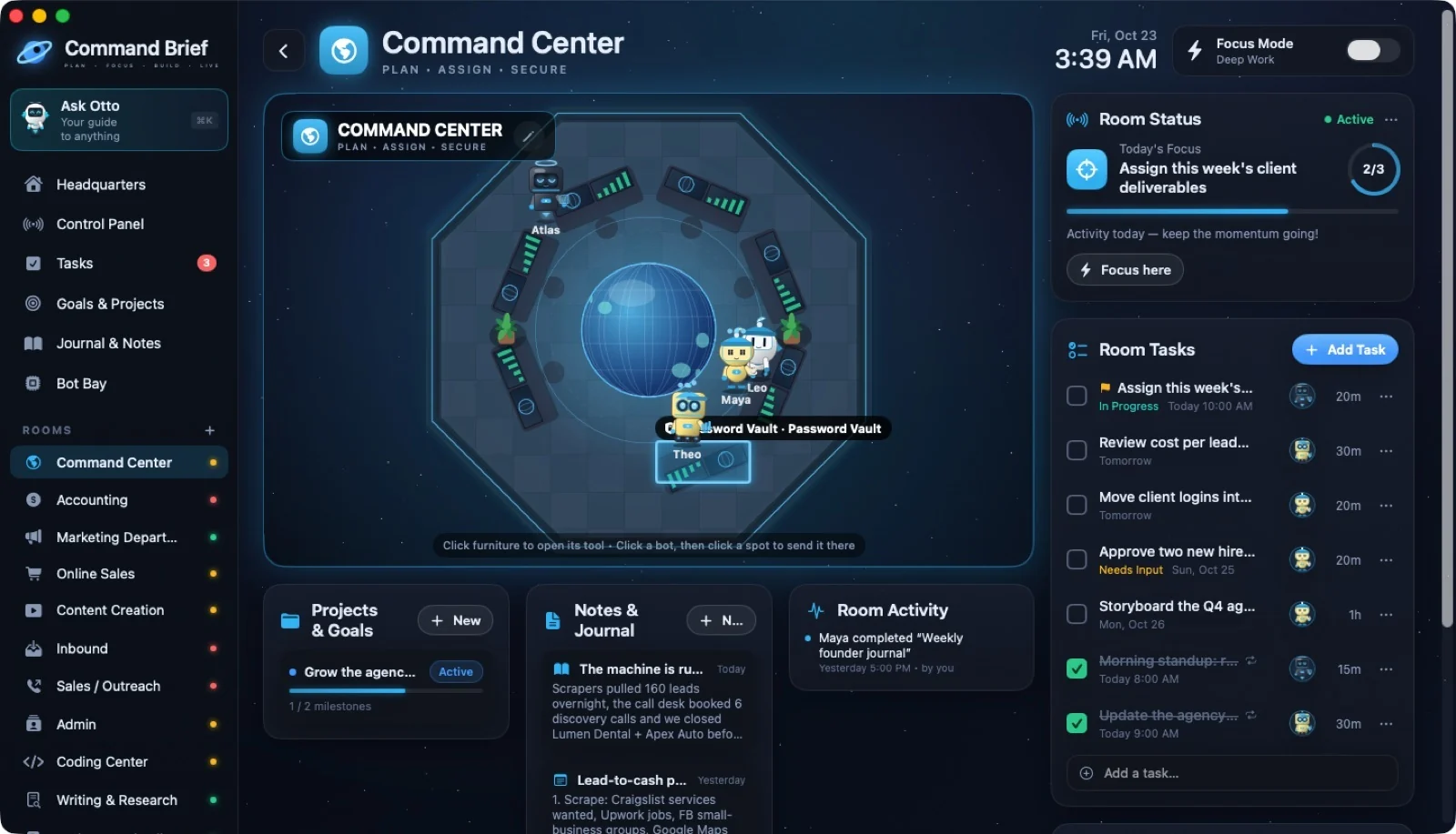
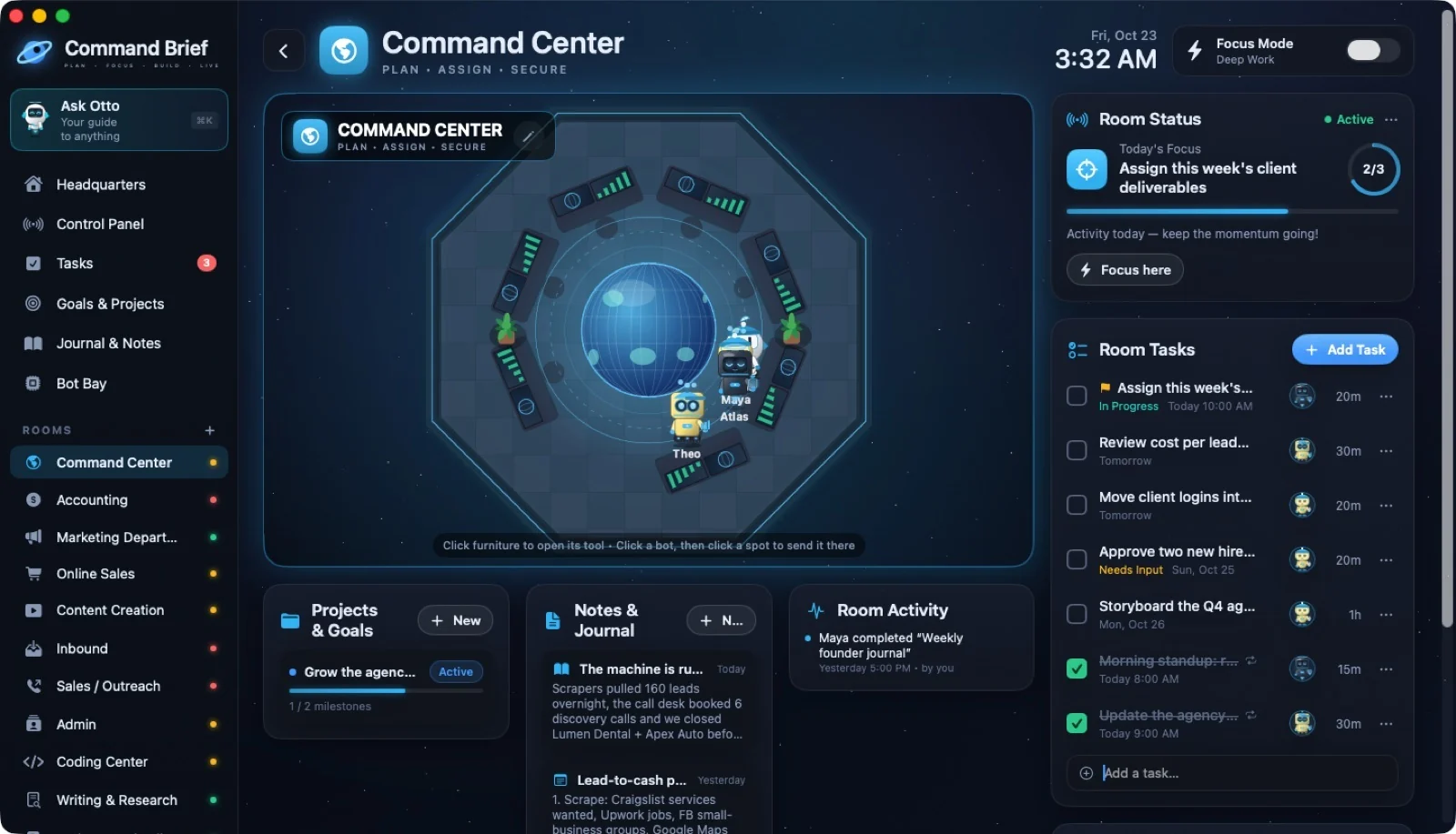
12 / ROOMS
Command Center
 ↗ Enlarge
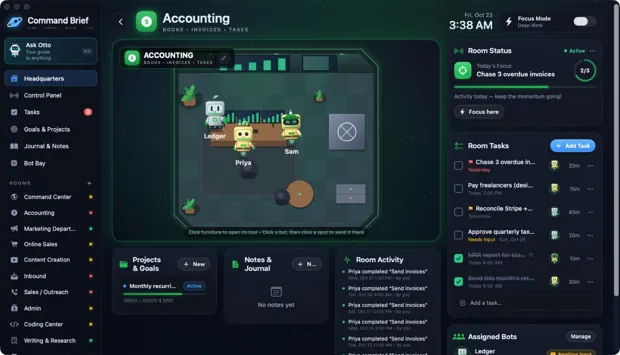
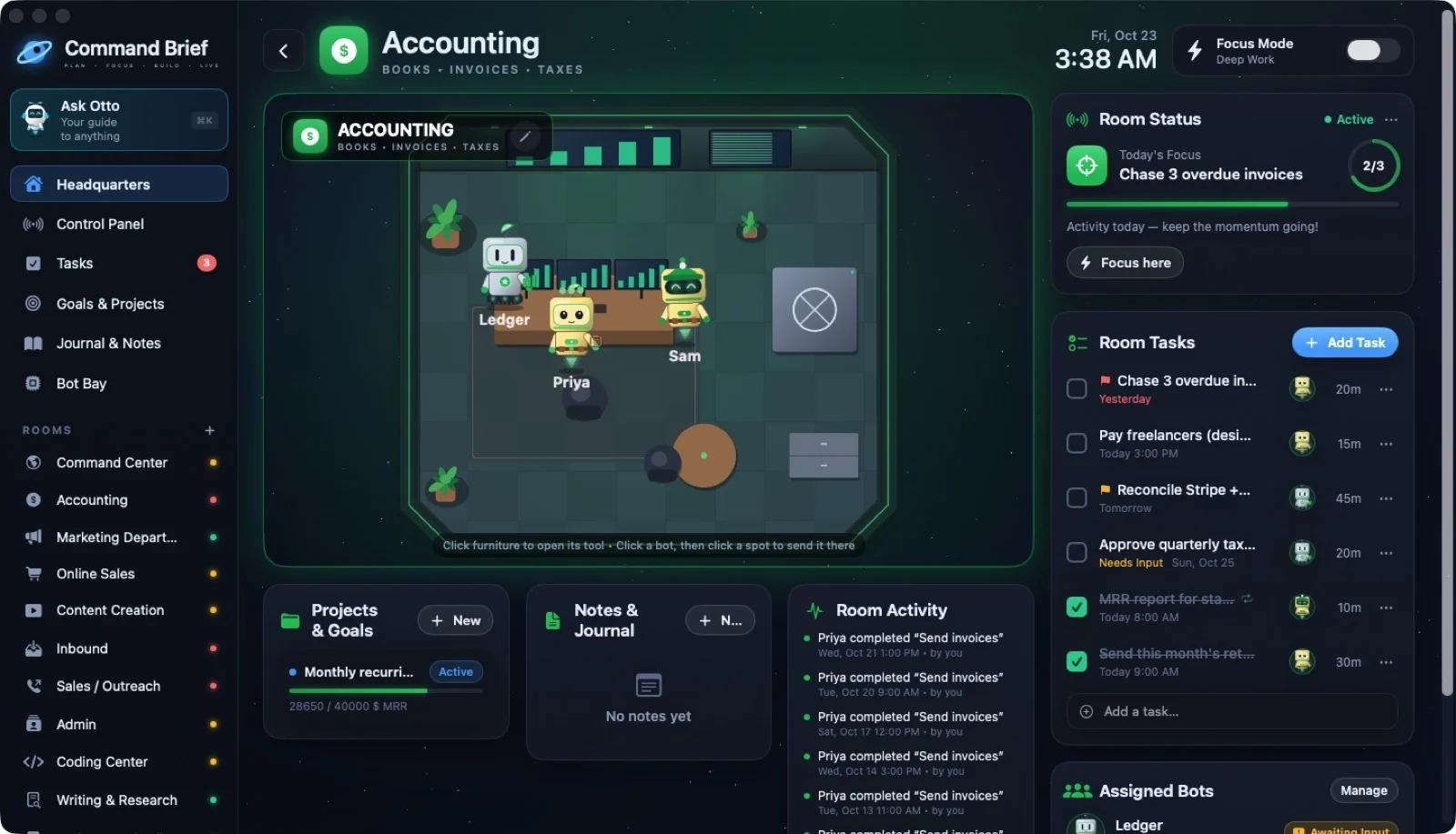
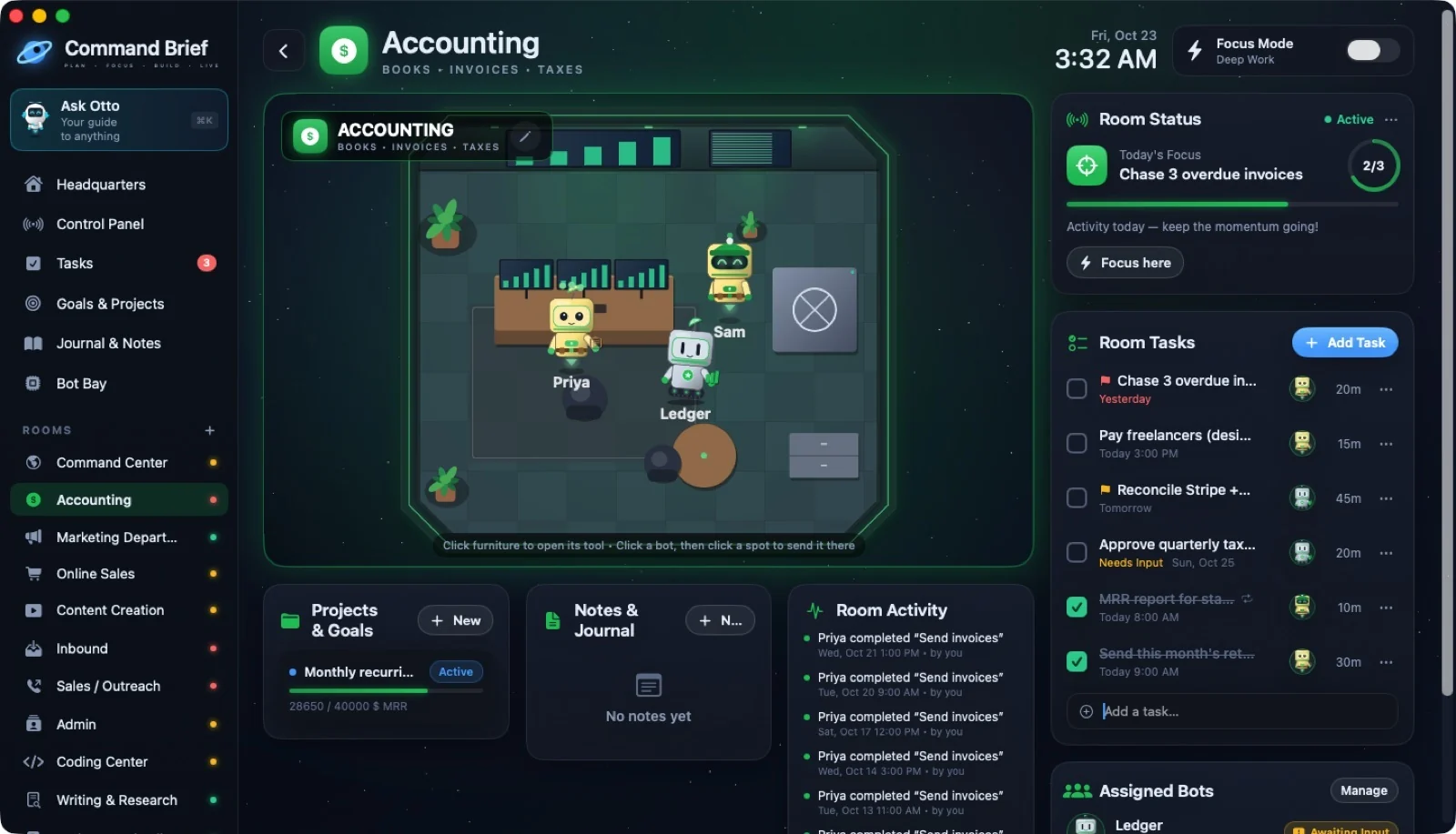
13 / ROOMS
Accounting
 ↗ Enlarge
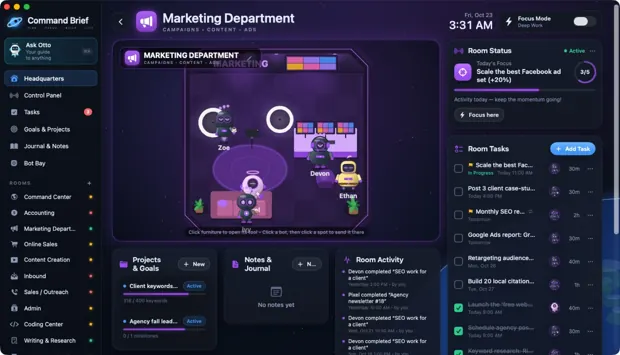
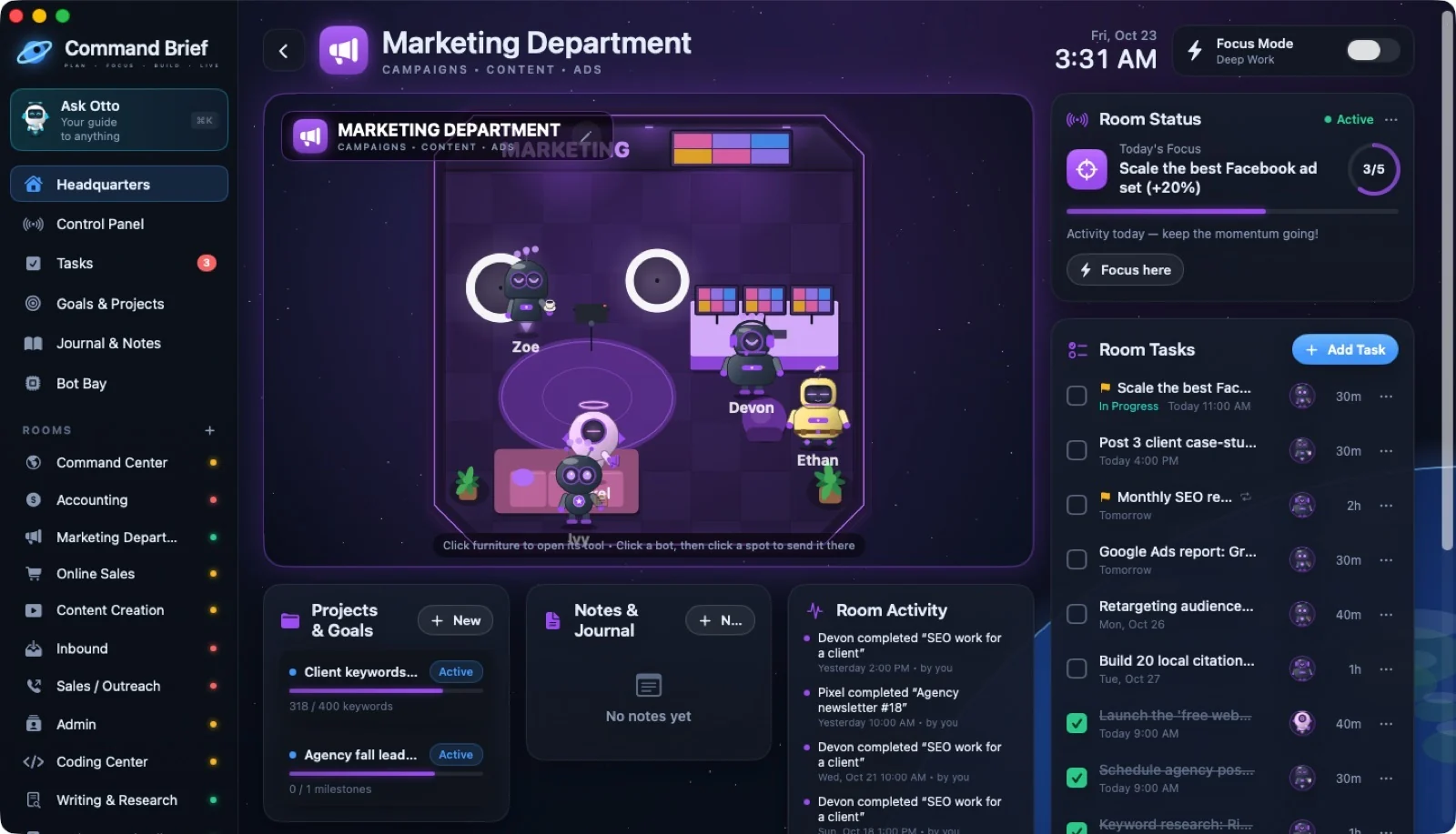
14 / ROOMS
Marketing Department
 ↗ Enlarge
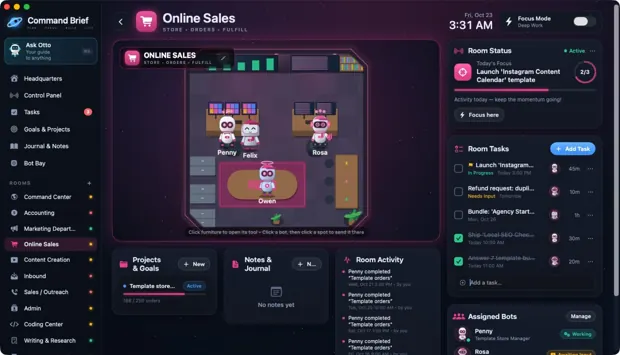
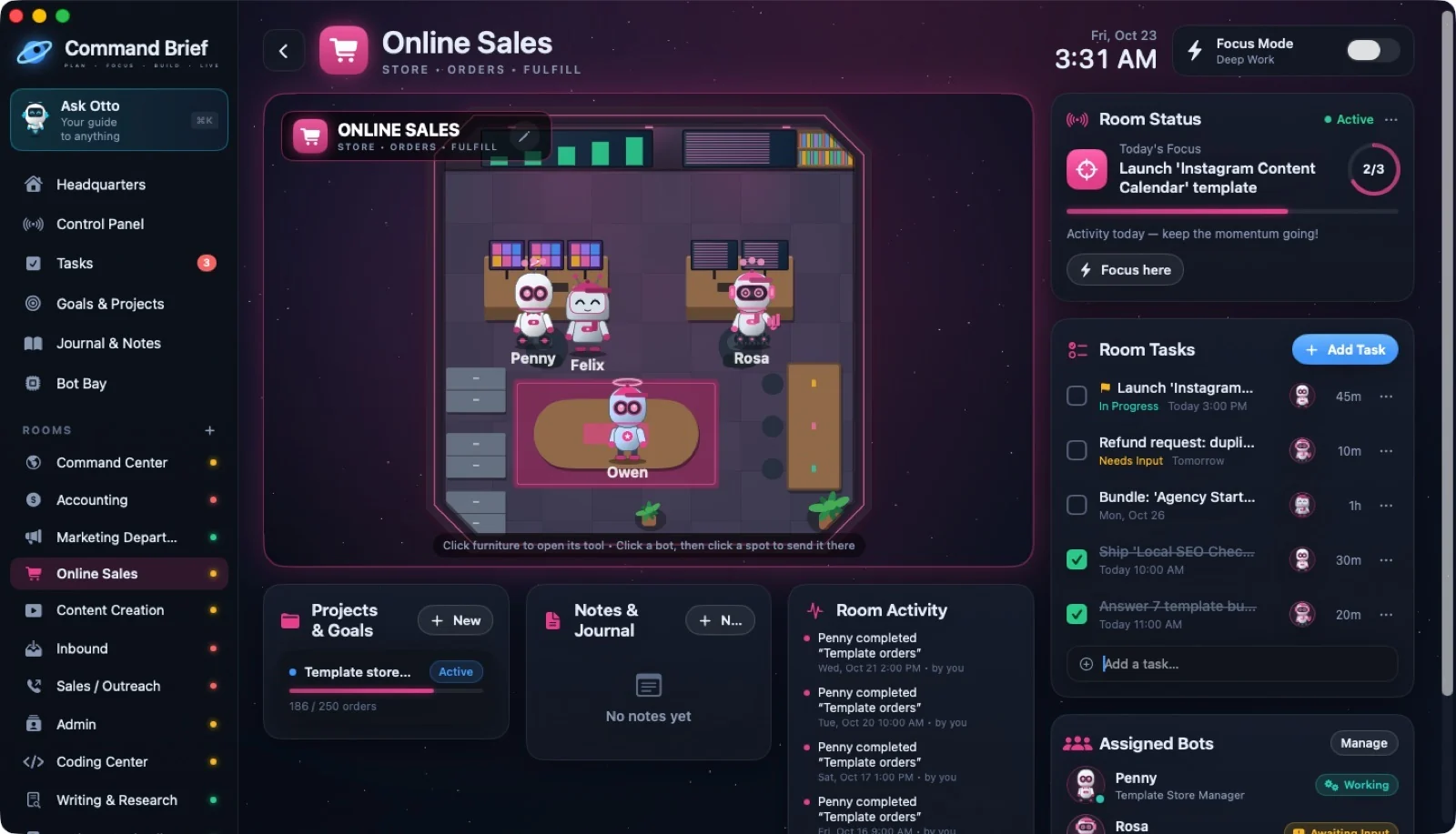
15 / ROOMS
Online Sales
 ↗ Enlarge
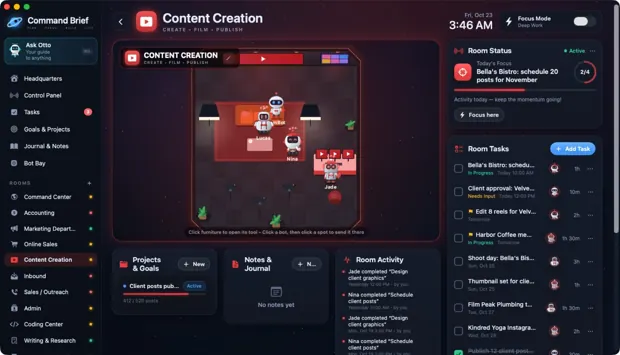
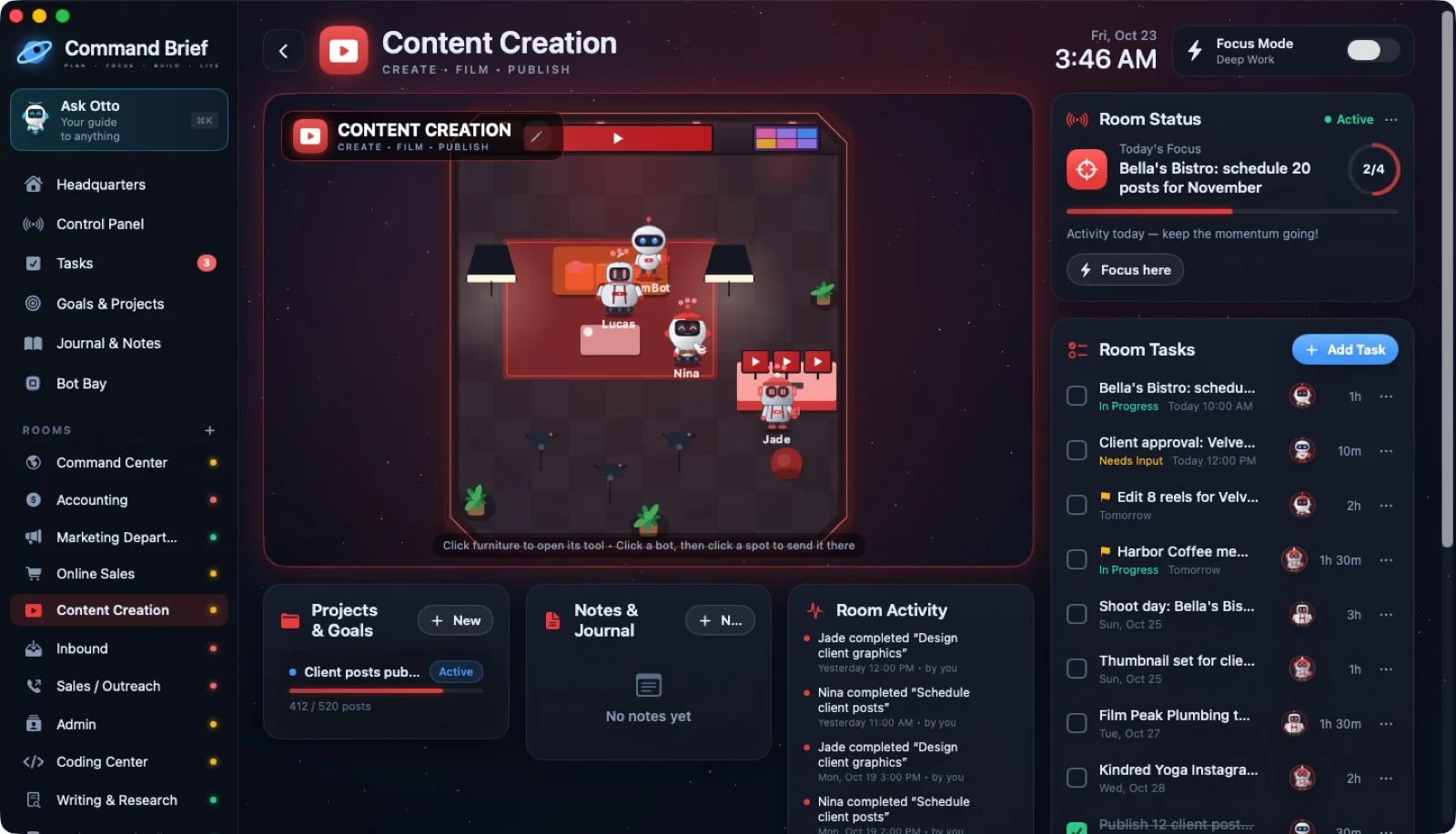
16 / ROOMS
Content Creation
 ↗ Enlarge
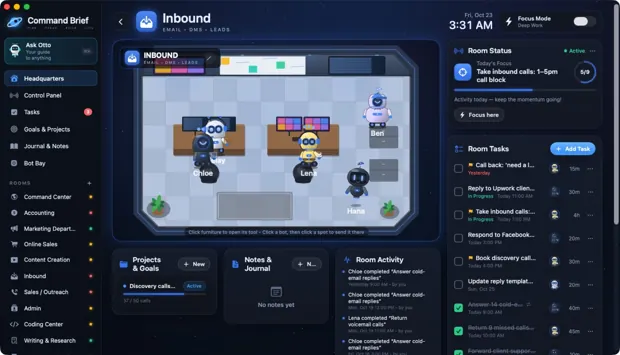
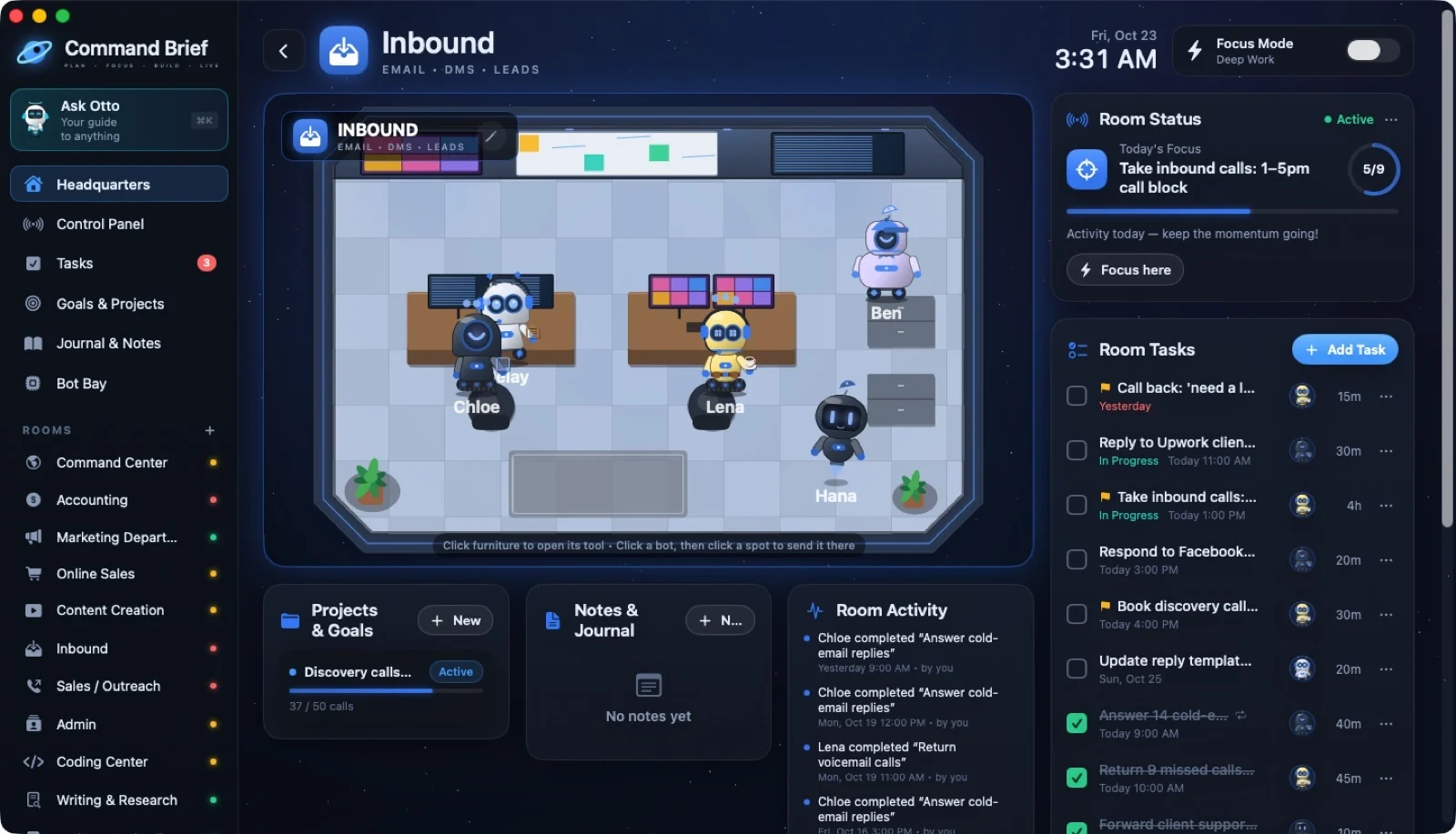
17 / ROOMS
Inbound
 ↗ Enlarge
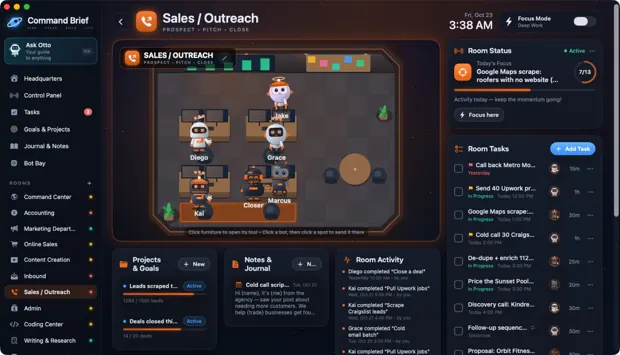
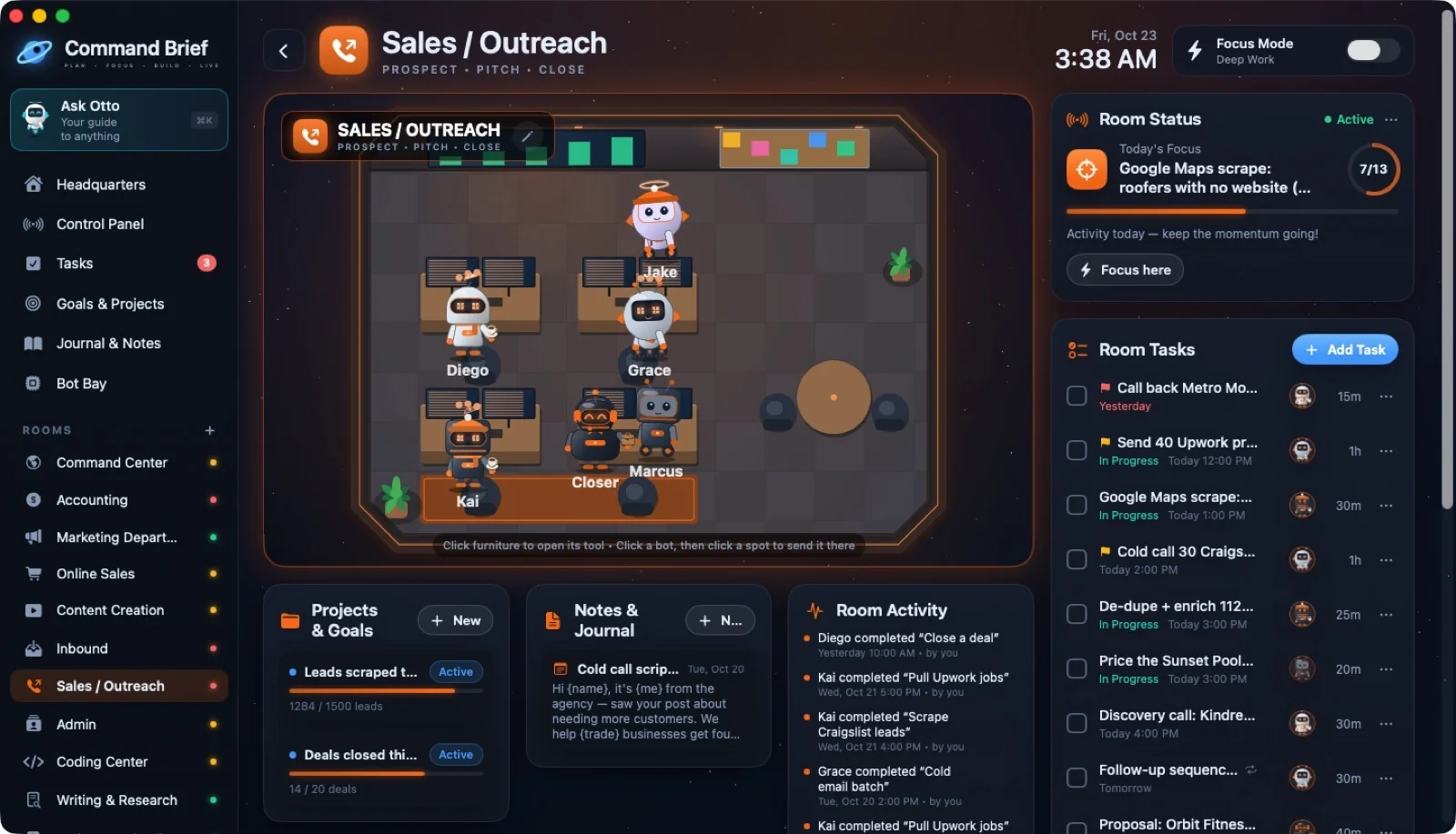
18 / ROOMS
Sales / Outreach
 ↗ Enlarge
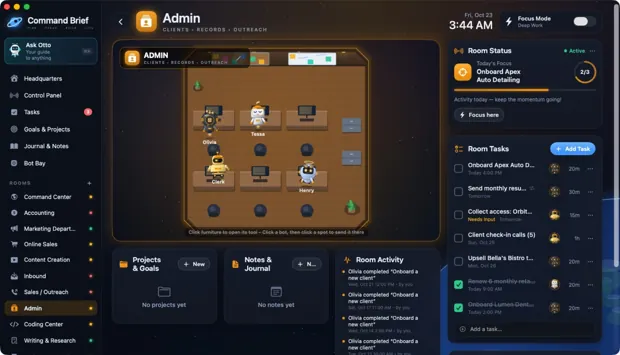
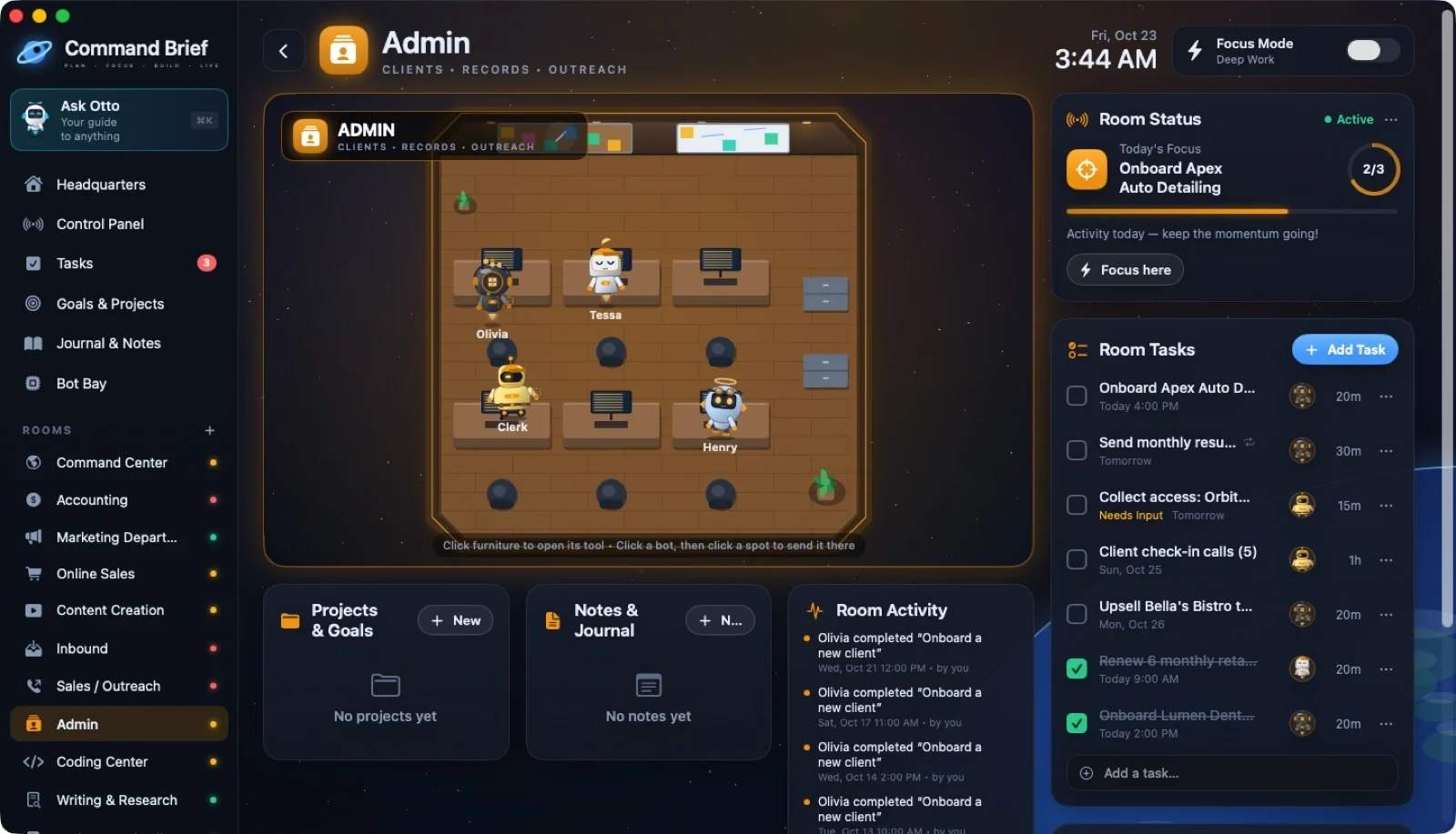
19 / ROOMS
Admin (CRM)
 ↗ Enlarge
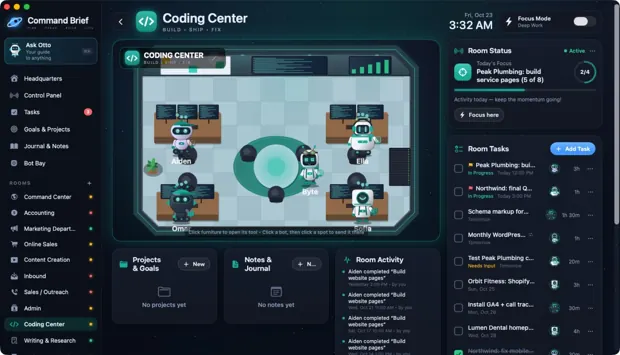
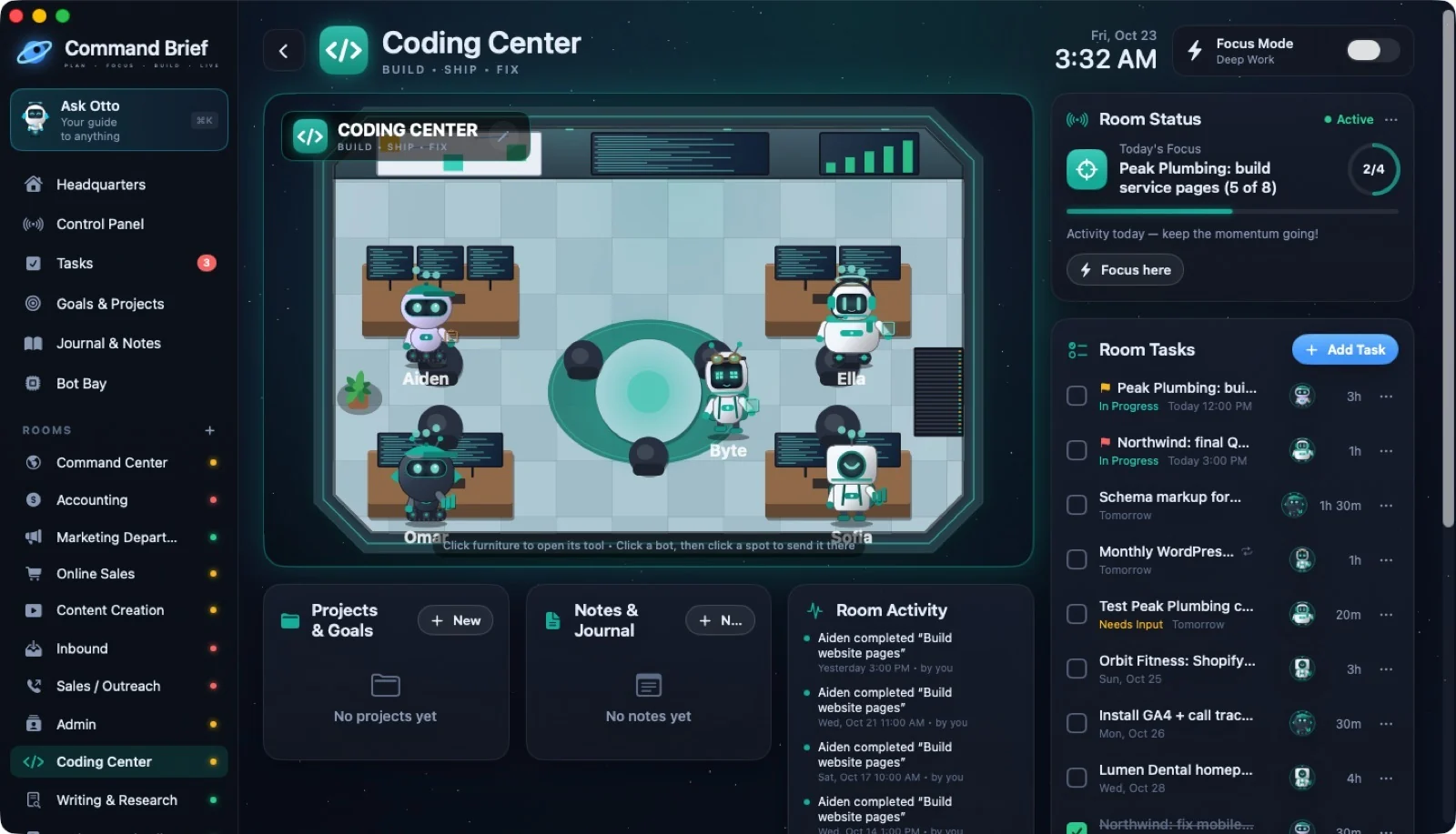
20 / ROOMS
Coding Center
 ↗ Enlarge
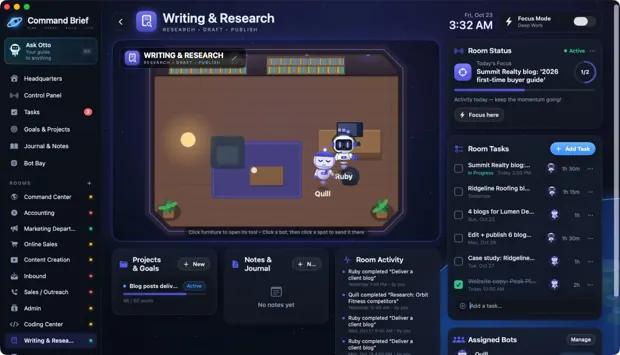
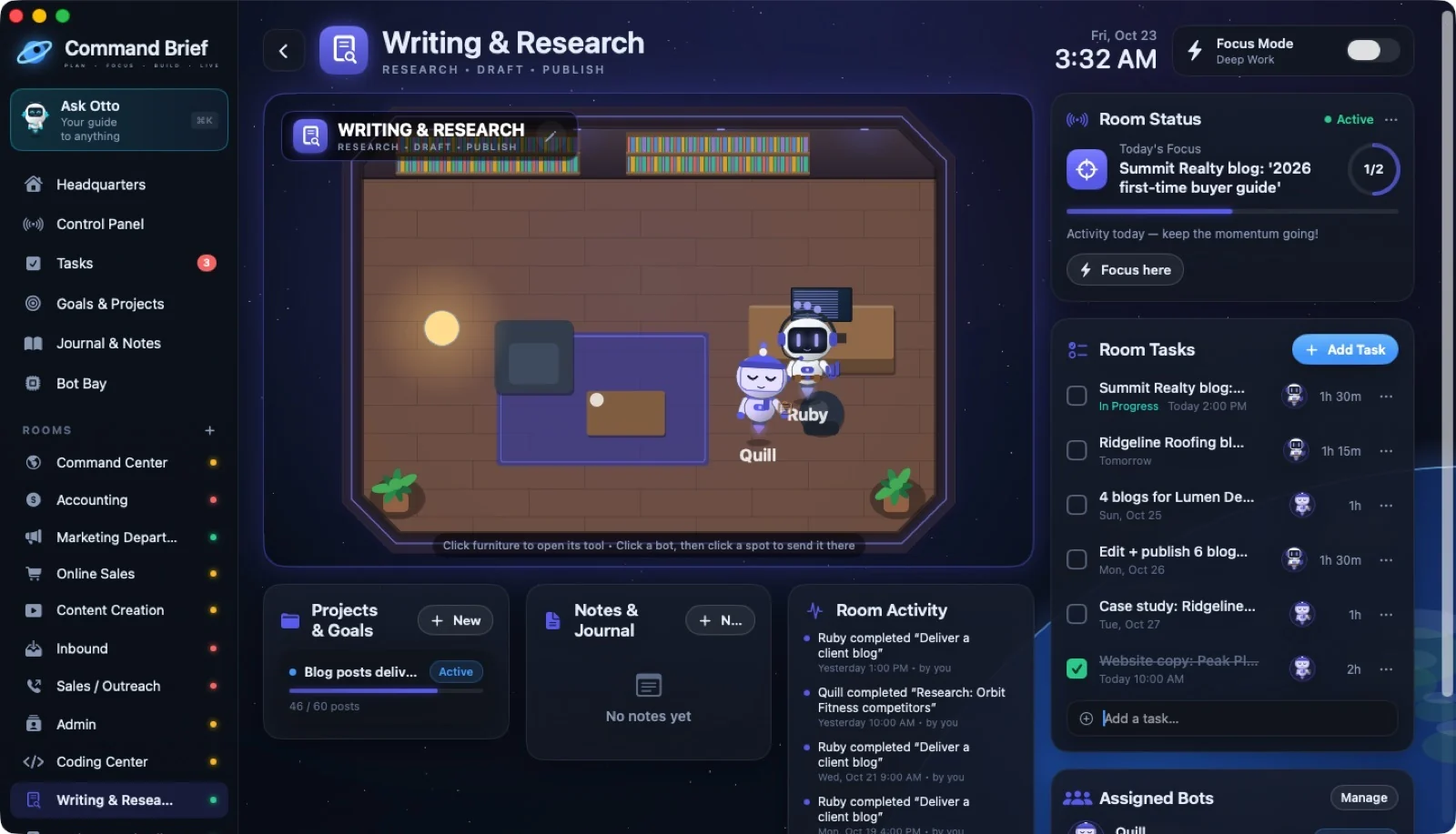
21 / ROOMS
Writing & Research
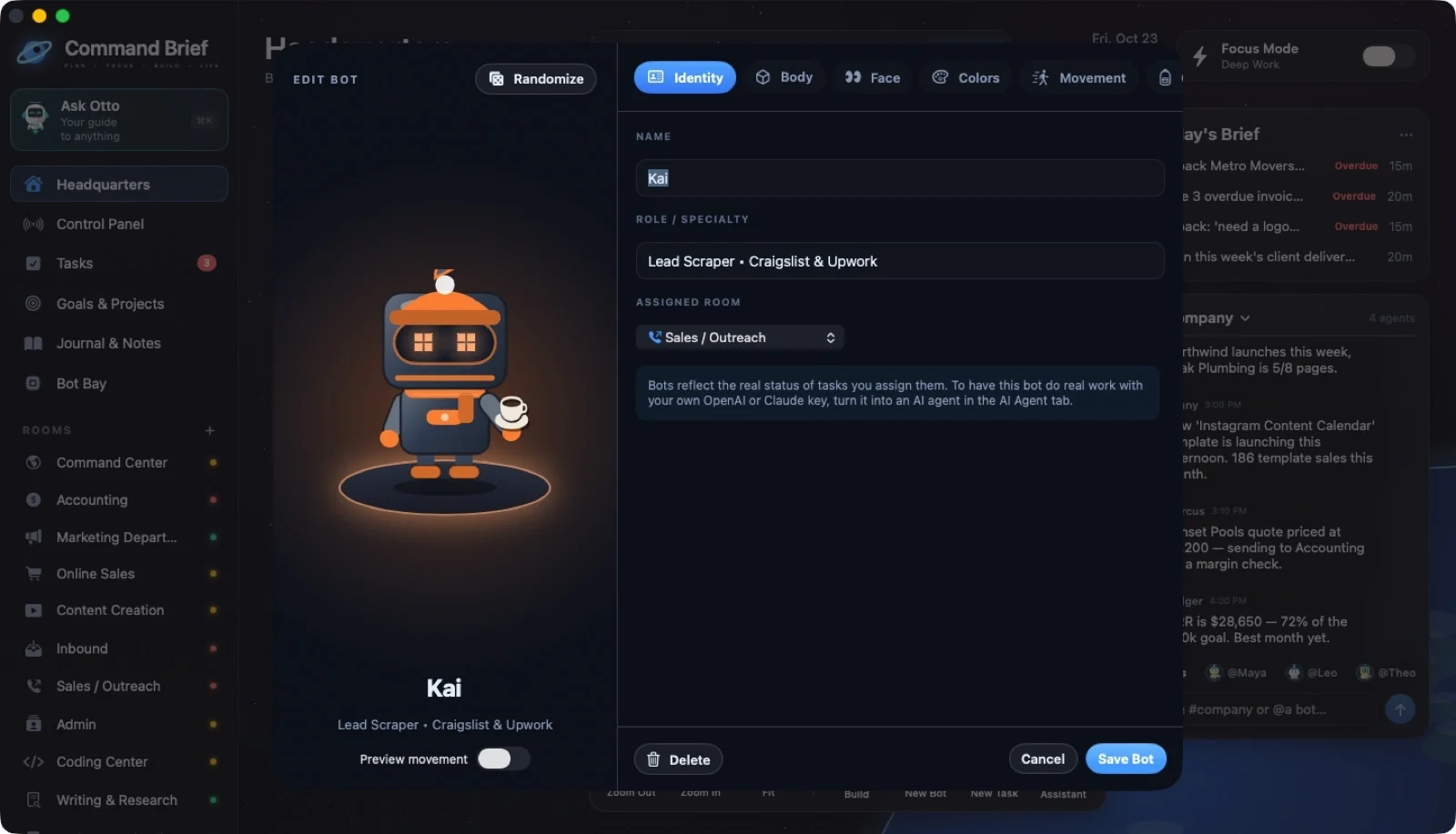
 ↗ Enlarge
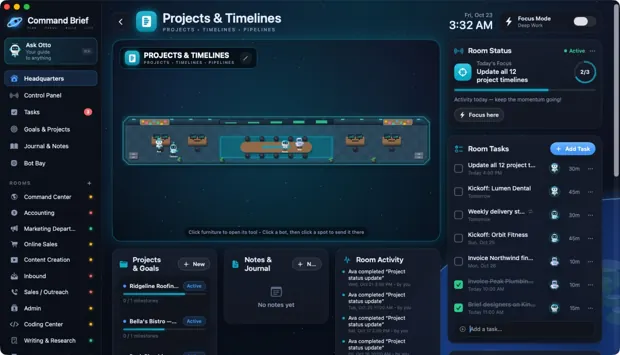
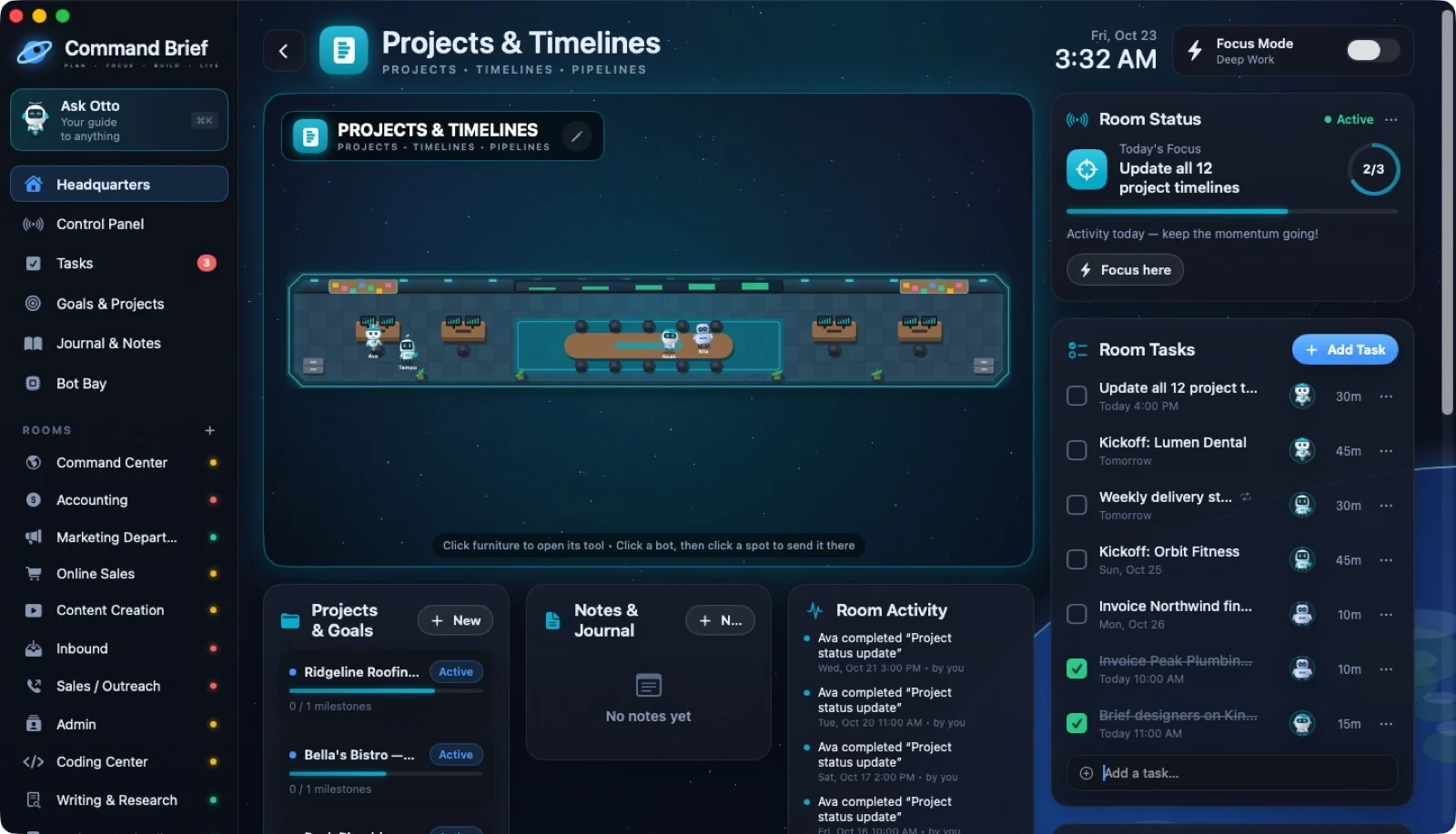
22 / ROOMS
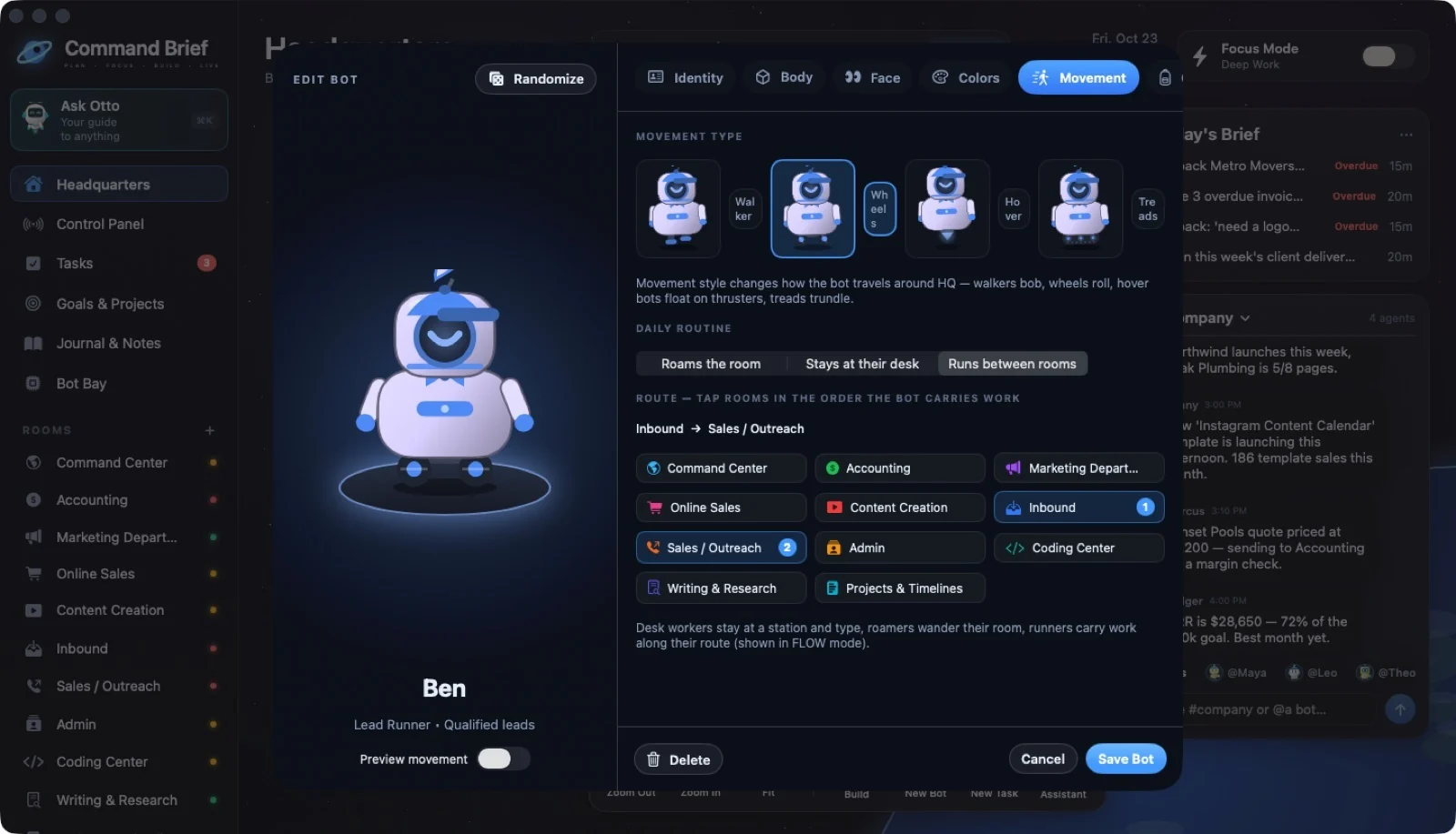
Projects & Timelines
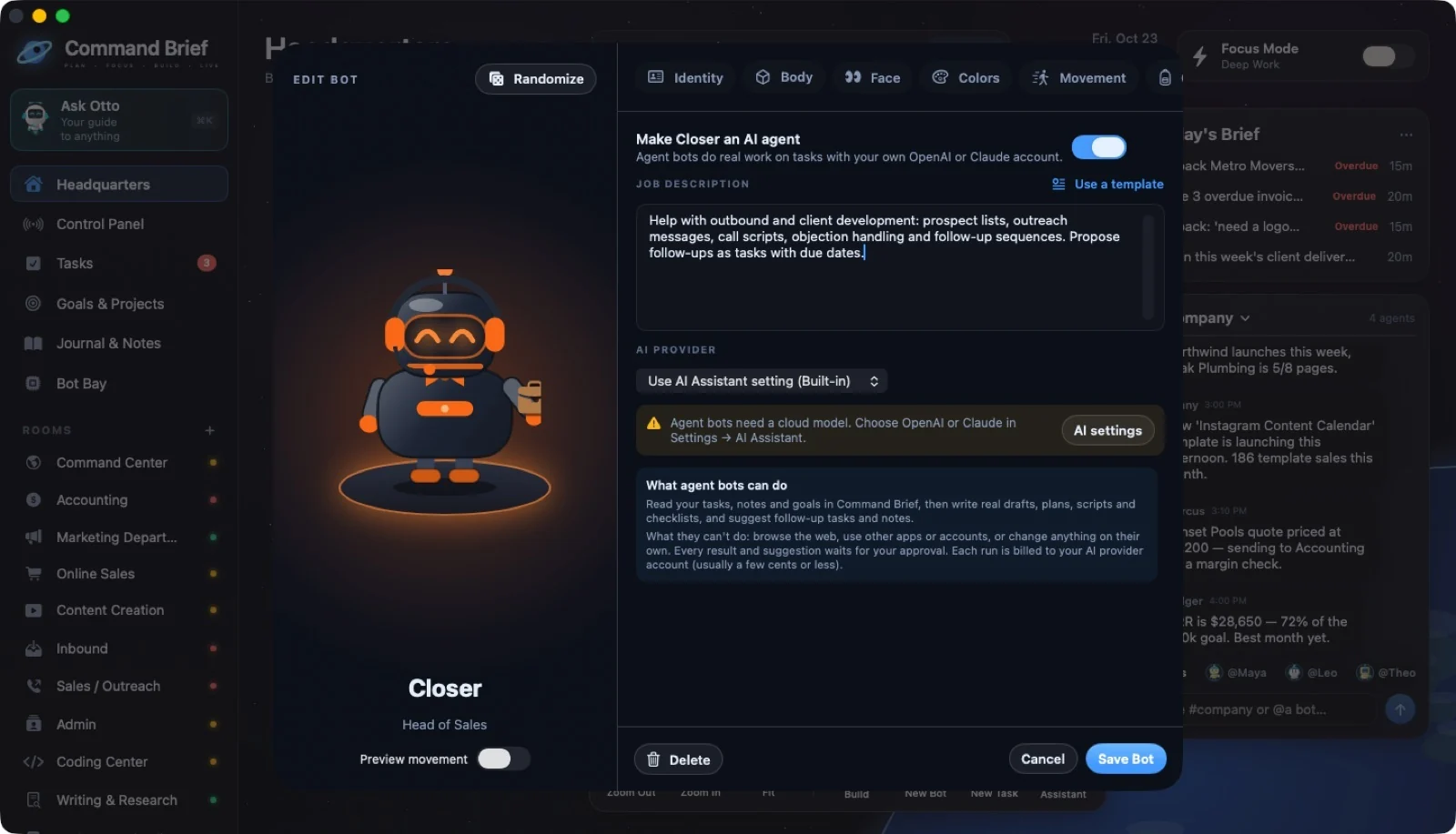
 ↗ Enlarge
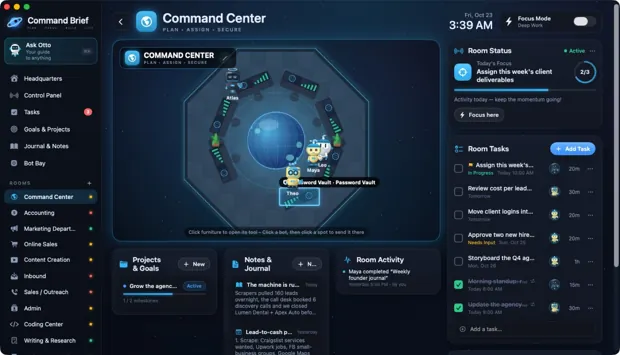
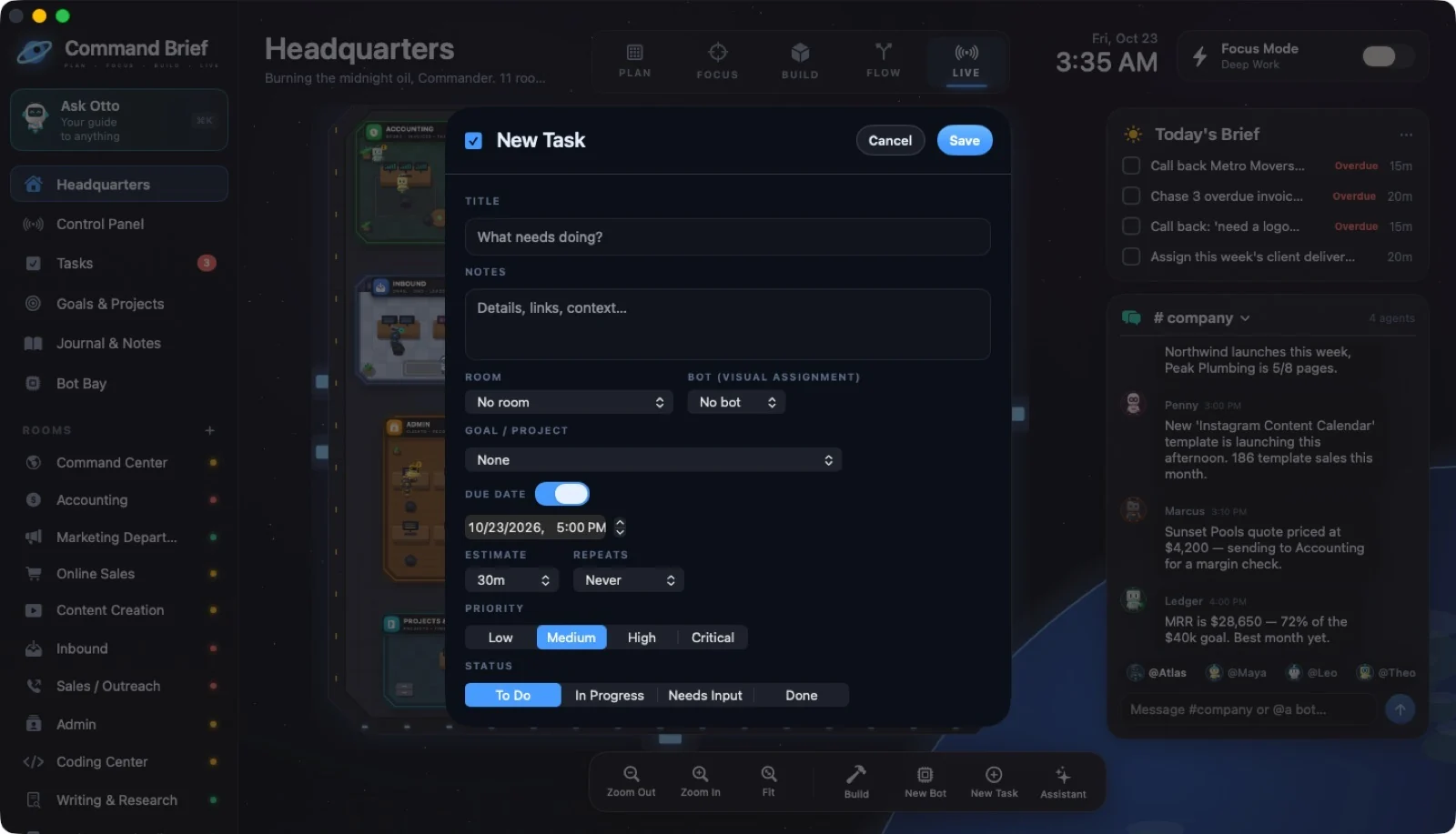
23 / CLICKING FURNITURE
Command Center: point at a console
 ↗ Enlarge
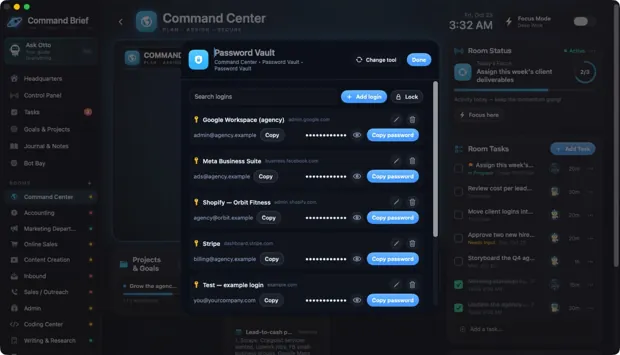
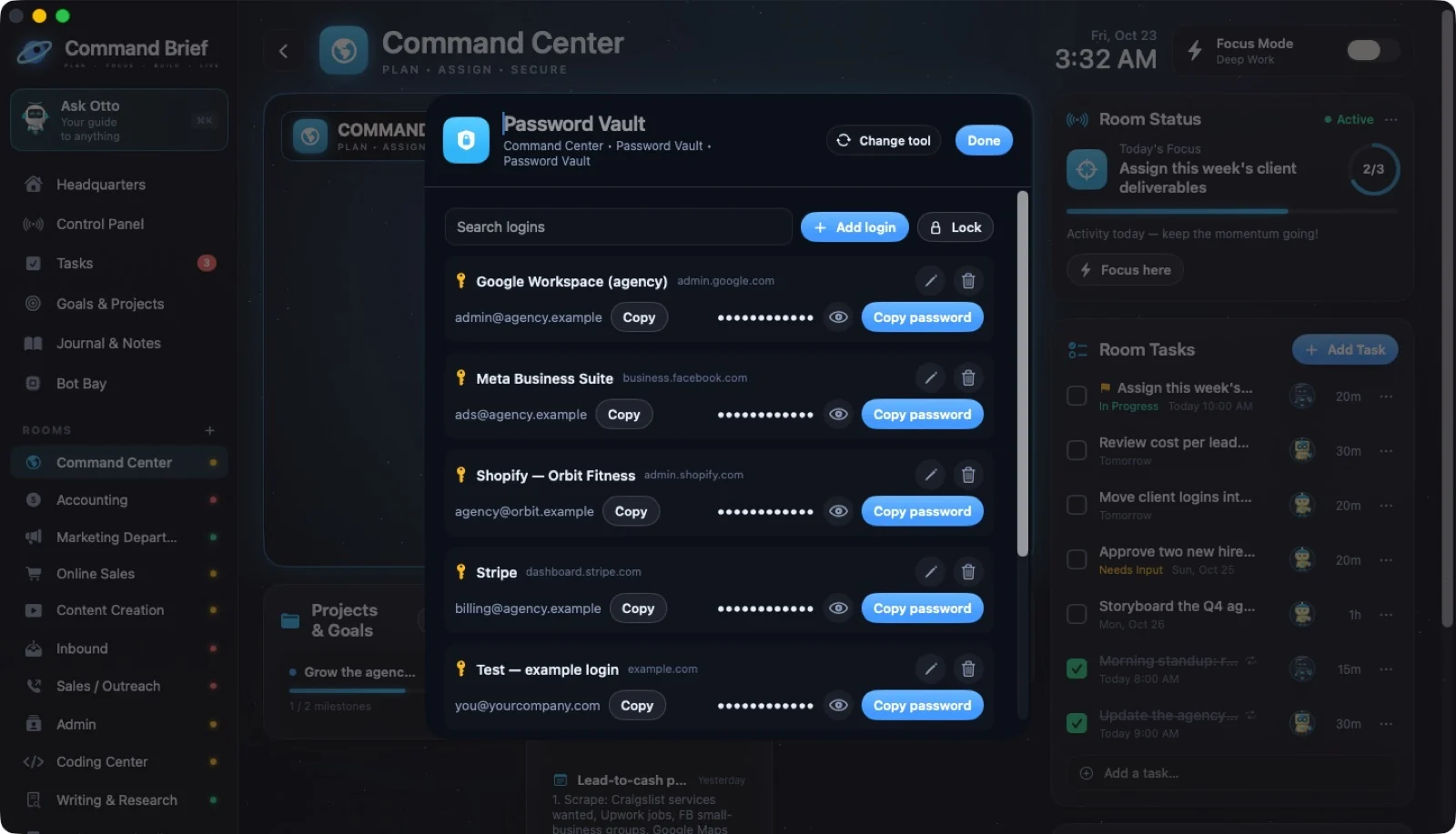
24 / CLICKING FURNITURE
Password Vault (Command Center console)
 ↗ Enlarge
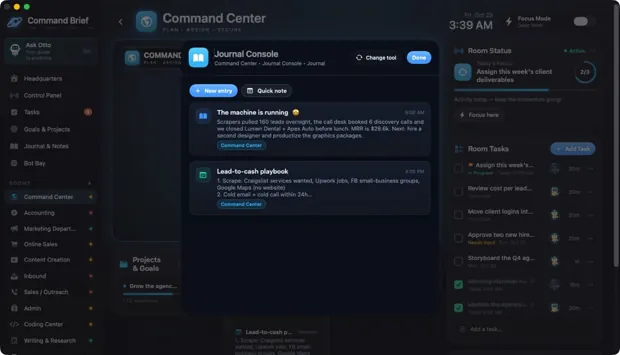
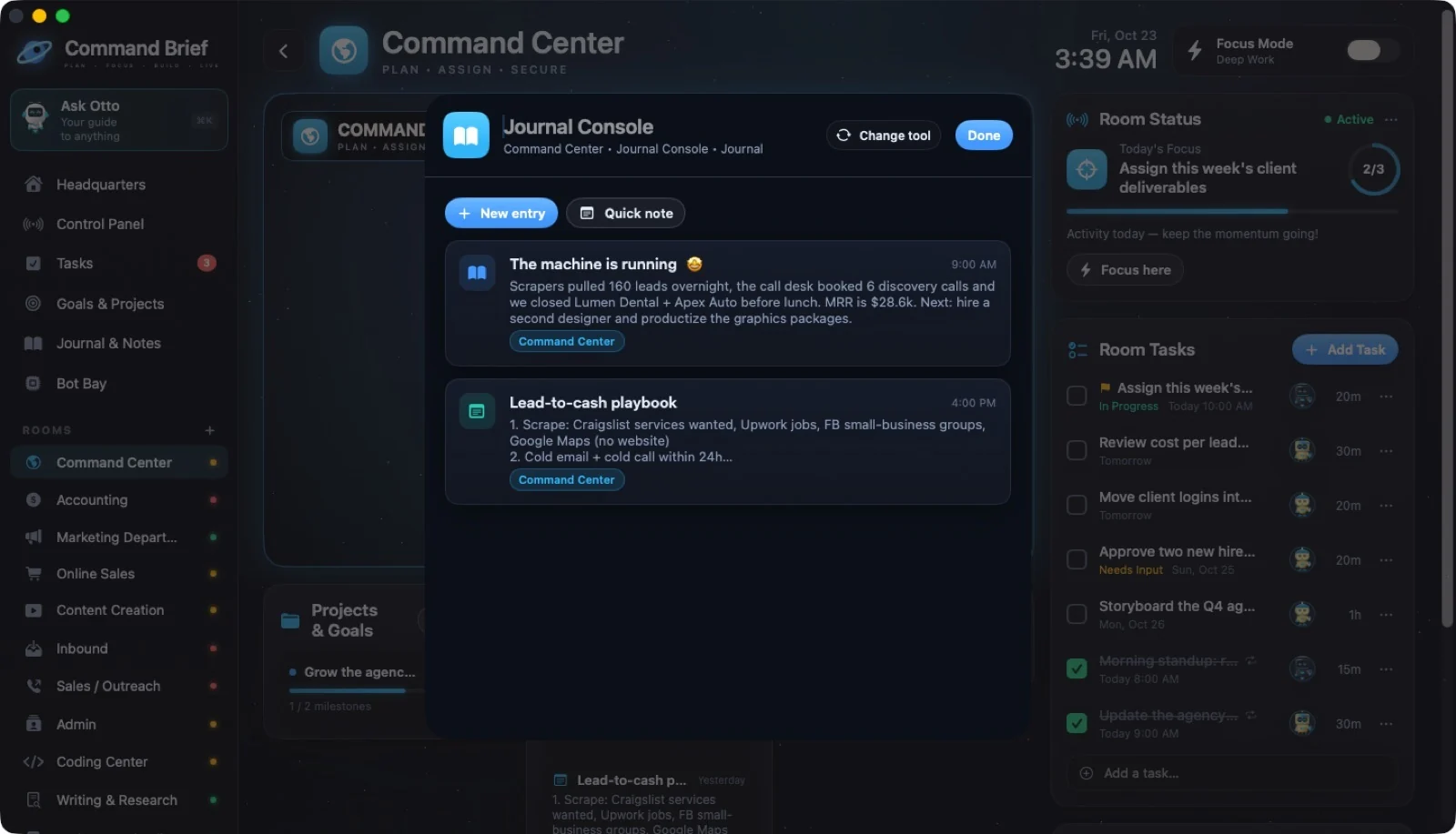
25 / CLICKING FURNITURE
Command Center: Journal Console
 ↗ Enlarge
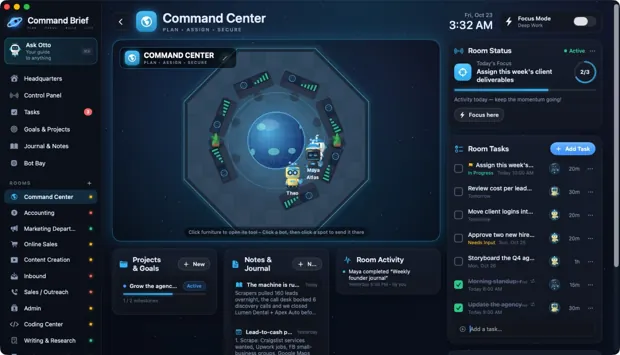
26 / CLICKING FURNITURE
Job Assignment (AI Agent tool)
 ↗ Enlarge
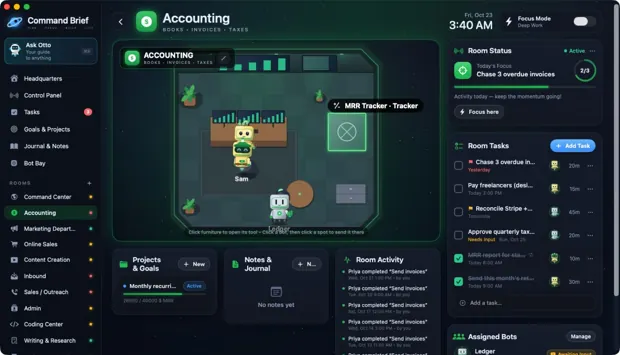
27 / CLICKING FURNITURE
Accounting: point at the vault
 ↗ Enlarge
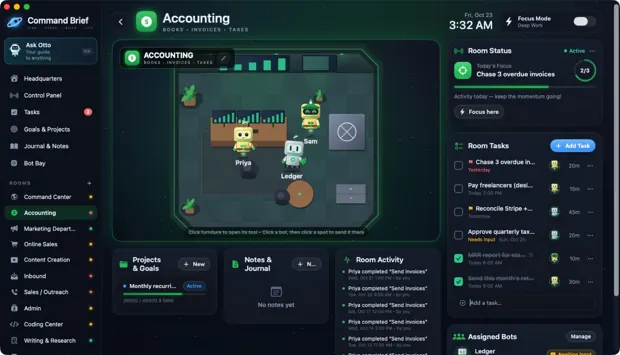
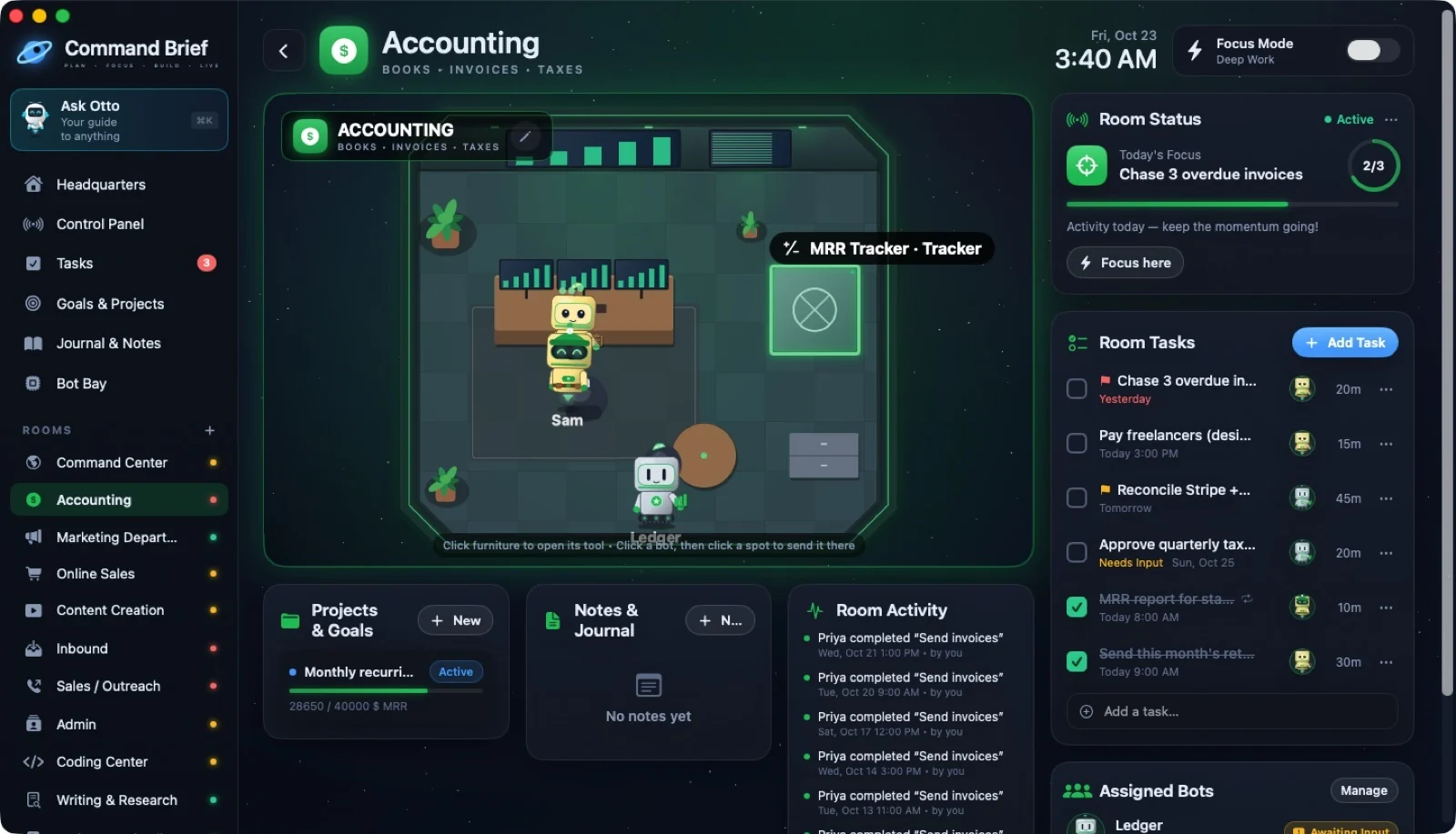
28 / CLICKING FURNITURE
Tracker: MRR
 ↗ Enlarge
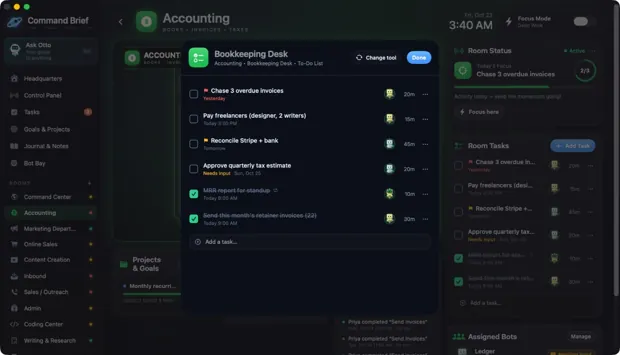
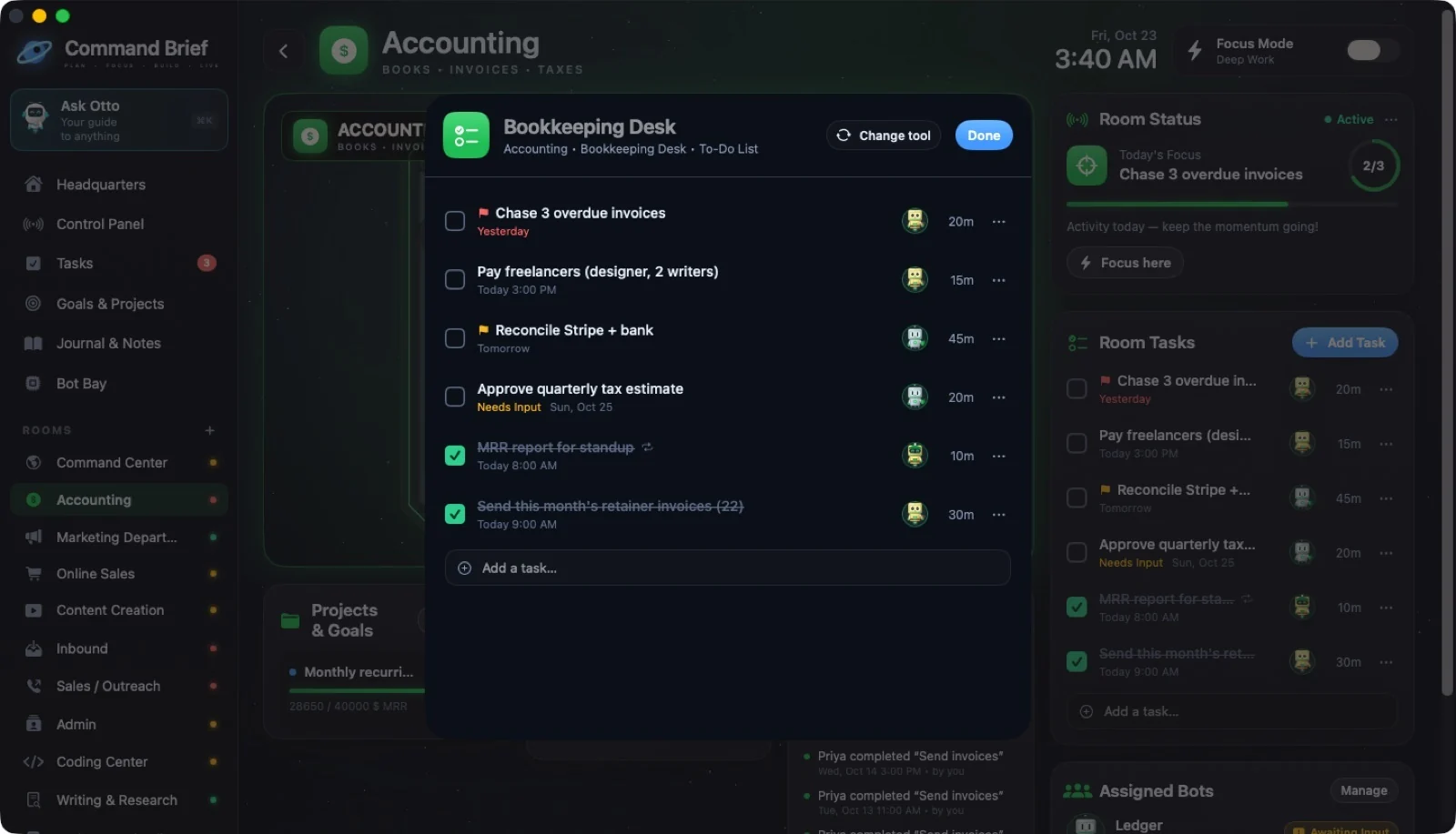
29 / CLICKING FURNITURE
Accounting: Bookkeeping Desk
 ↗ Enlarge
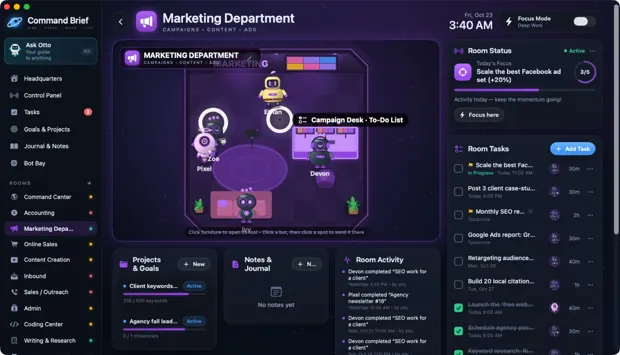
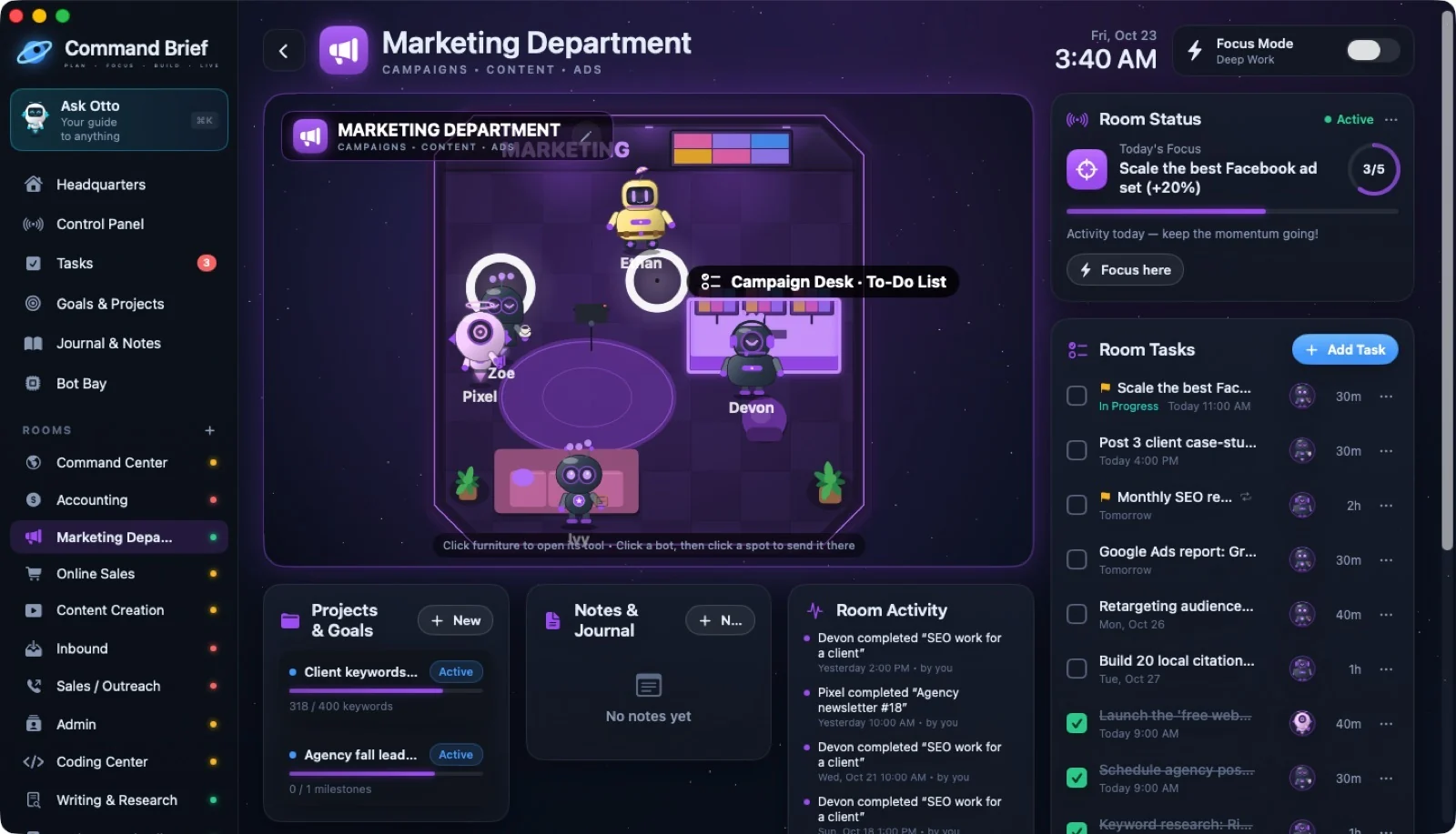
30 / CLICKING FURNITURE
Marketing: point at the campaign desk
 ↗ Enlarge
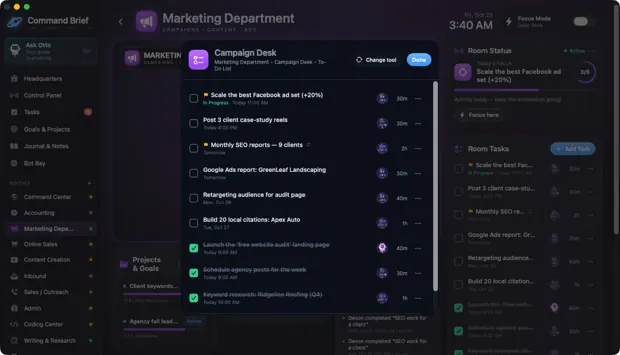
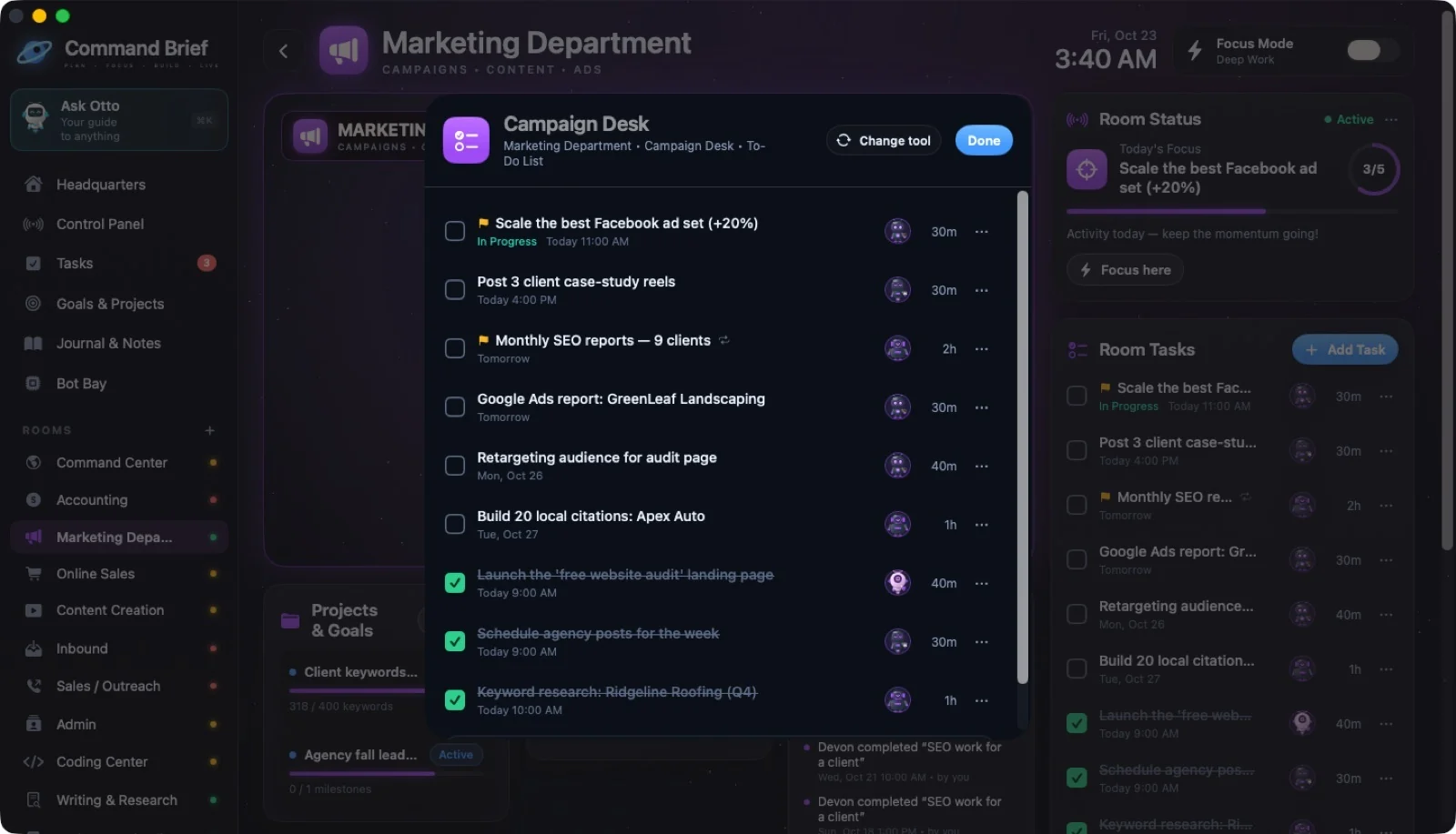
31 / CLICKING FURNITURE
Marketing: Campaign Desk
 ↗ Enlarge
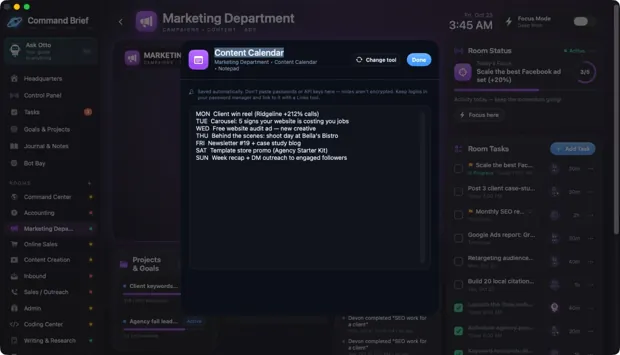
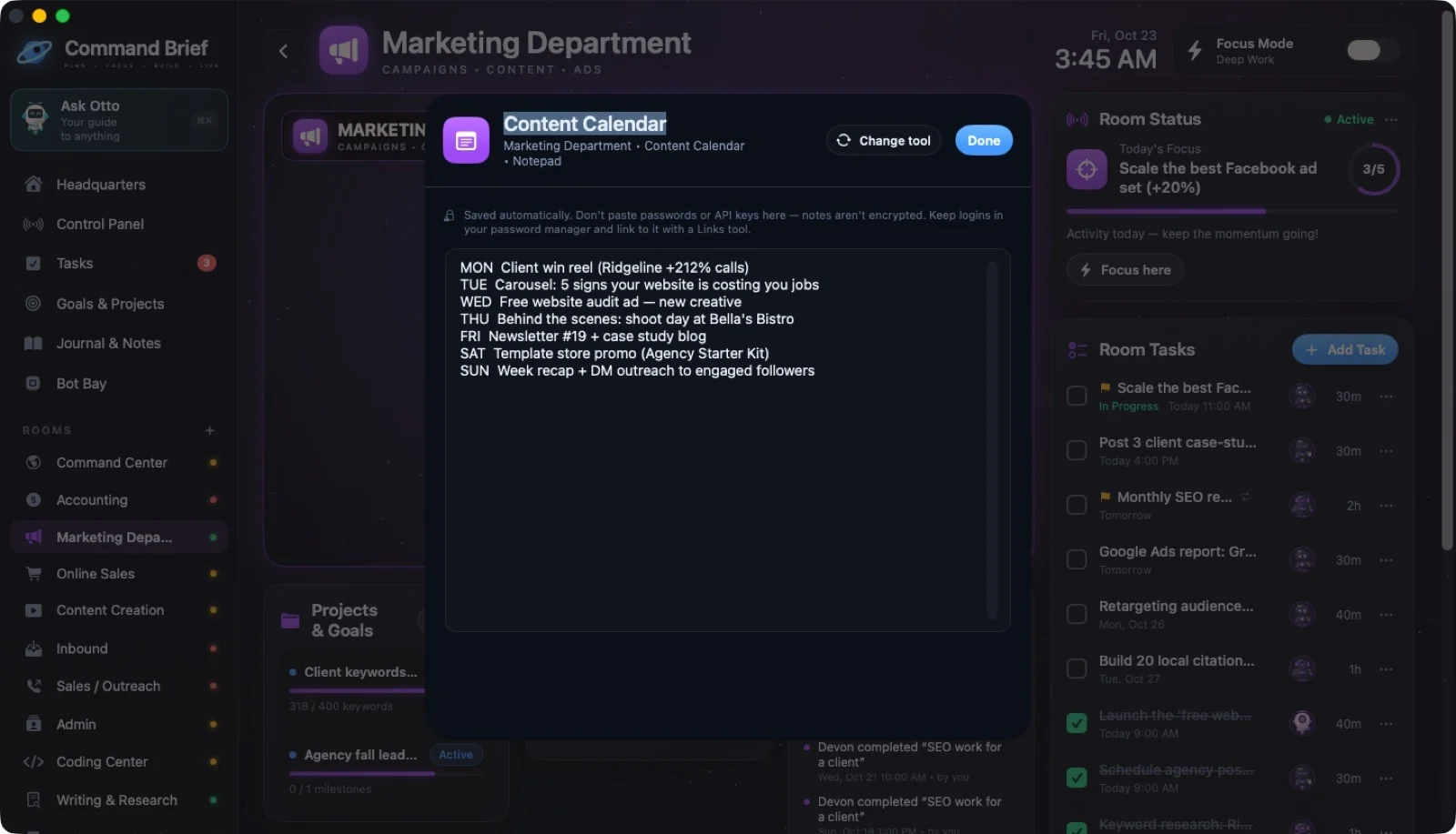
32 / CLICKING FURNITURE
Marketing: Content Calendar sign
 ↗ Enlarge
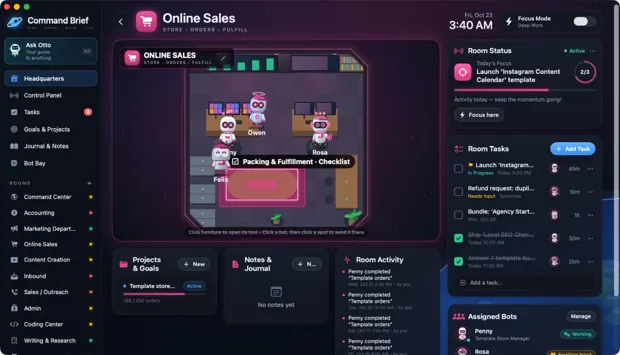
33 / CLICKING FURNITURE
Online Sales: point at the packing table
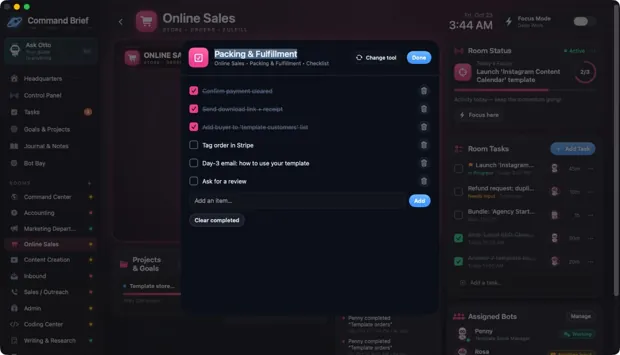 ↗ Enlarge
34 / CLICKING FURNITURE
Online Sales: Packing & Fulfillment
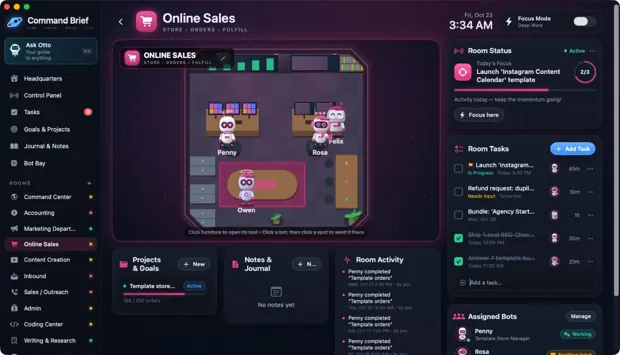 ↗ Enlarge
35 / CLICKING FURNITURE
Tracker: Template Store Revenue
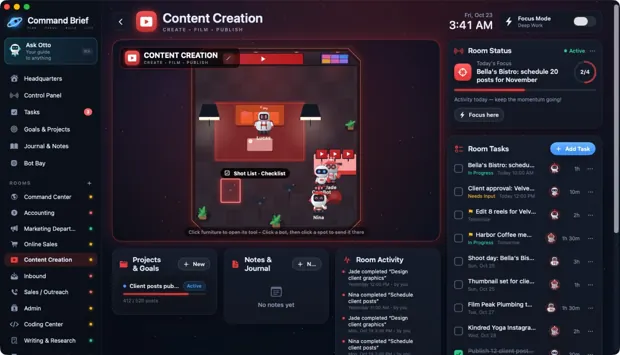 ↗ Enlarge
36 / CLICKING FURNITURE
Content Creation: point at a camera
 ↗ Enlarge
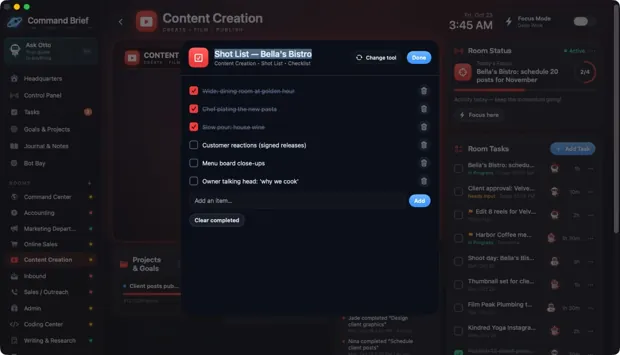
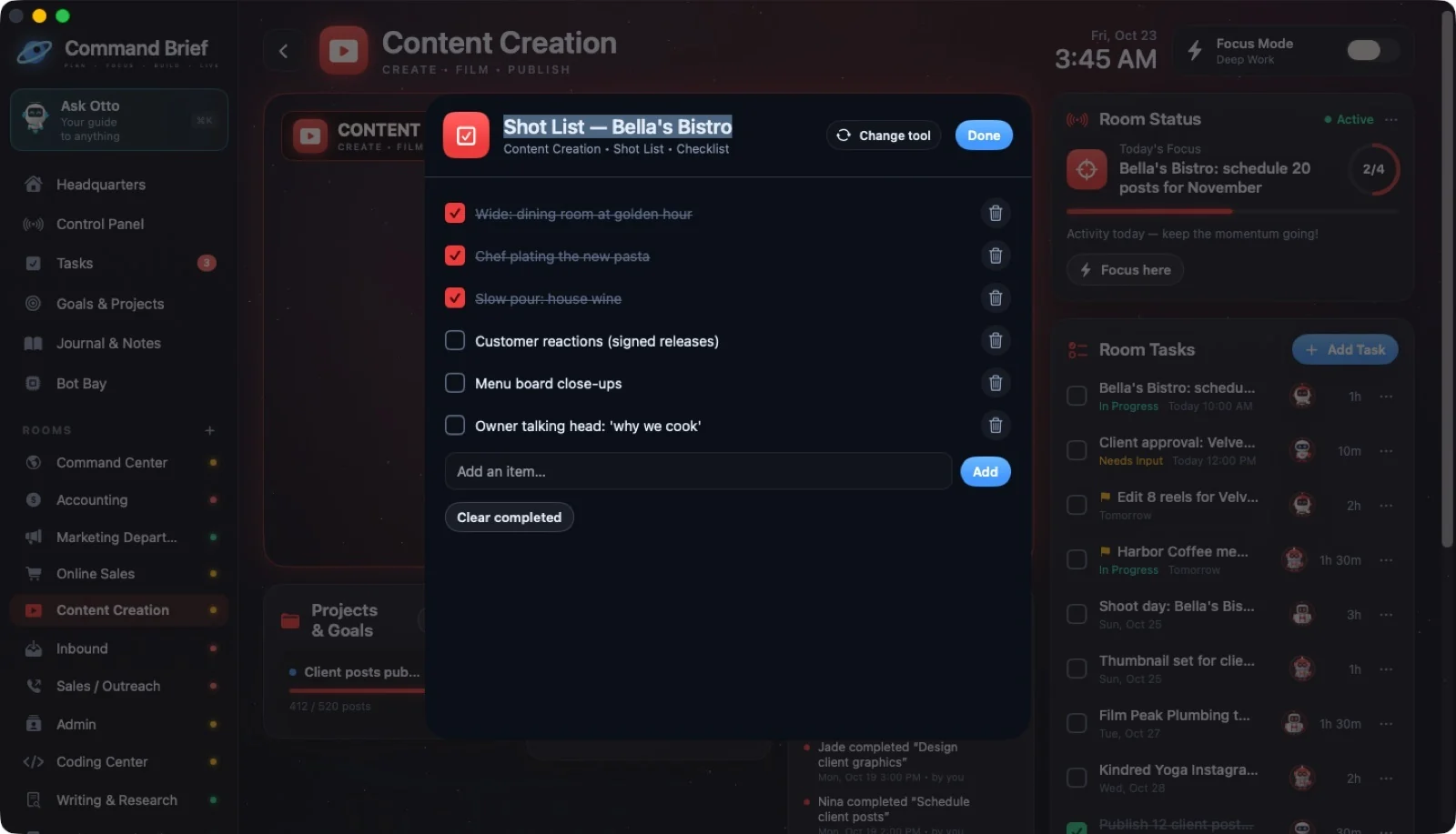
37 / CLICKING FURNITURE
Content Creation: Shot List
 ↗ Enlarge
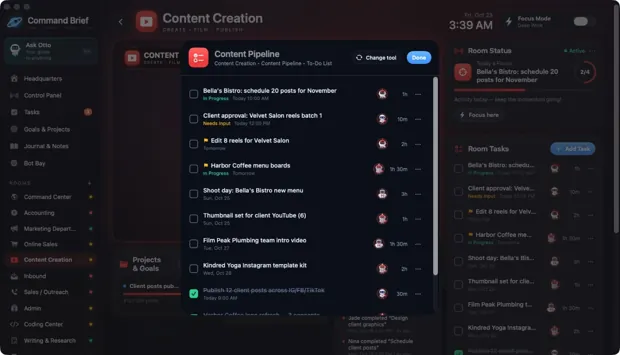
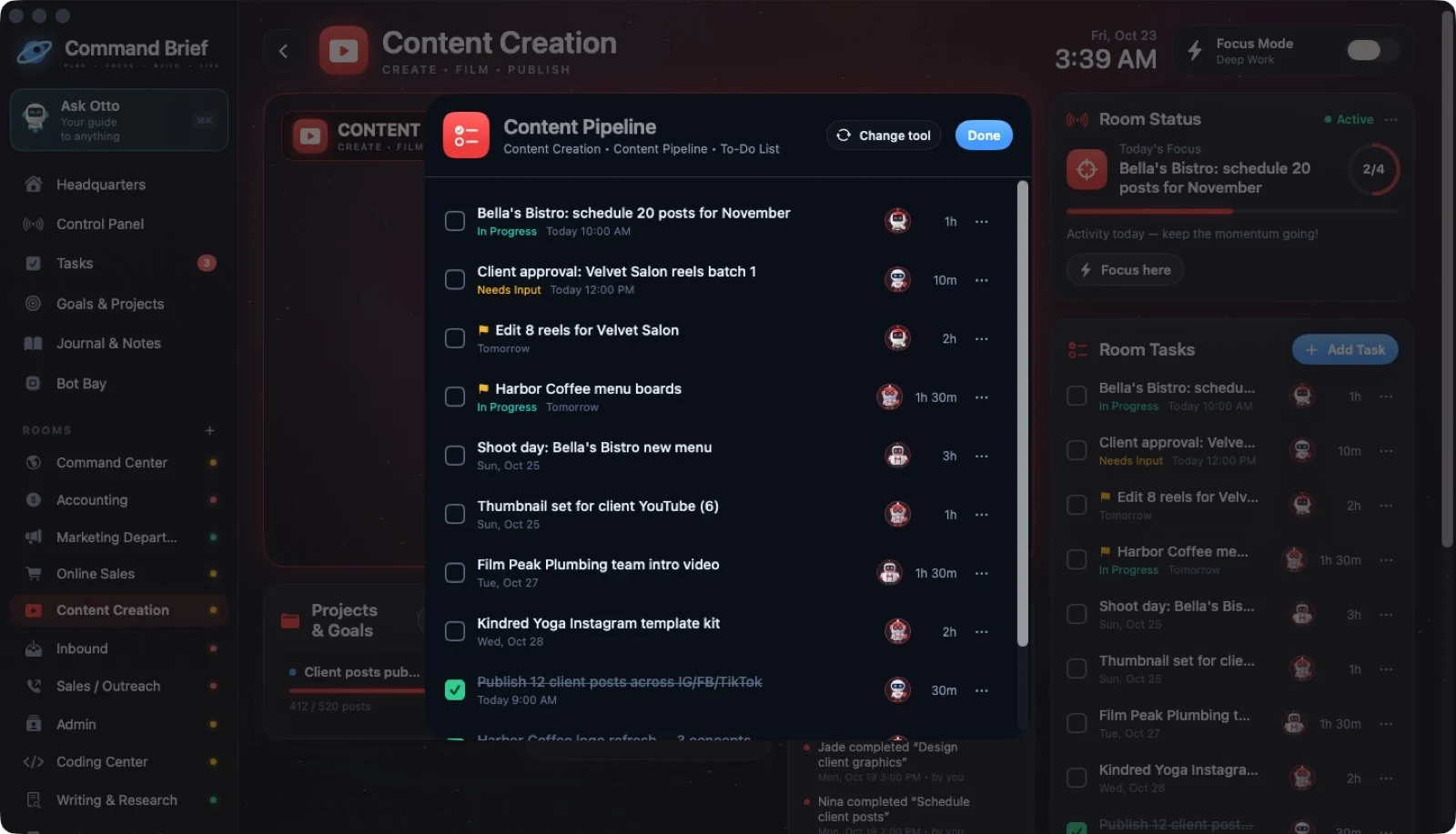
38 / CLICKING FURNITURE
Content Pipeline
 ↗ Enlarge
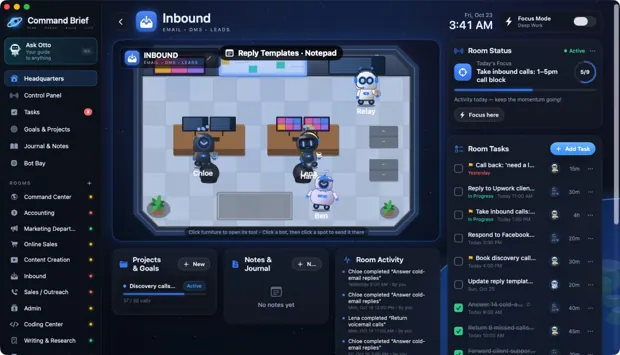
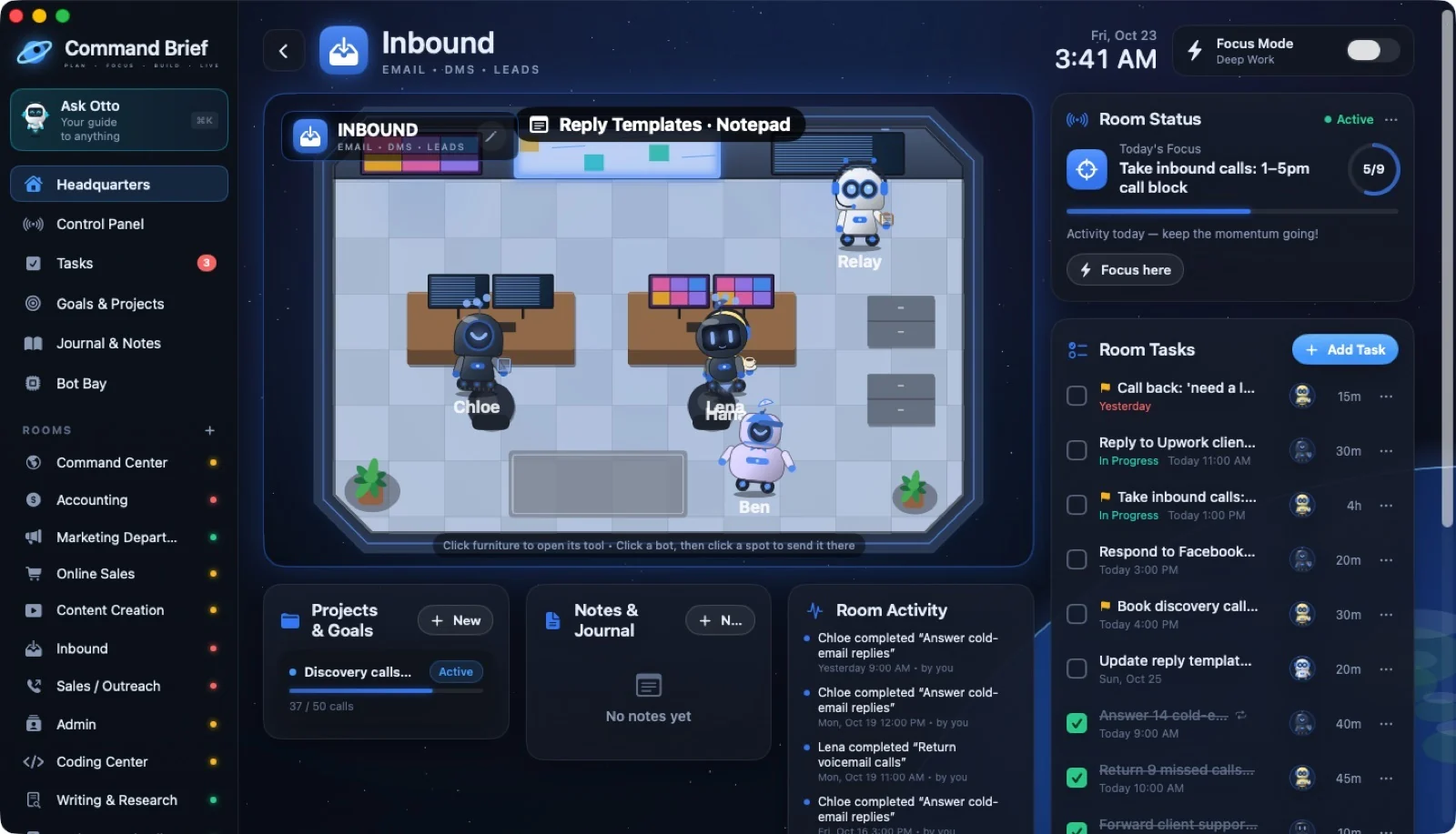
39 / CLICKING FURNITURE
Inbound: point at the whiteboard
 ↗ Enlarge
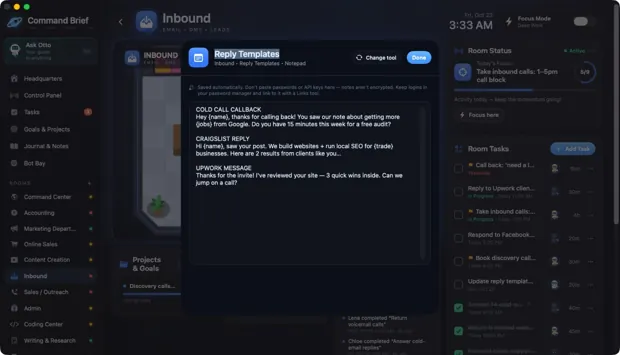
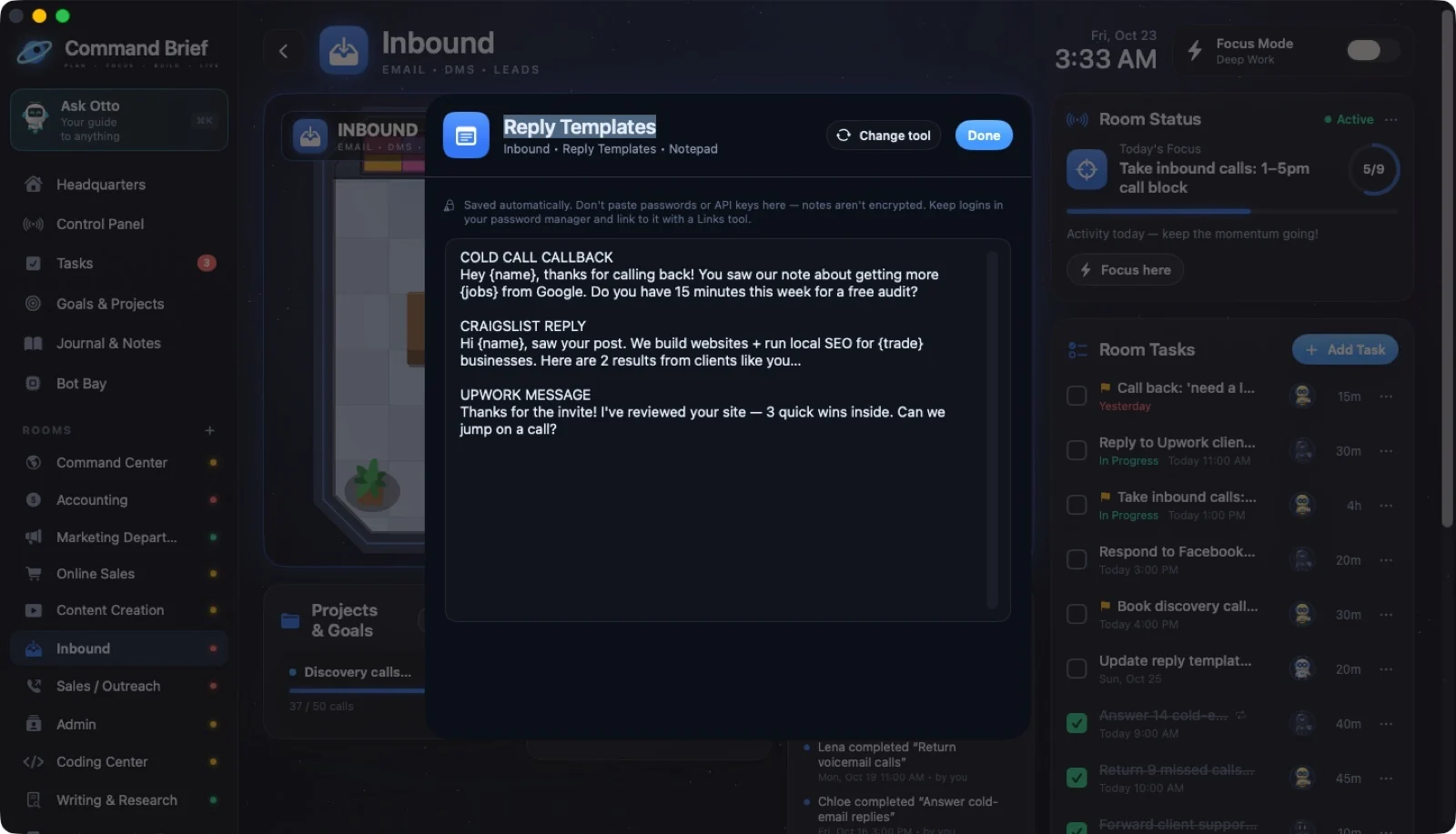
40 / CLICKING FURNITURE
Notepad: Reply Templates
 ↗ Enlarge
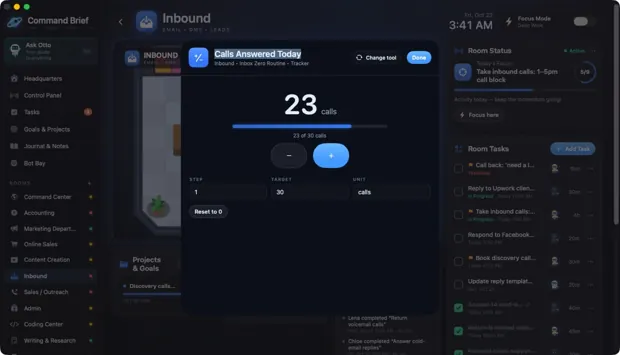
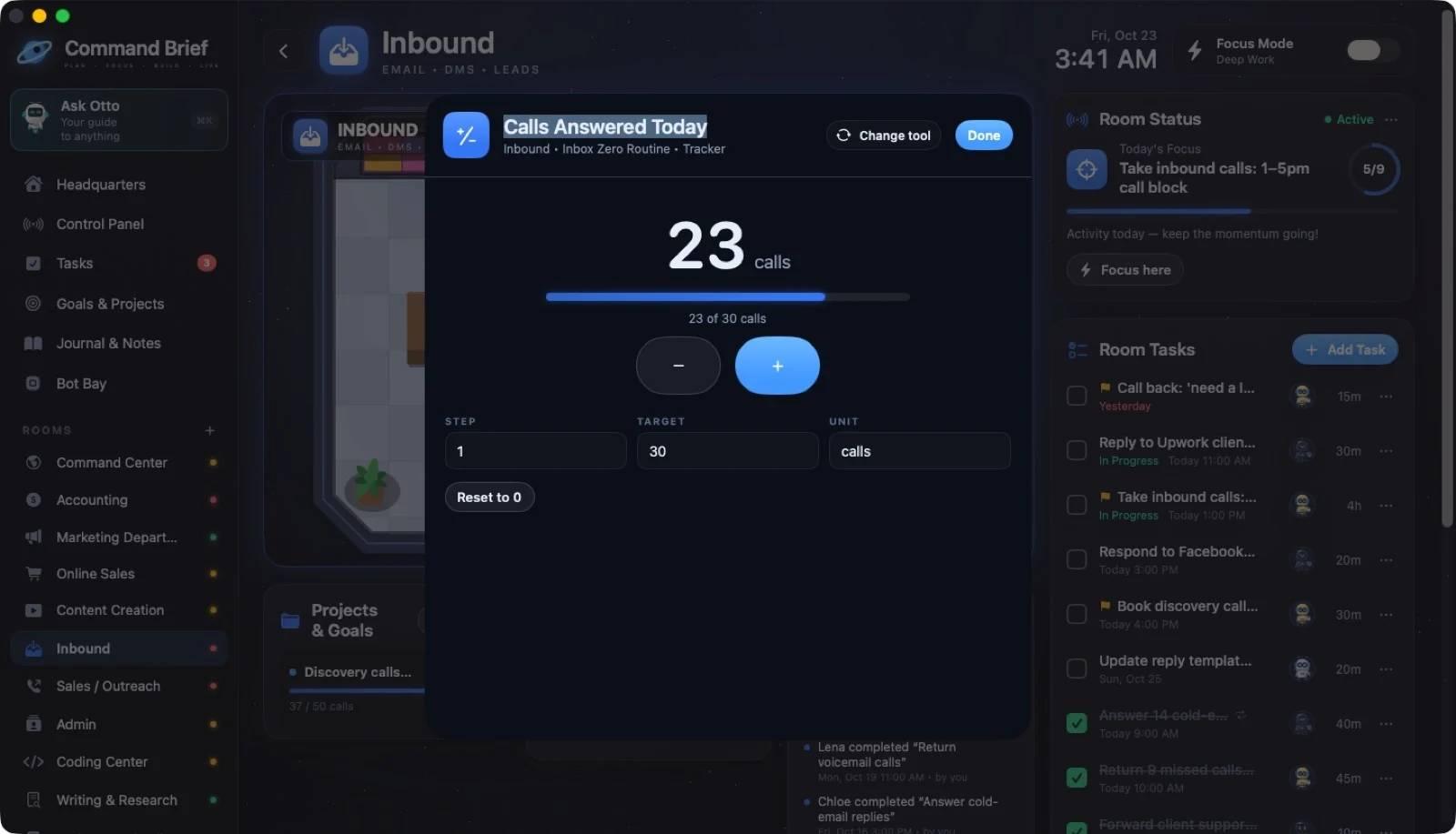
41 / CLICKING FURNITURE
Inbound: Calls Answered tracker
 ↗ Enlarge
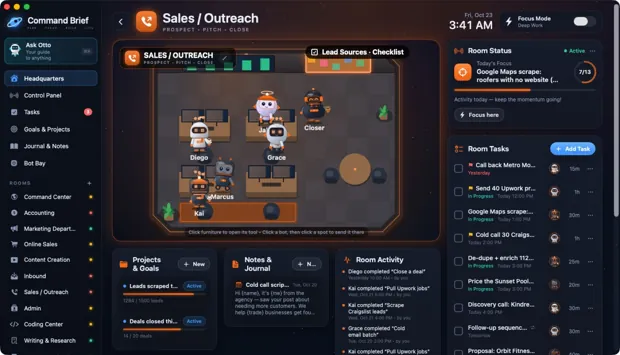
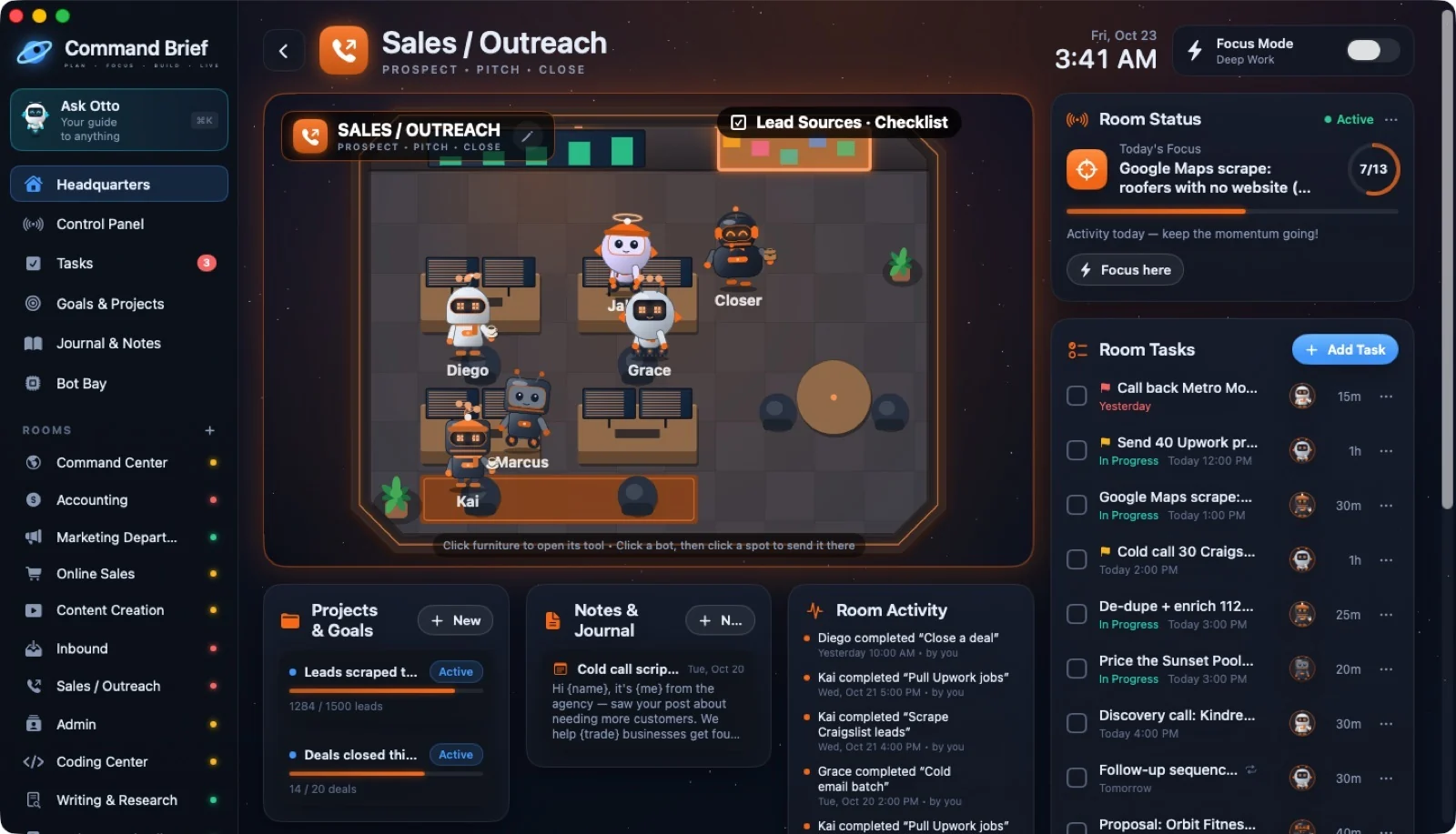
42 / CLICKING FURNITURE
Sales: point at the cork board
 ↗ Enlarge
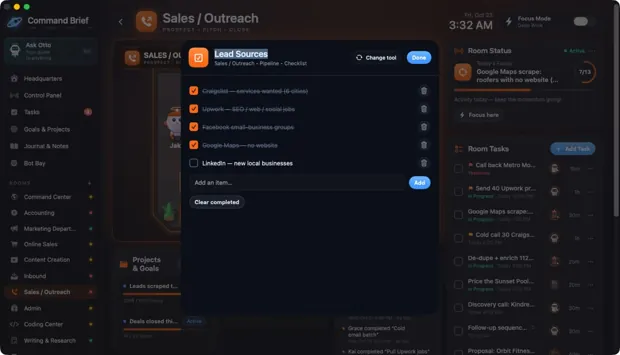
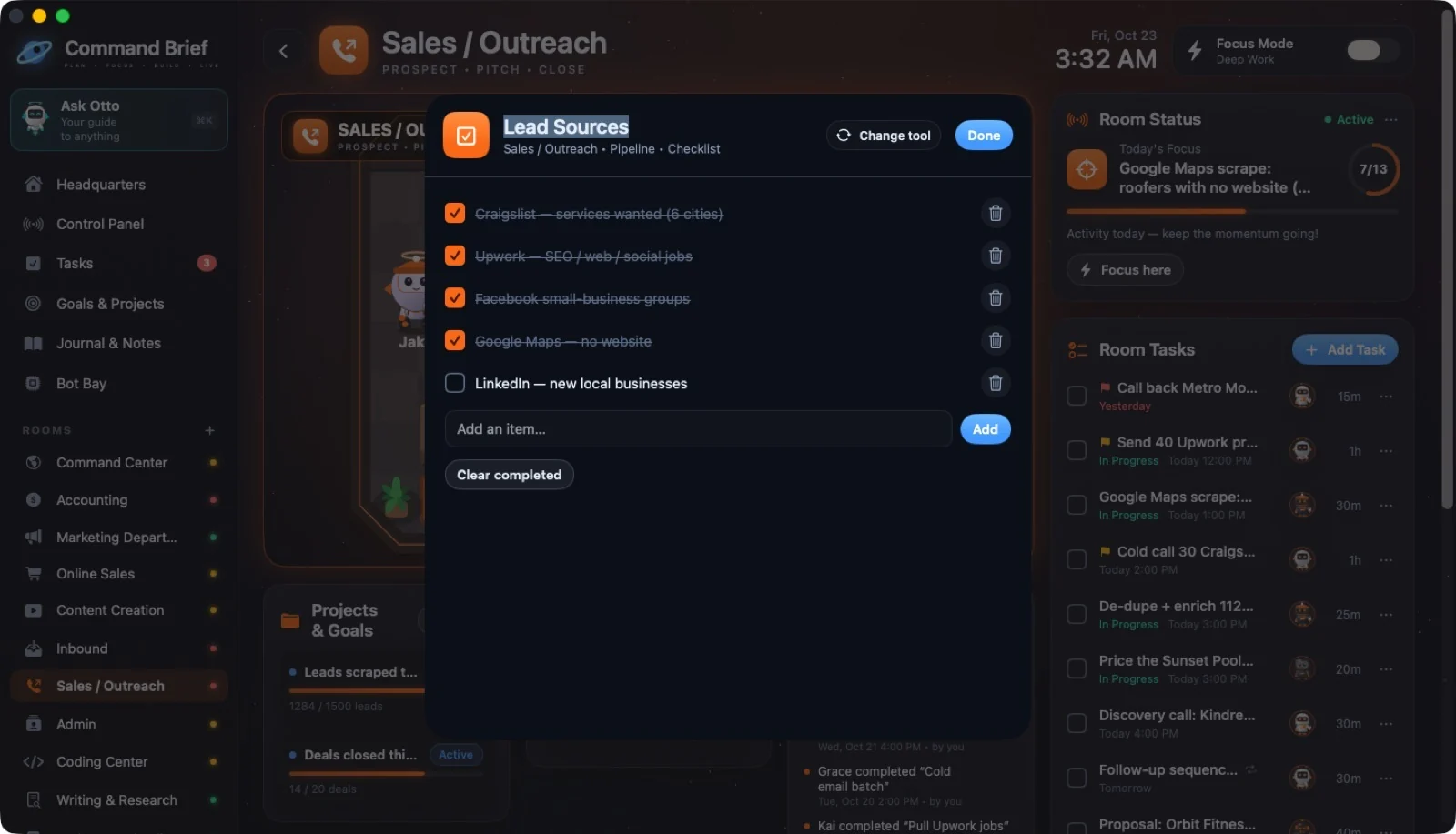
43 / CLICKING FURNITURE
Checklist: Lead Sources
 ↗ Enlarge
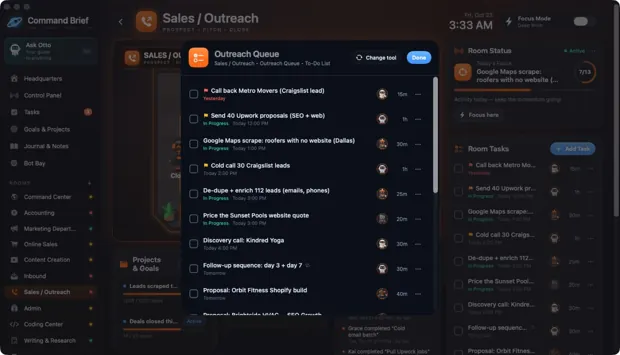
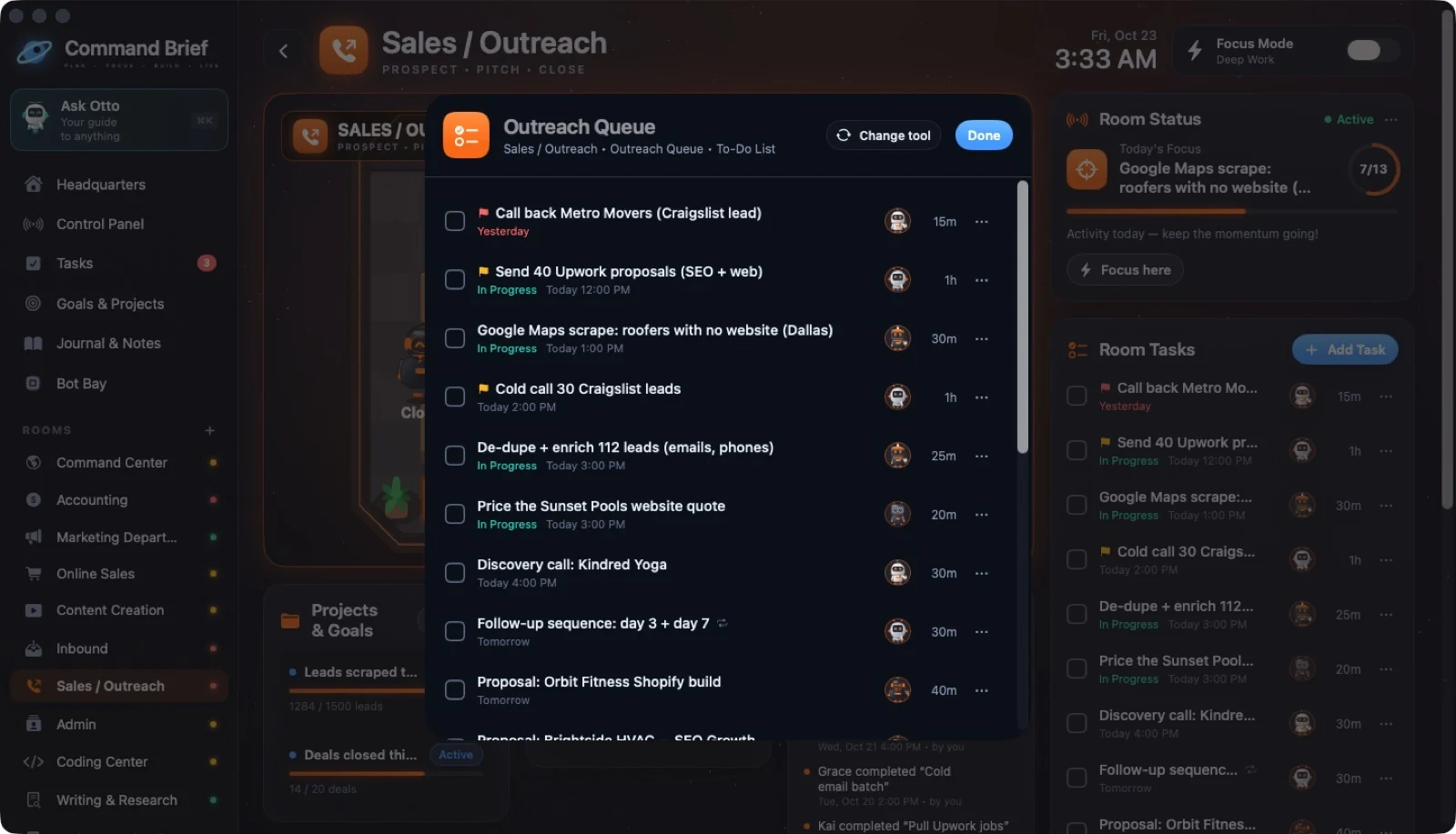
44 / CLICKING FURNITURE
To-Do: Outreach Queue
 ↗ Enlarge
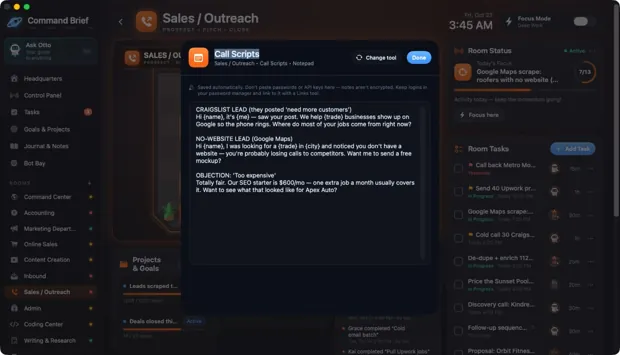
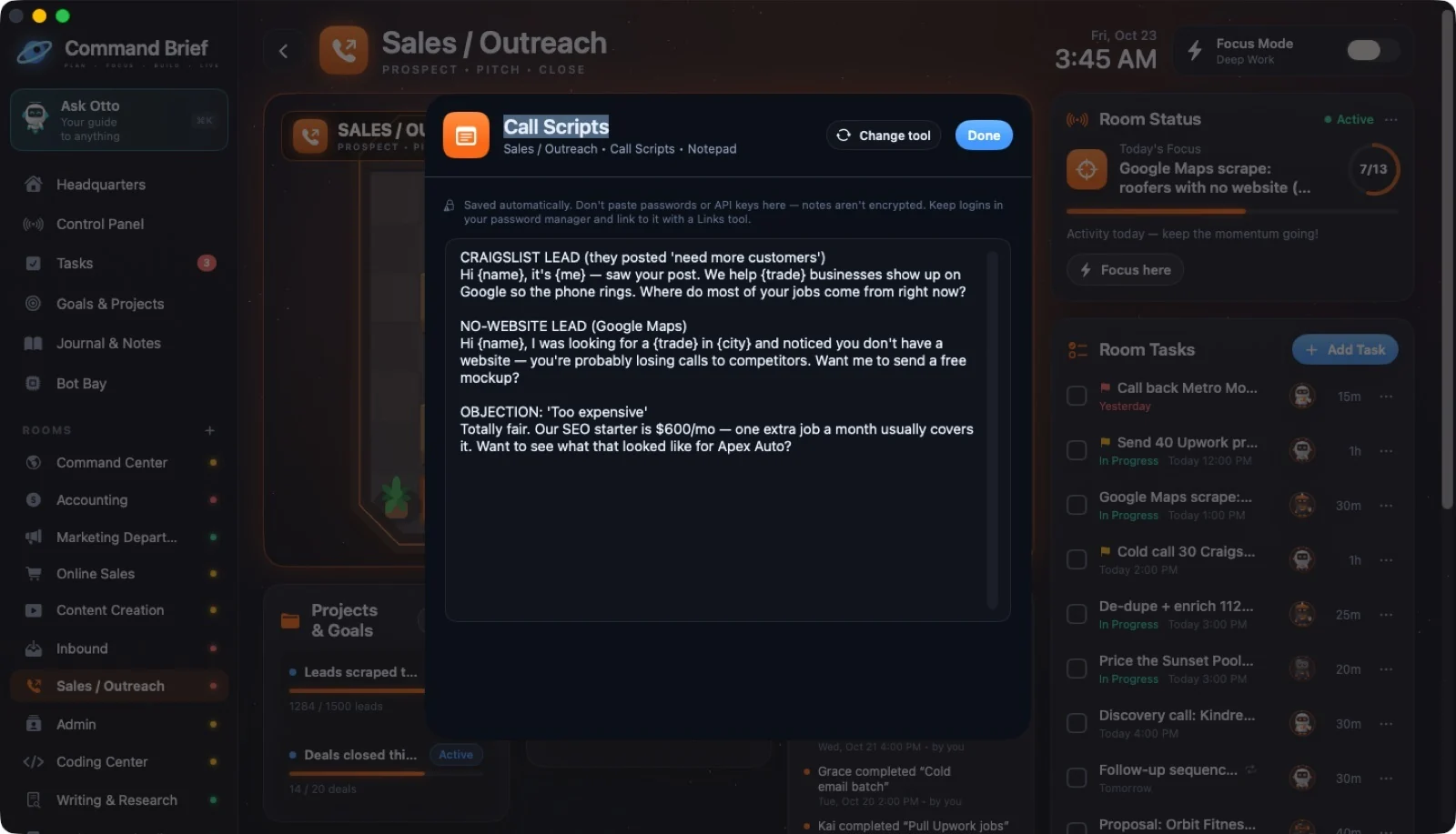
45 / CLICKING FURNITURE
Sales: Call Scripts desk
 ↗ Enlarge
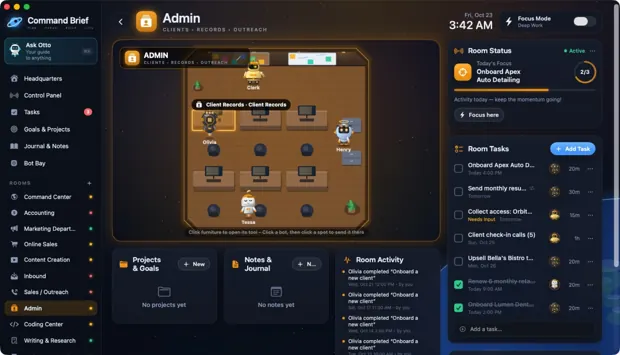
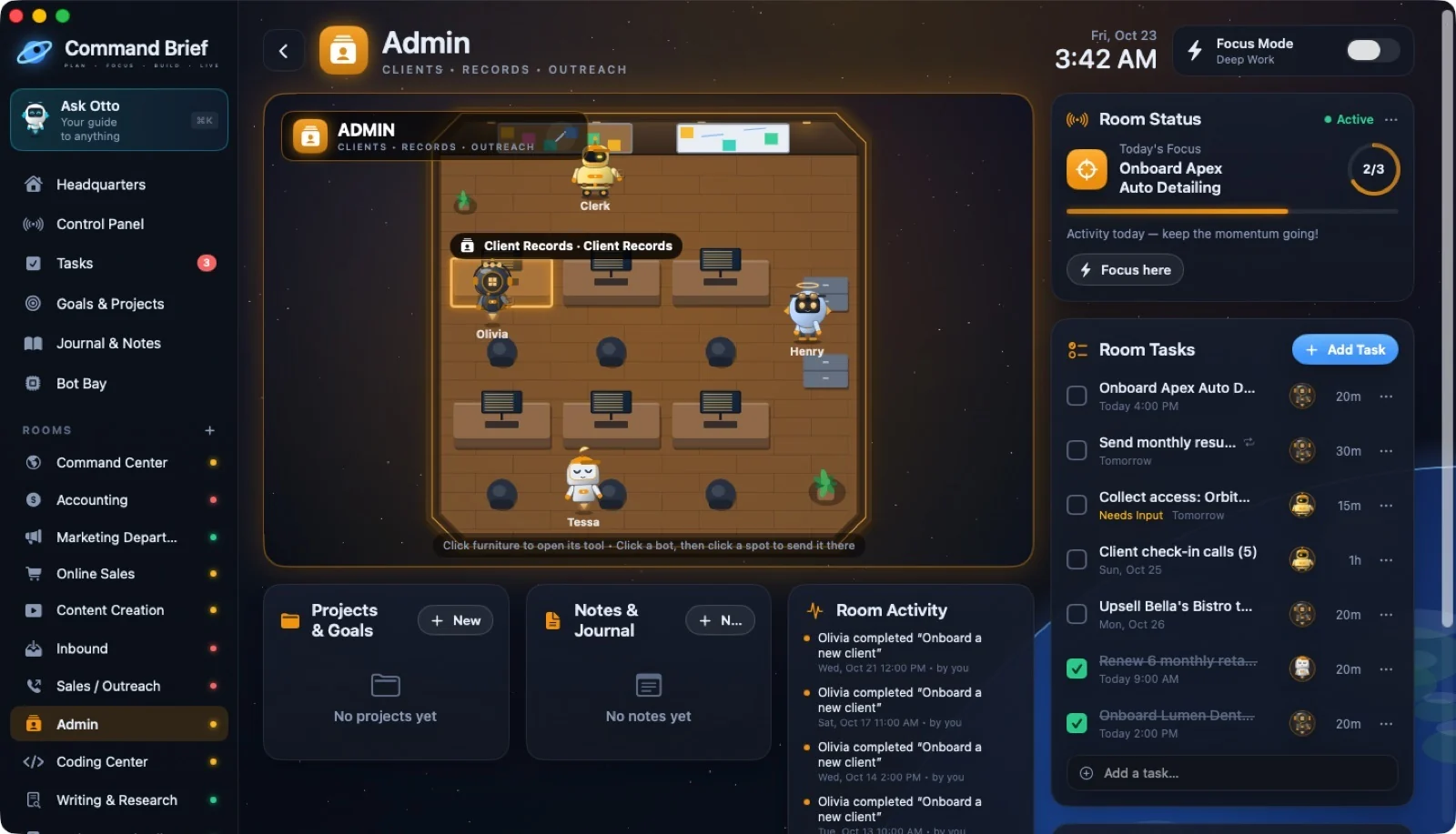
46 / CLICKING FURNITURE
Admin: point at a desk
 ↗ Enlarge
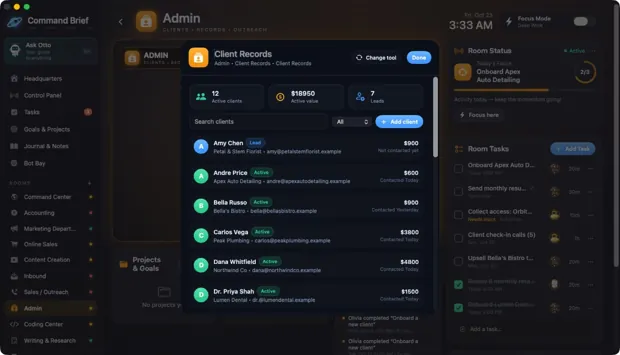
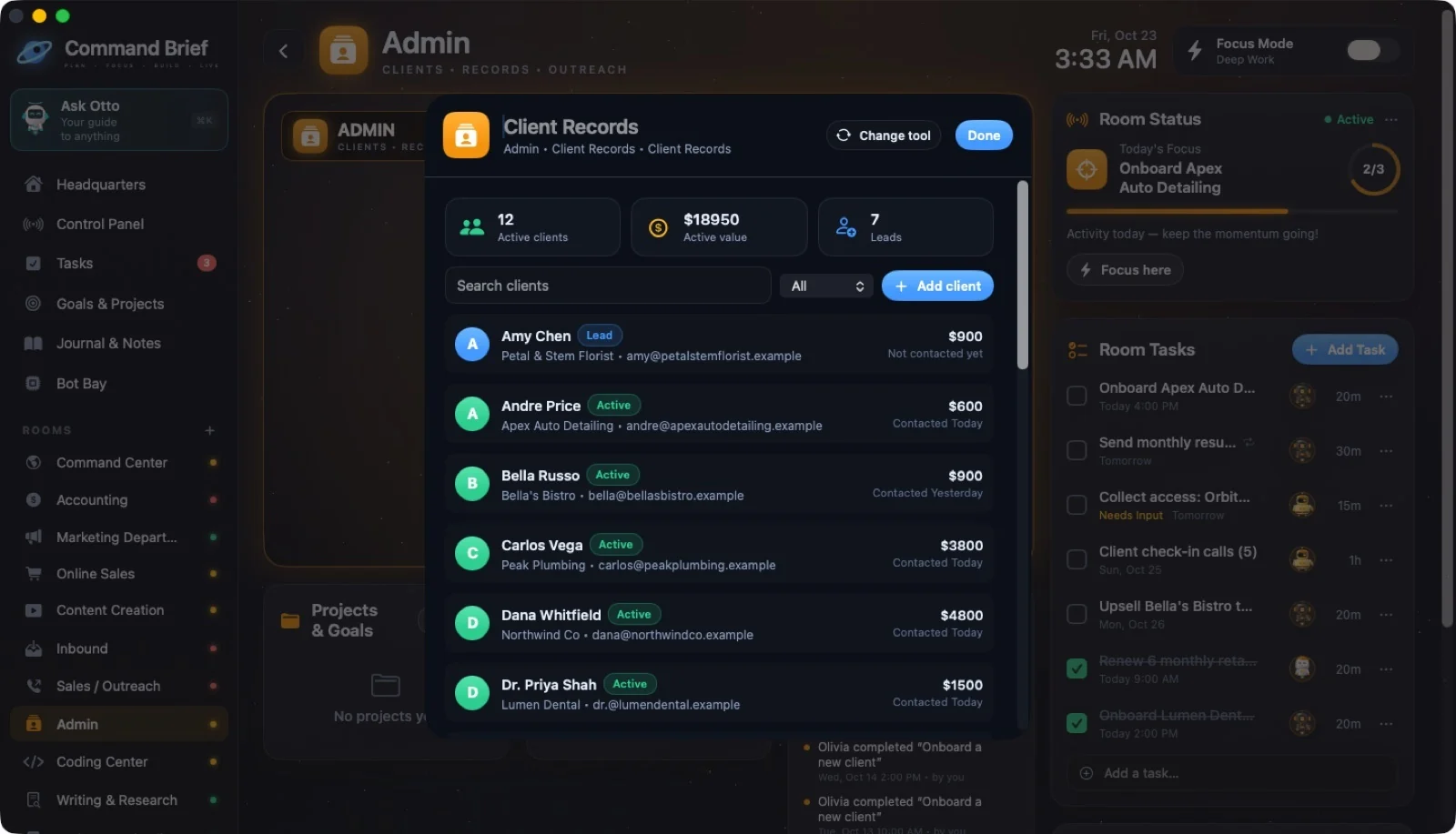
47 / CLICKING FURNITURE
Client Records
 ↗ Enlarge
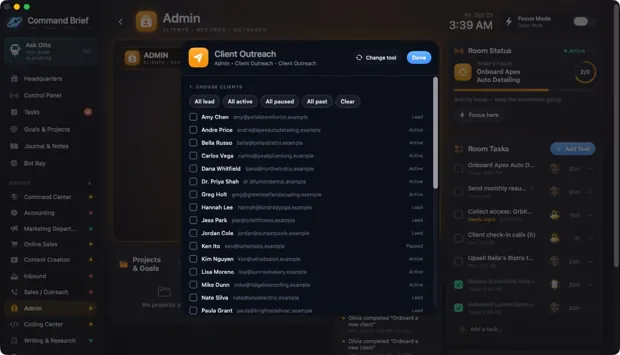
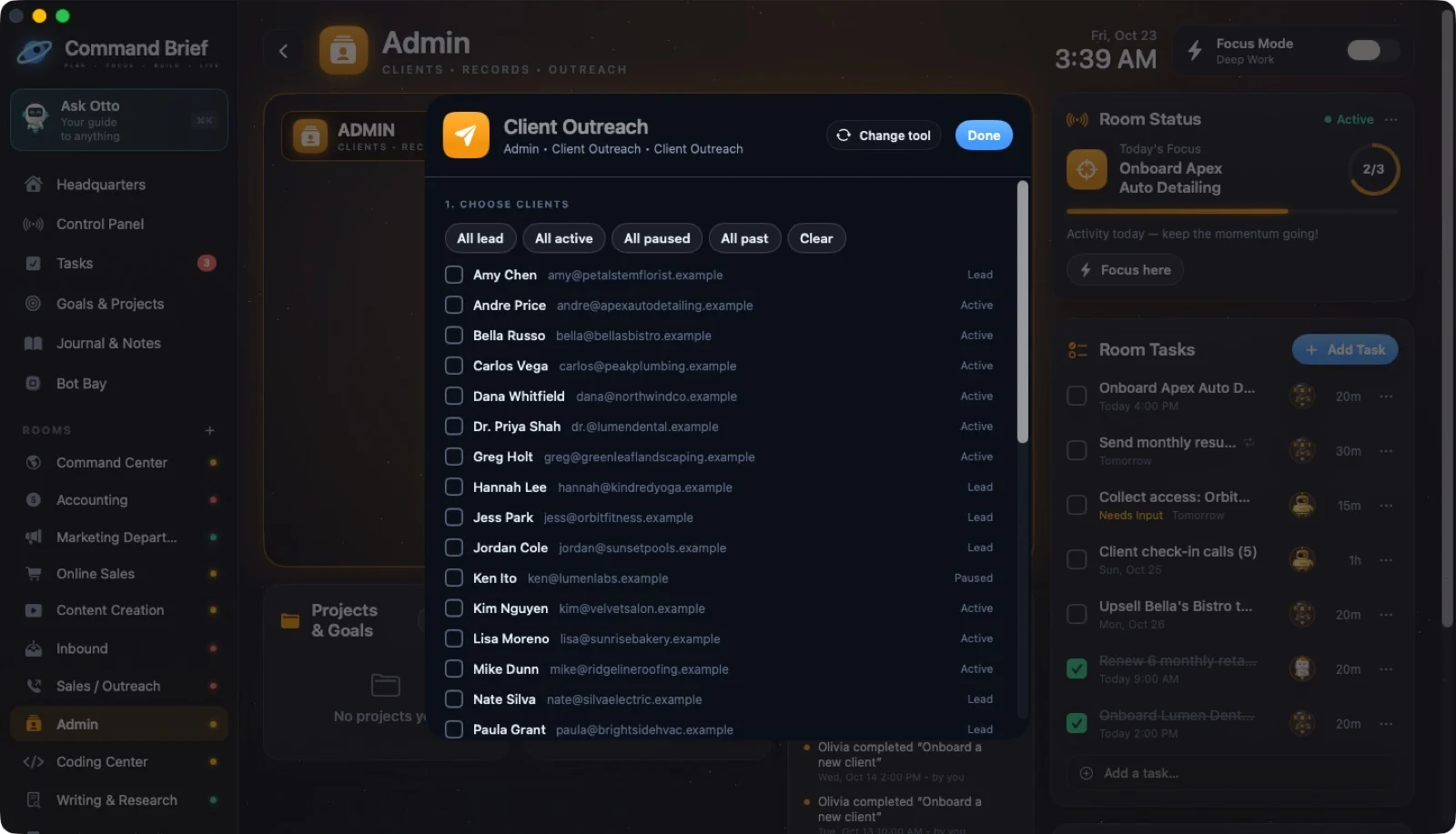
48 / CLICKING FURNITURE
Client Outreach
 ↗ Enlarge
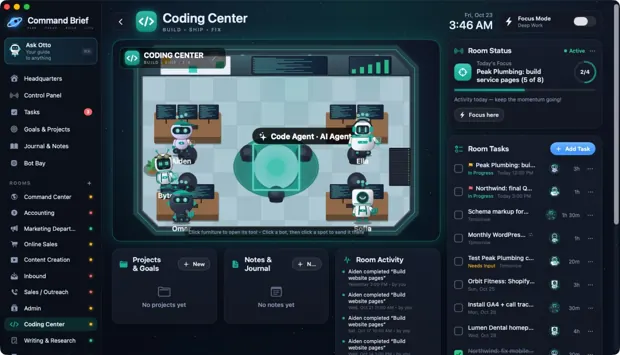
49 / CLICKING FURNITURE
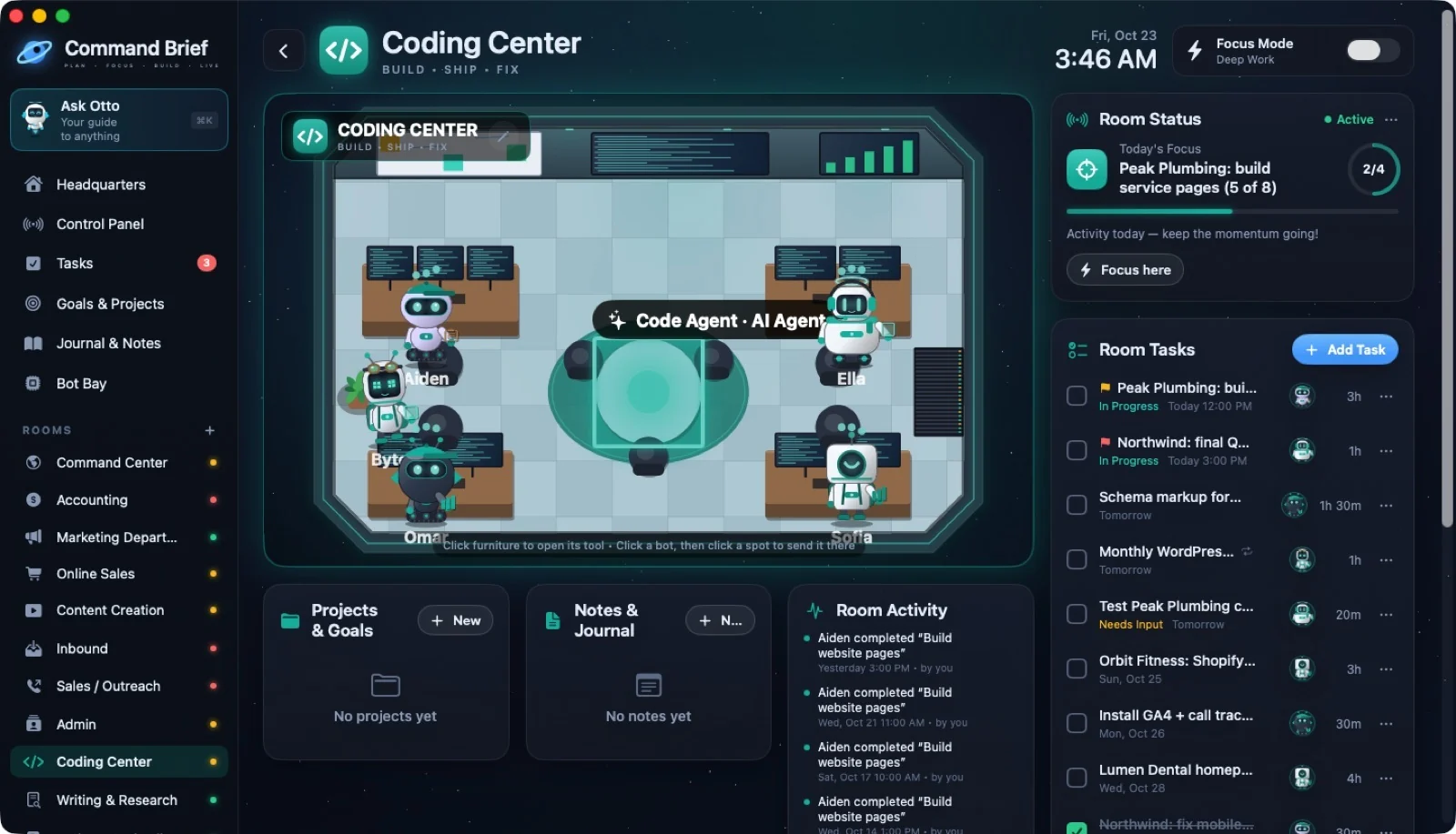
Coding Center: point at the holo table
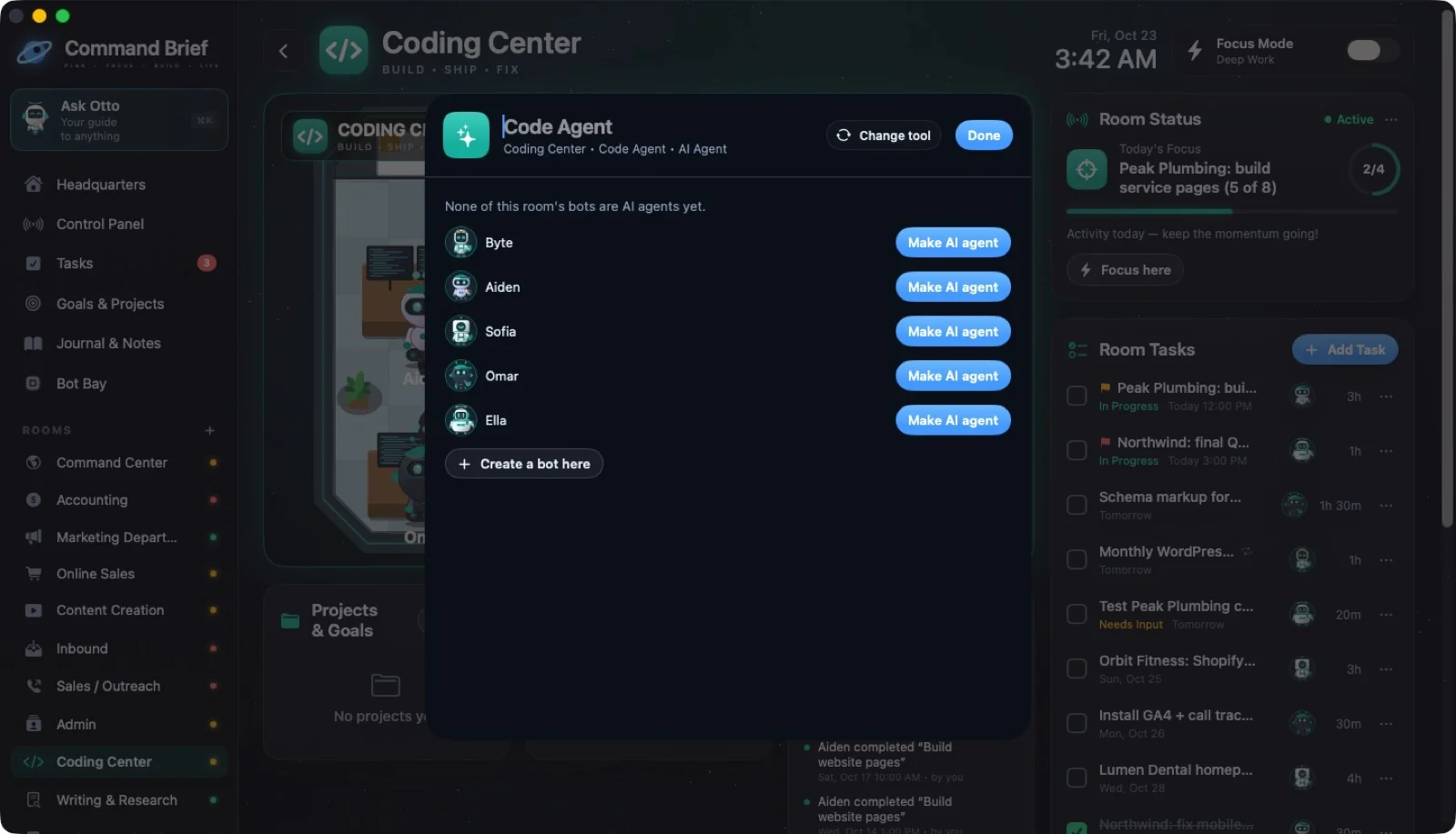
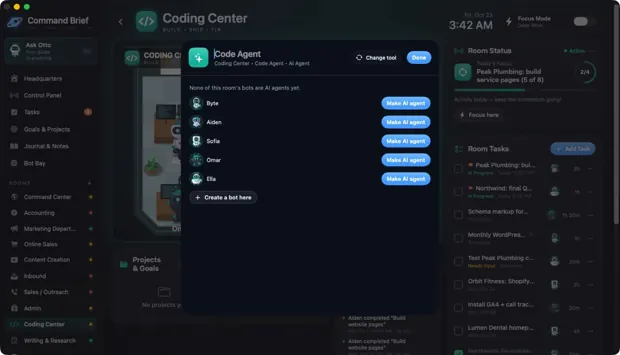 ↗ Enlarge
50 / CLICKING FURNITURE
Coding Center: Code Agent
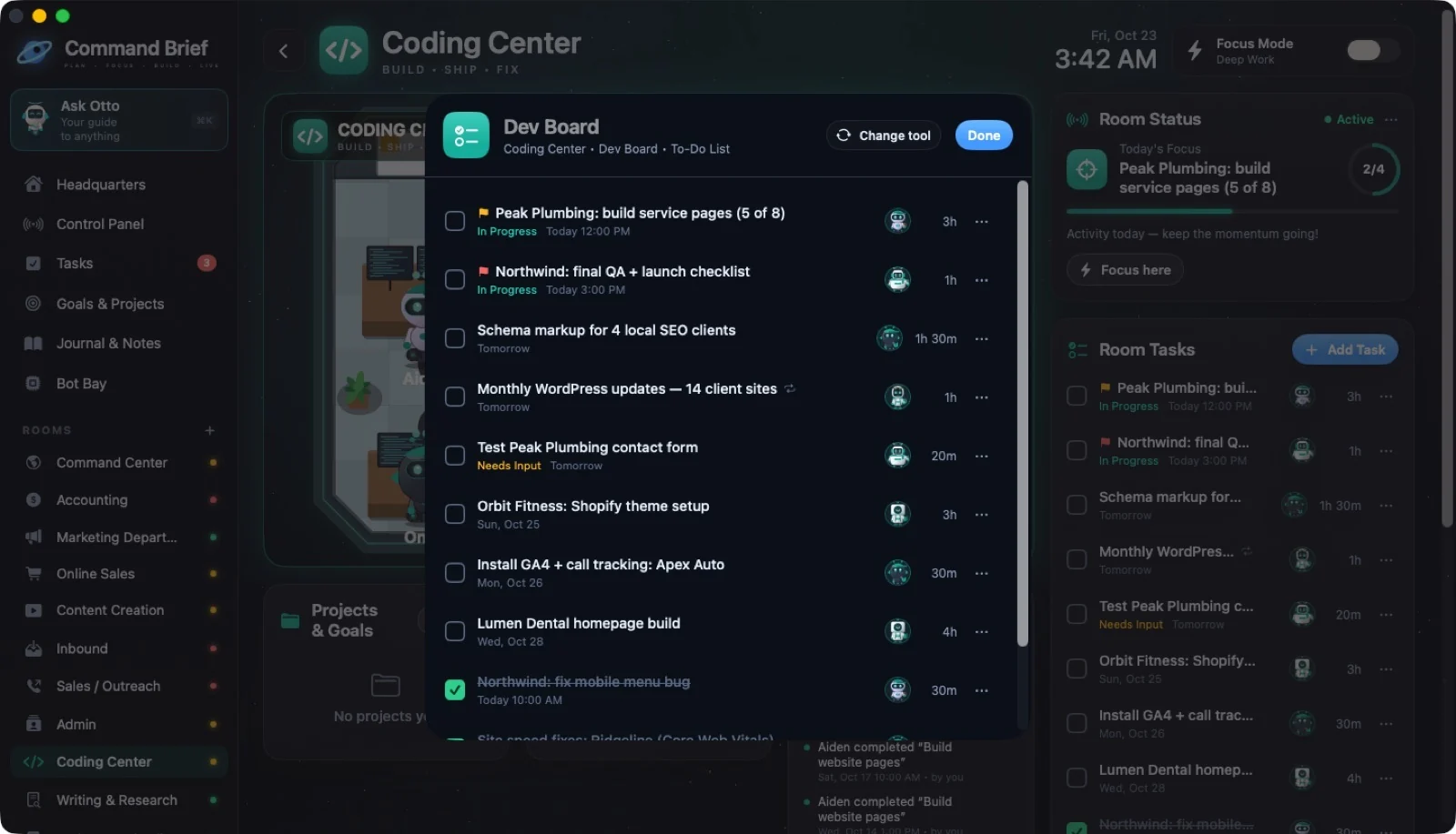
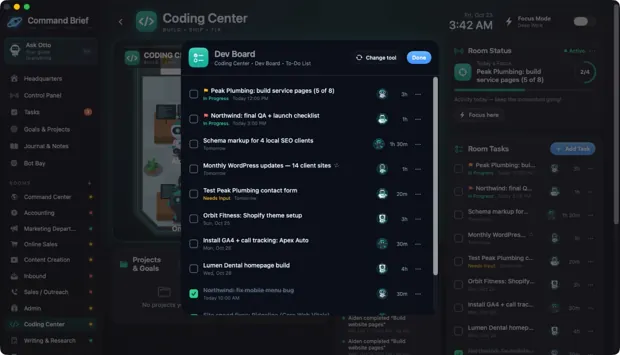 ↗ Enlarge
51 / CLICKING FURNITURE
Coding Center: Dev Board
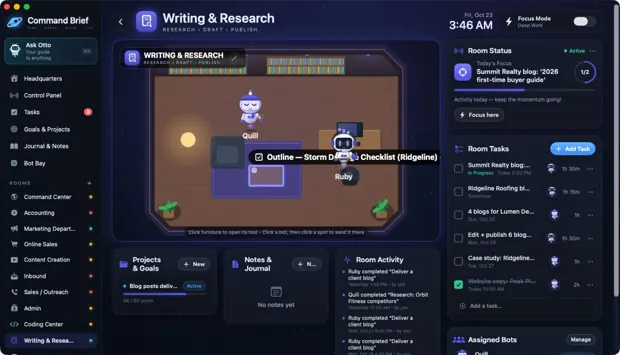 ↗ Enlarge
52 / CLICKING FURNITURE
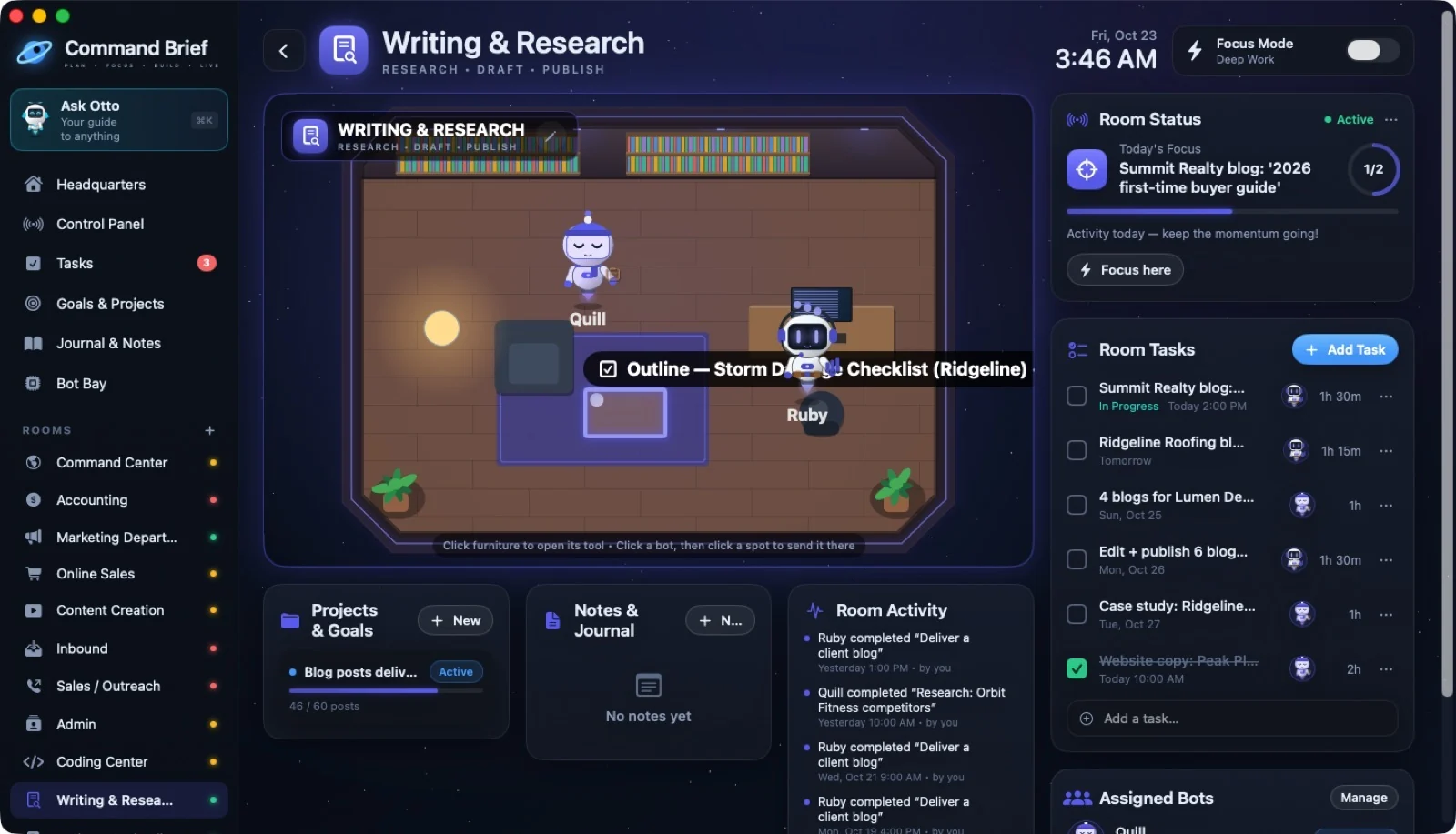
Writing & Research: point at the coffee table
 ↗ Enlarge
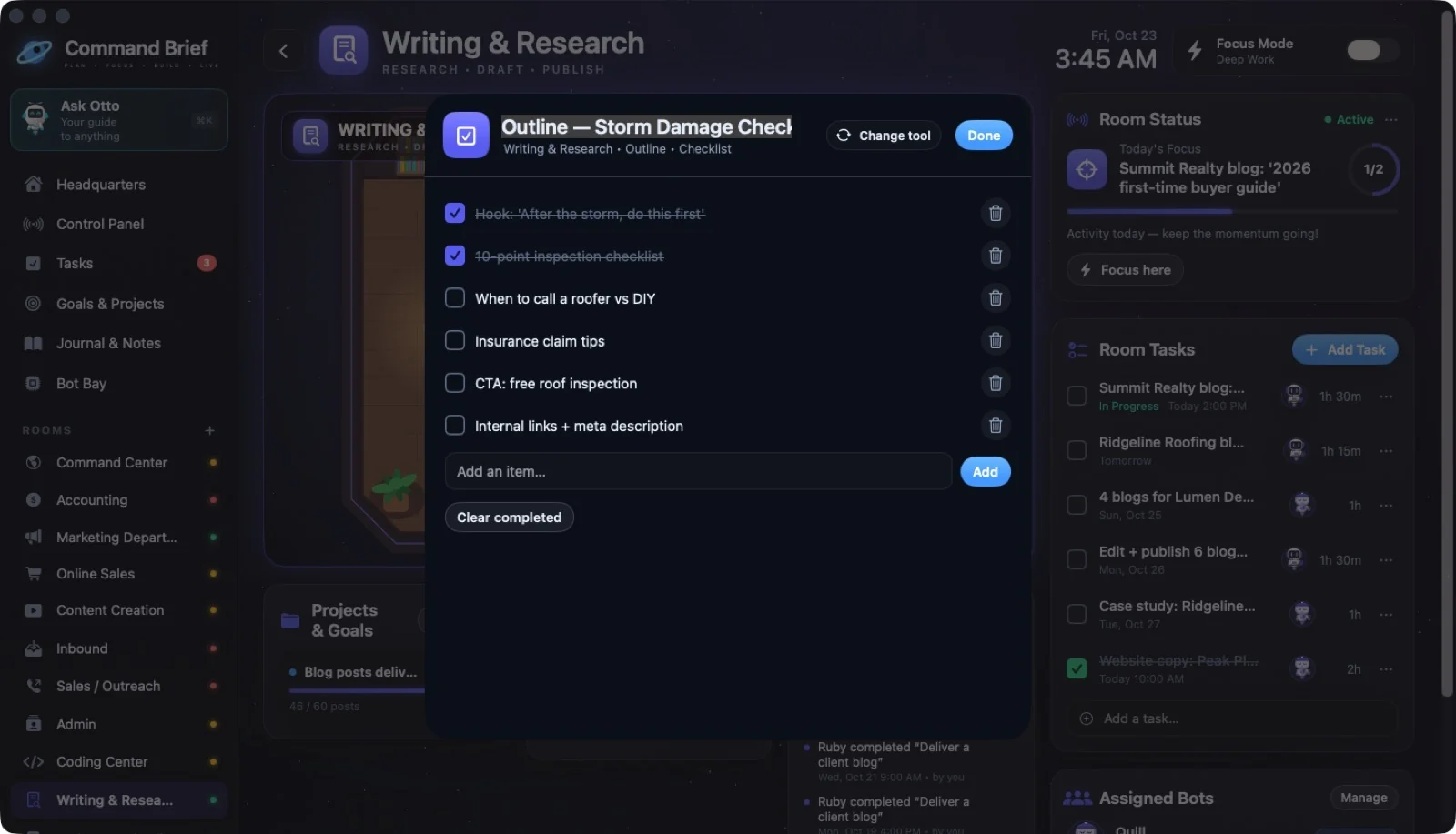
53 / CLICKING FURNITURE
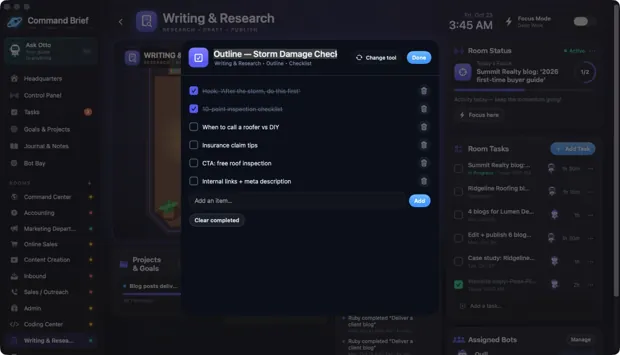
Writing & Research: Outline
 ↗ Enlarge
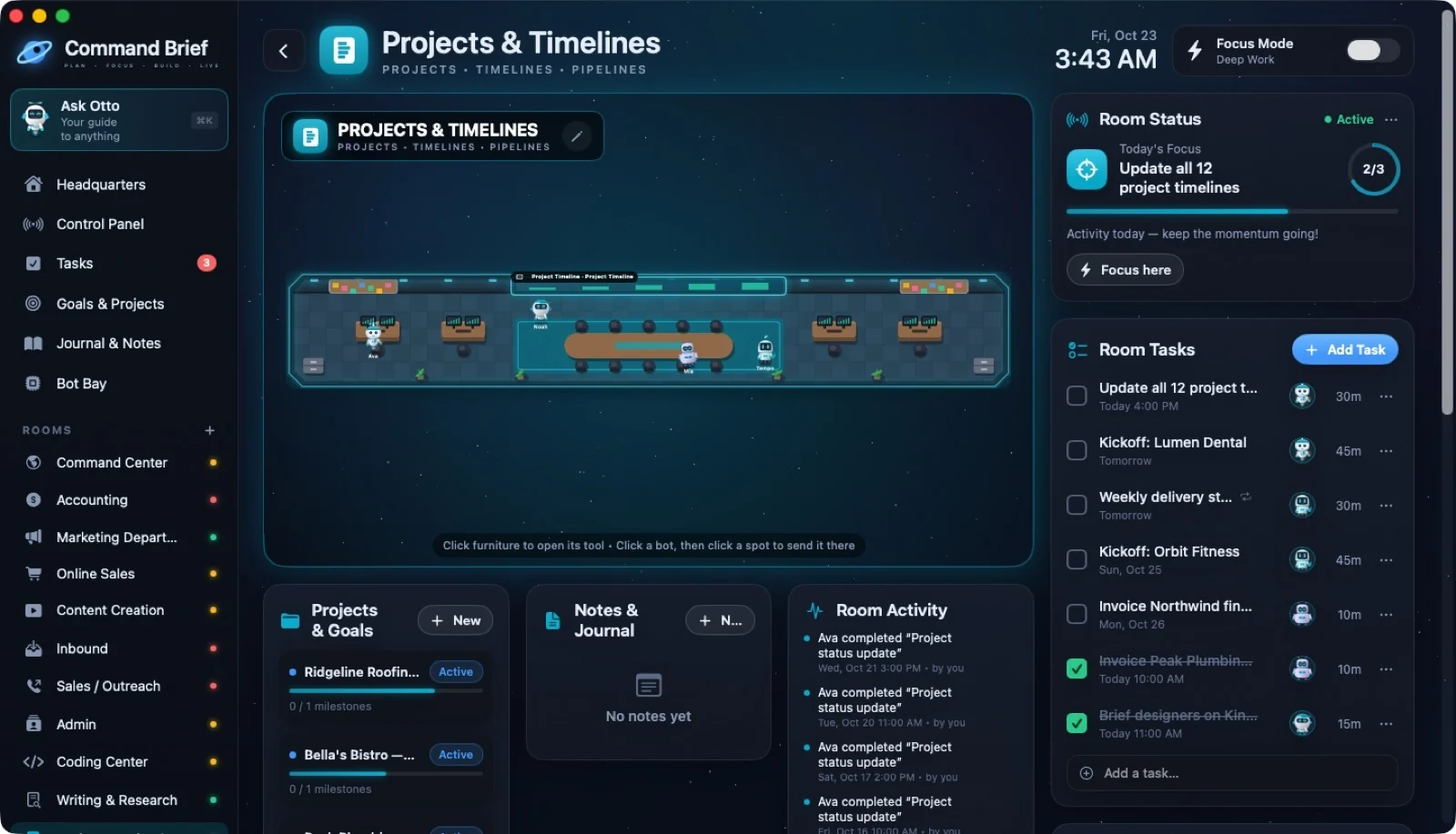
54 / CLICKING FURNITURE
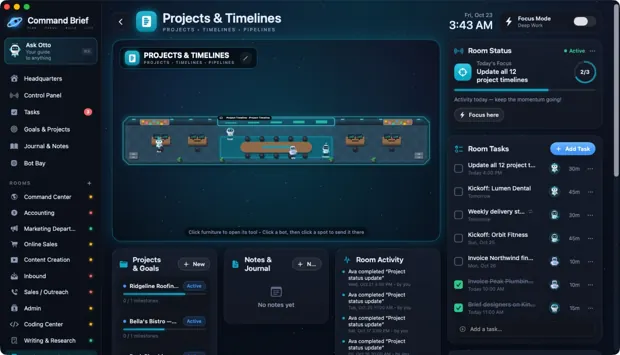
Projects: point at the timeline wall
 ↗ Enlarge
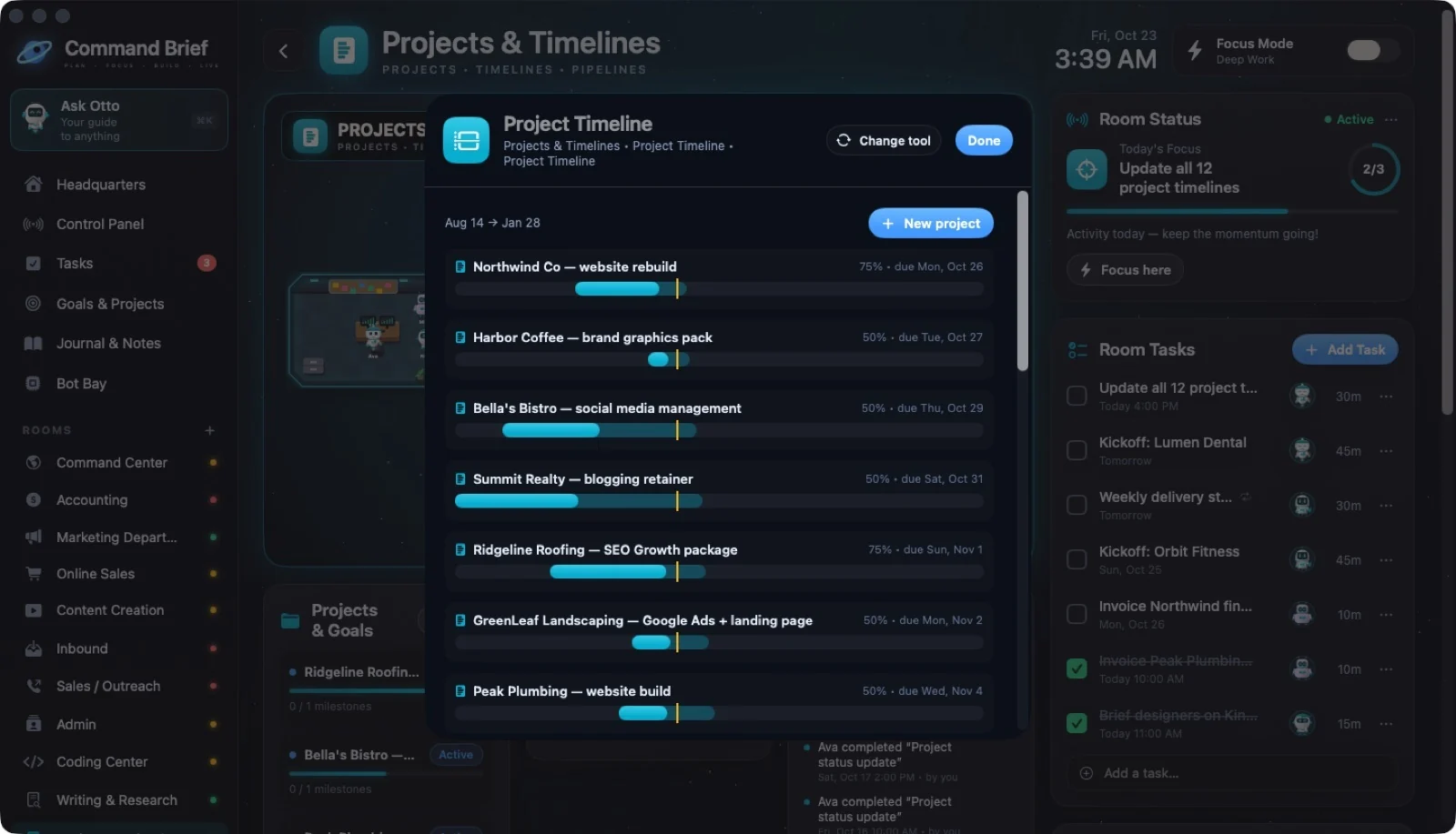
55 / CLICKING FURNITURE
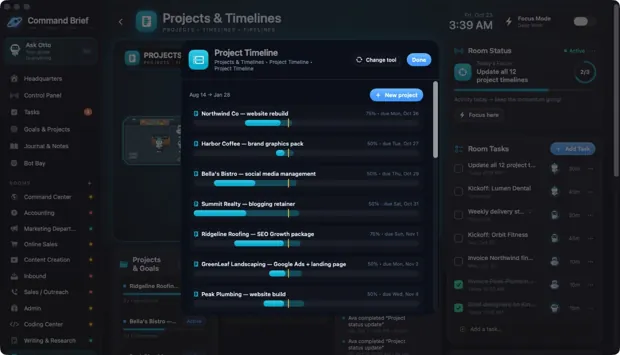
Project Timeline
 ↗ Enlarge
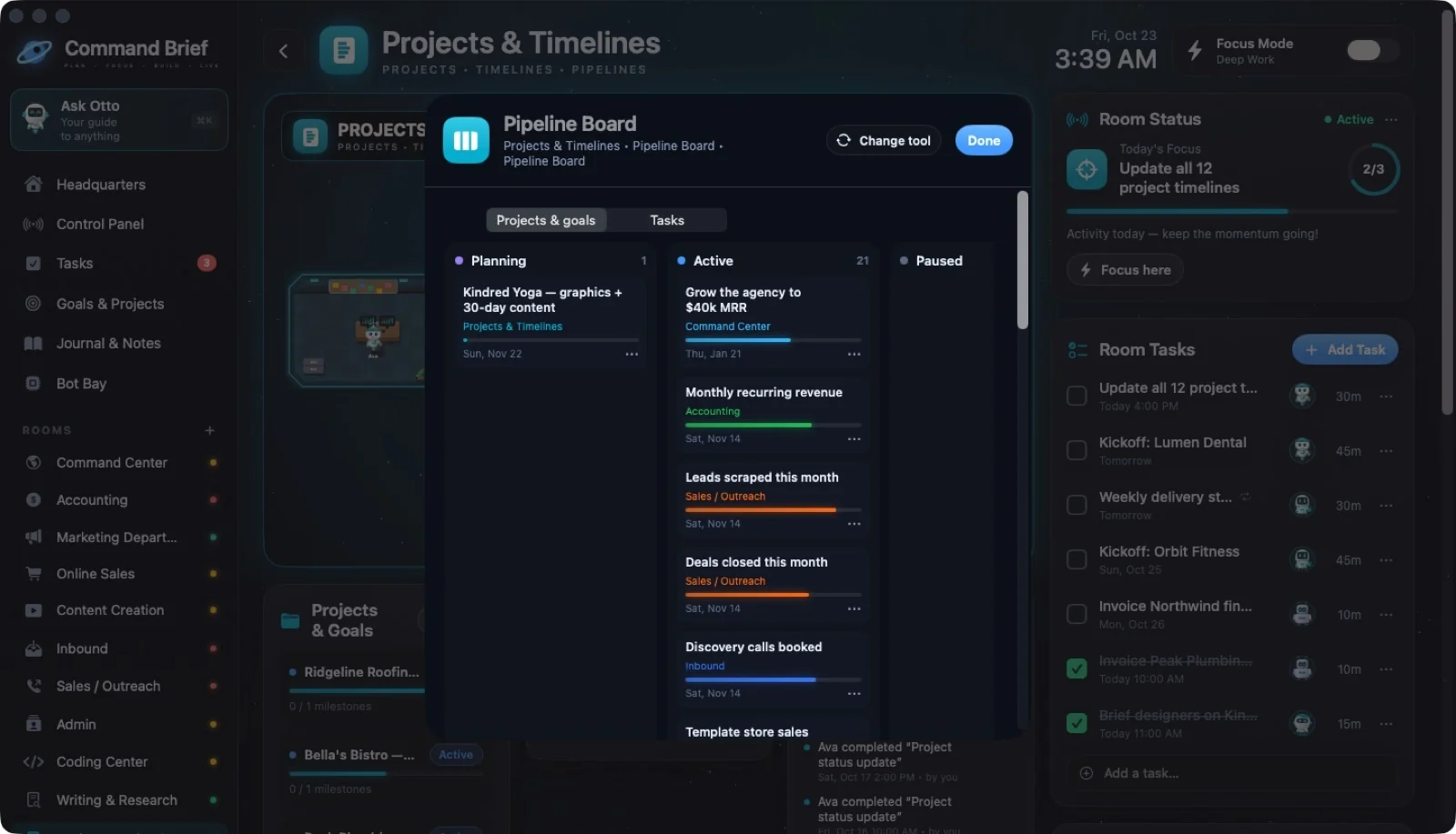
56 / CLICKING FURNITURE
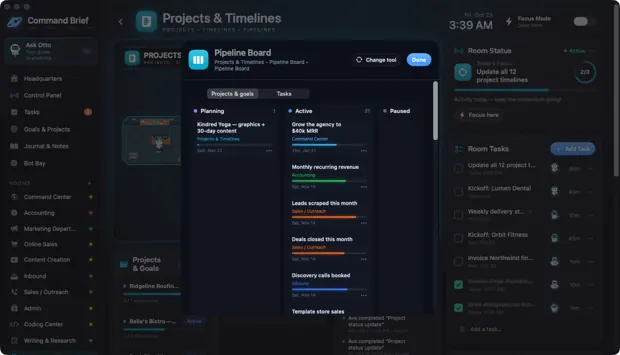
Pipeline Board
 ↗ Enlarge
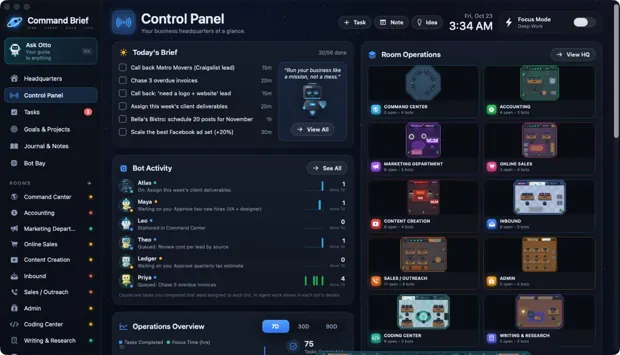
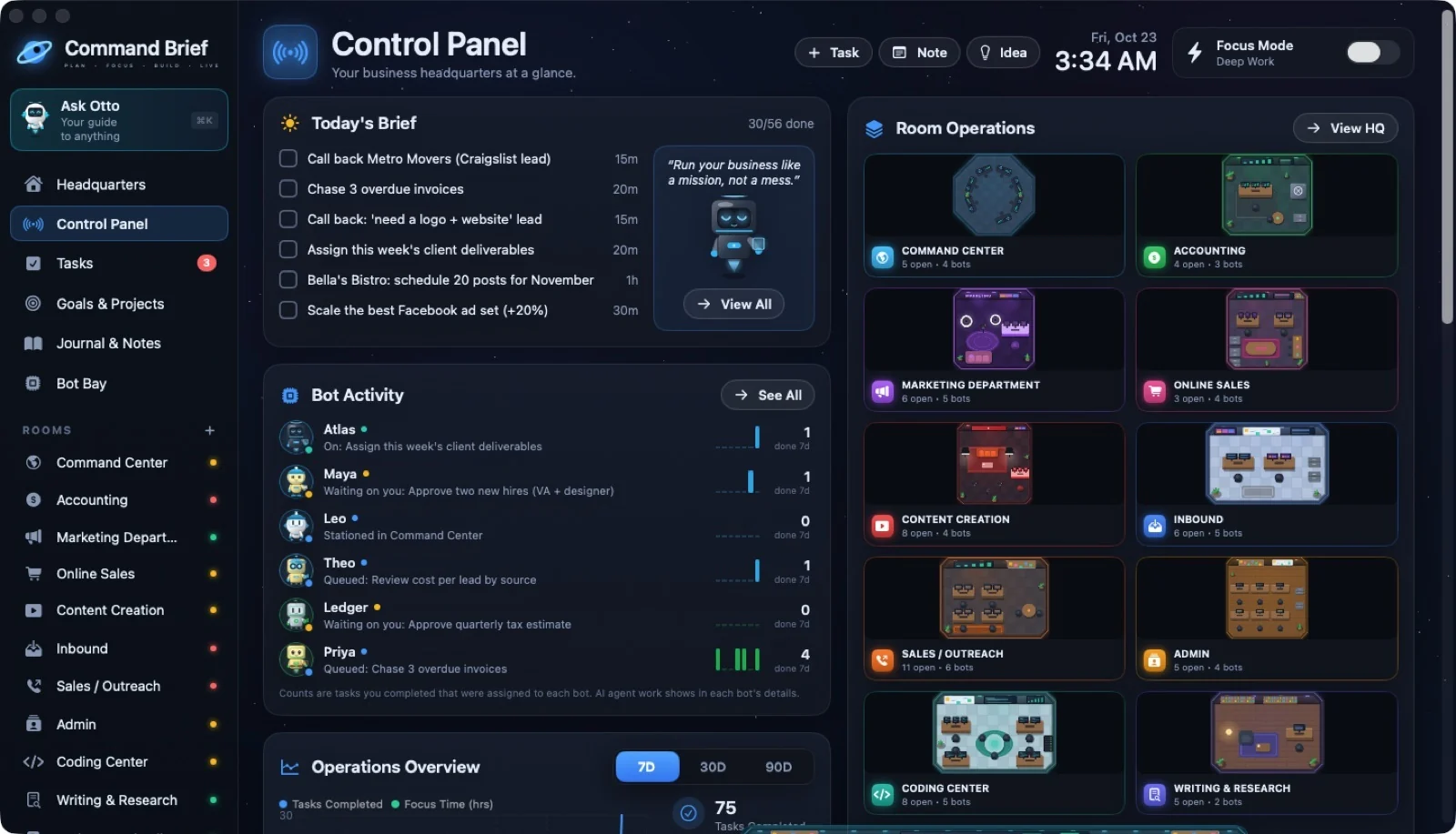
57 / SCREENS
Control Panel
 ↗ Enlarge
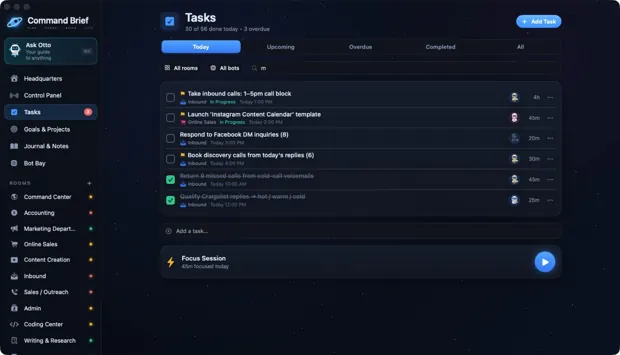
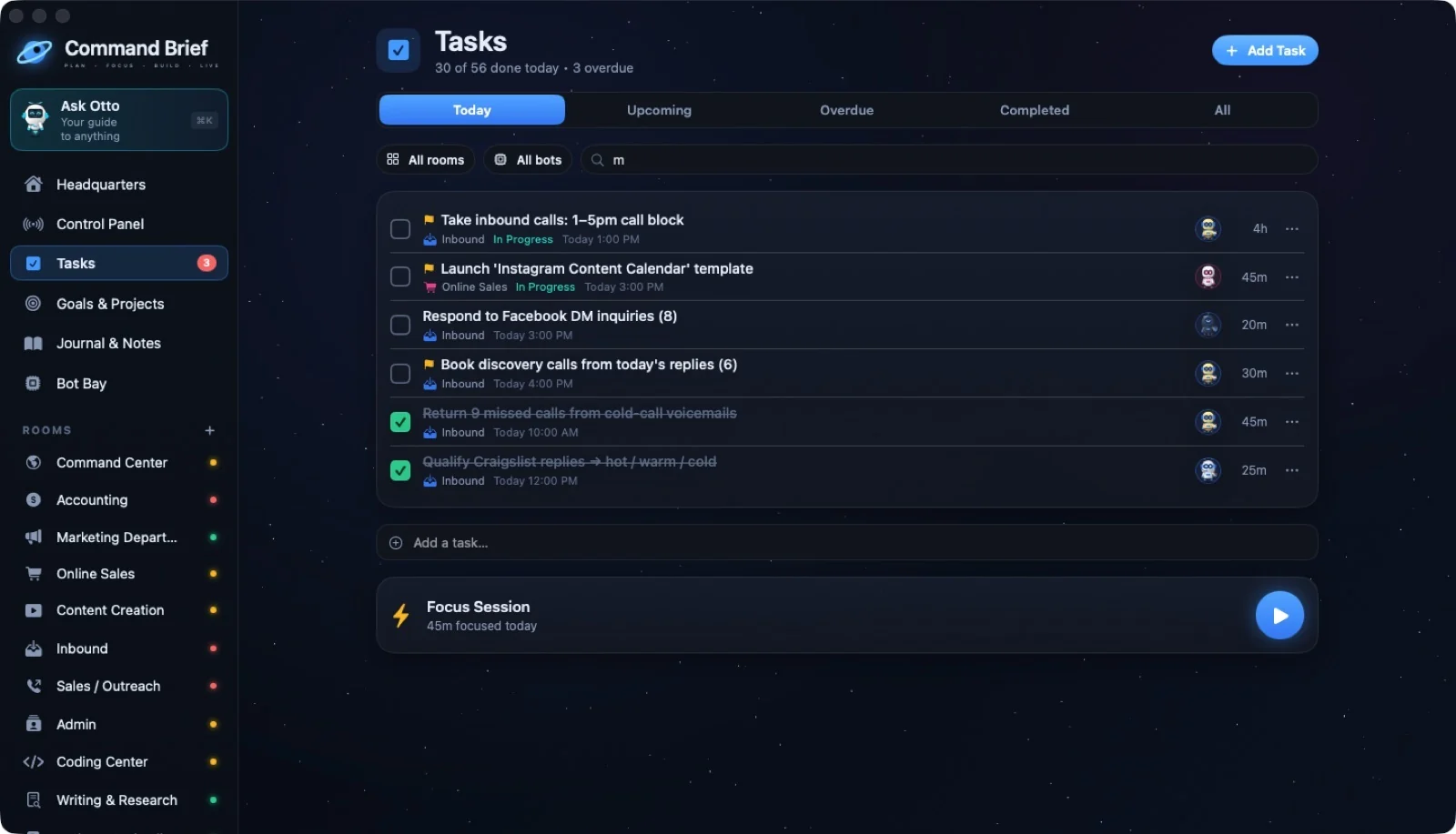
58 / SCREENS
Tasks
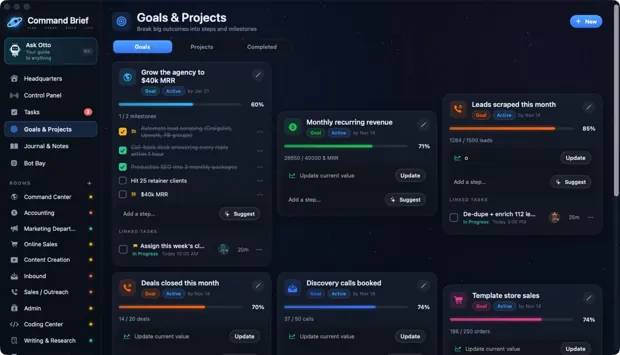 ↗ Enlarge
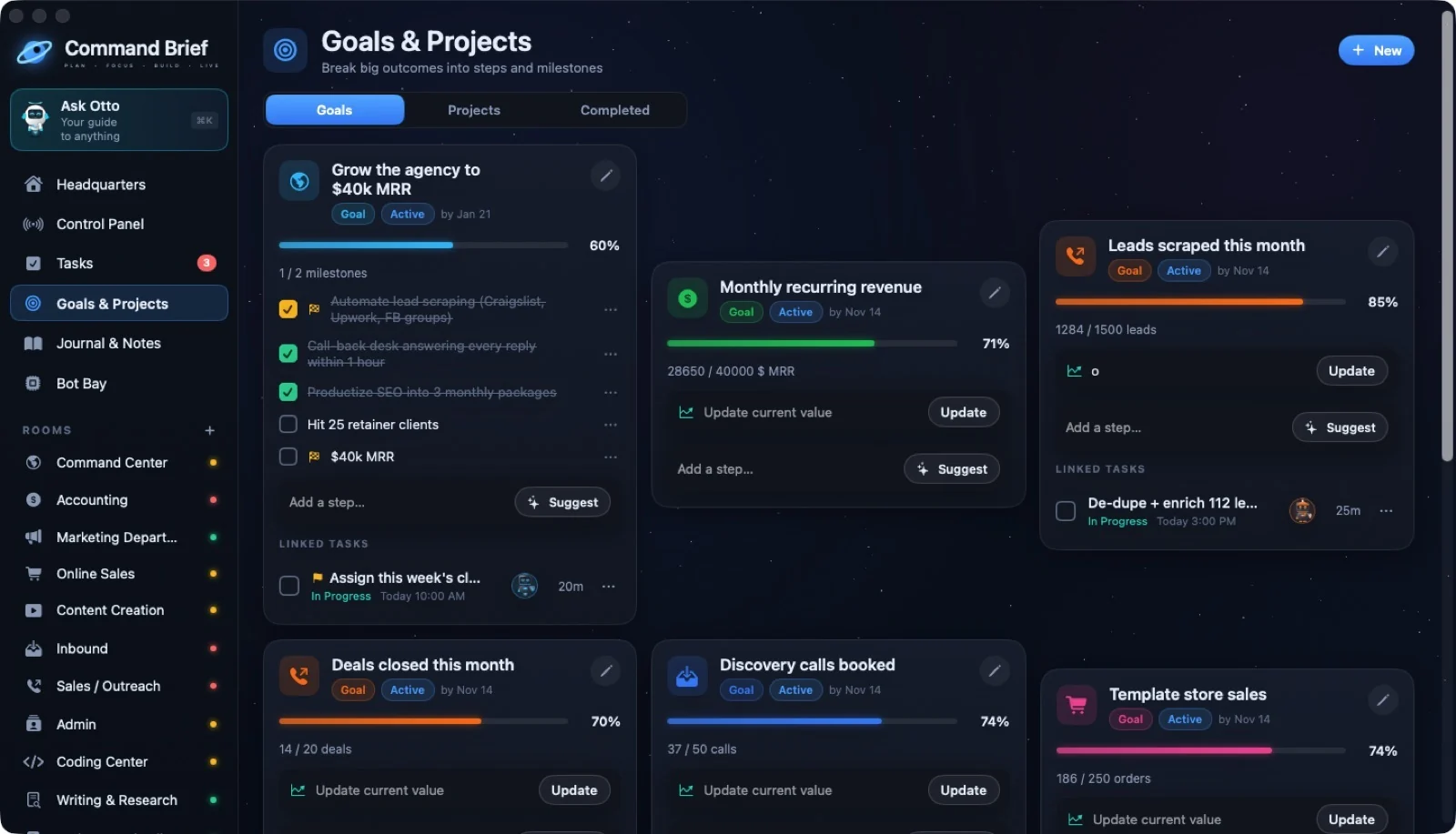
59 / SCREENS
Goals & Projects
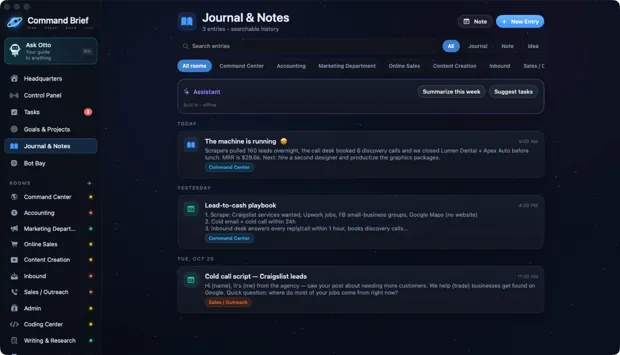 ↗ Enlarge
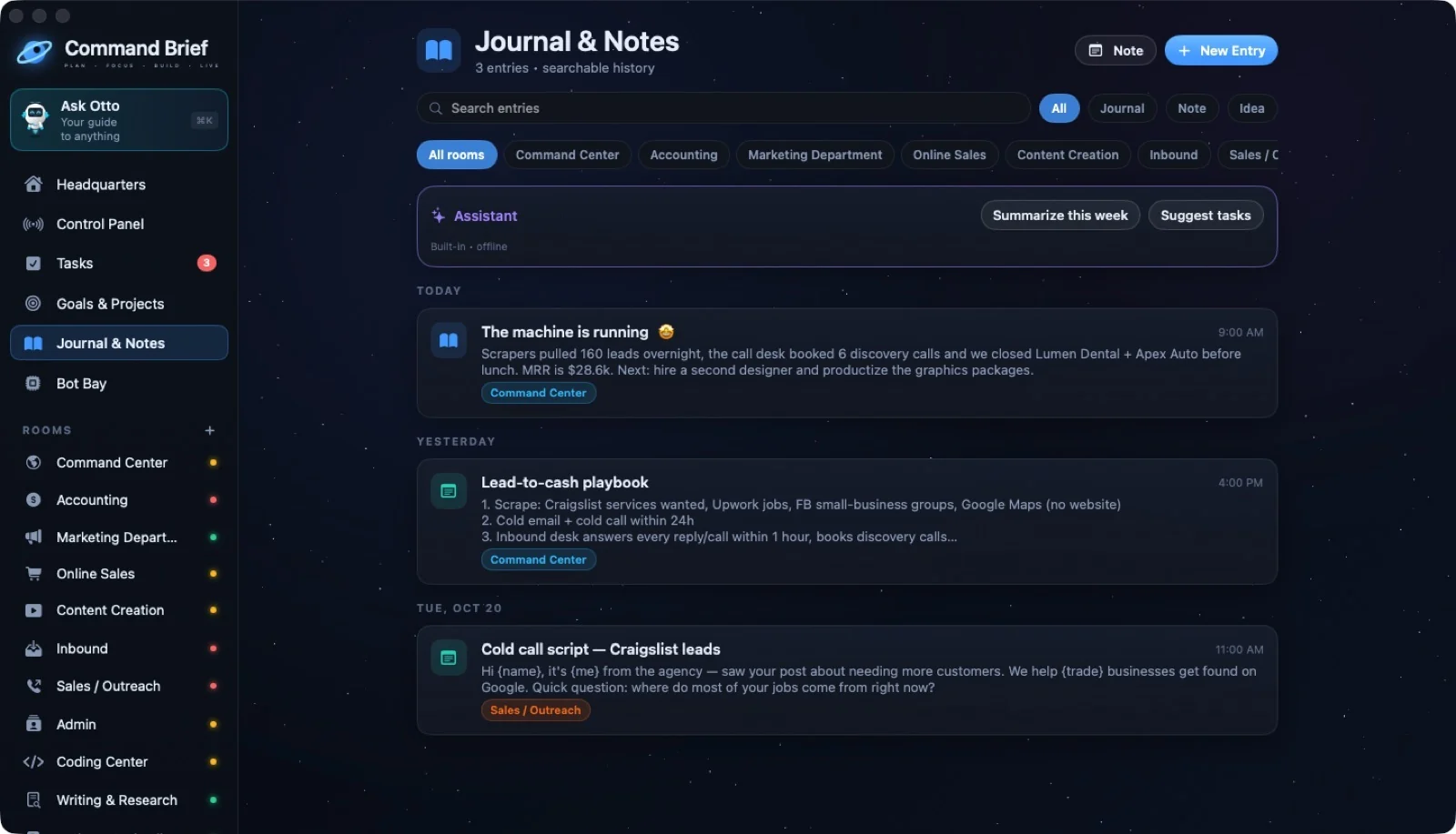
60 / SCREENS
Journal & Notes
 ↗ Enlarge
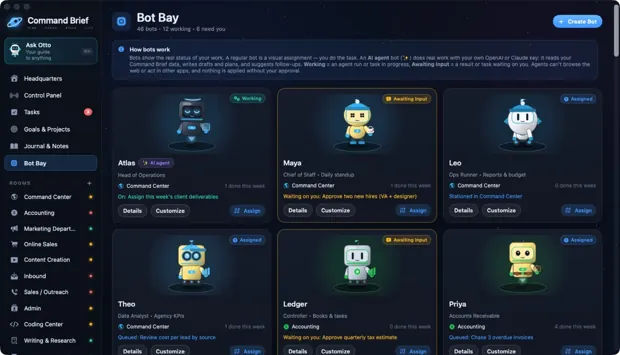
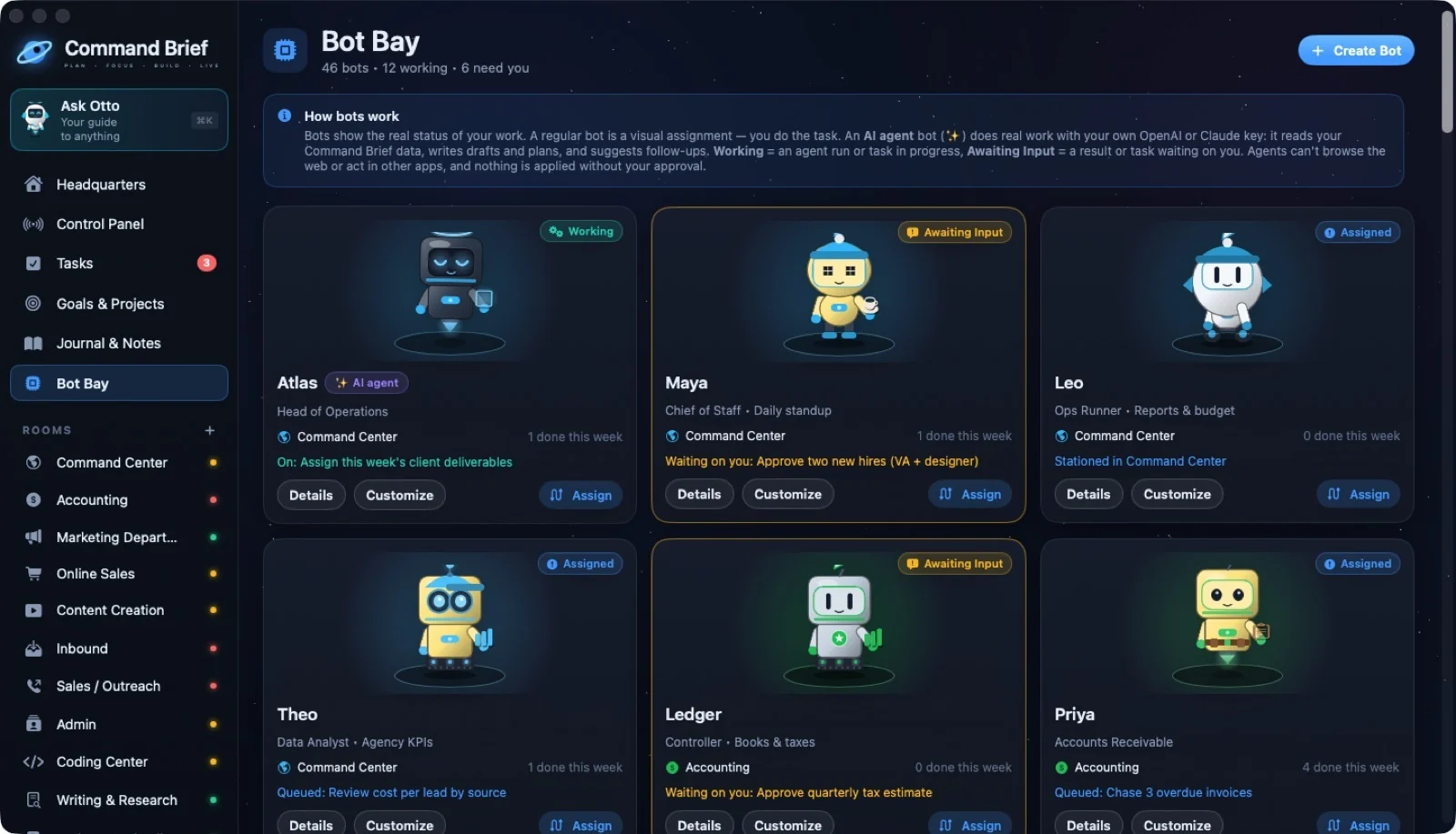
61 / SCREENS
Bot Bay
 ↗ Enlarge
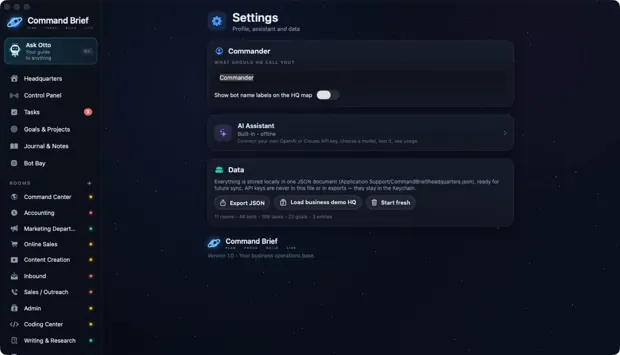
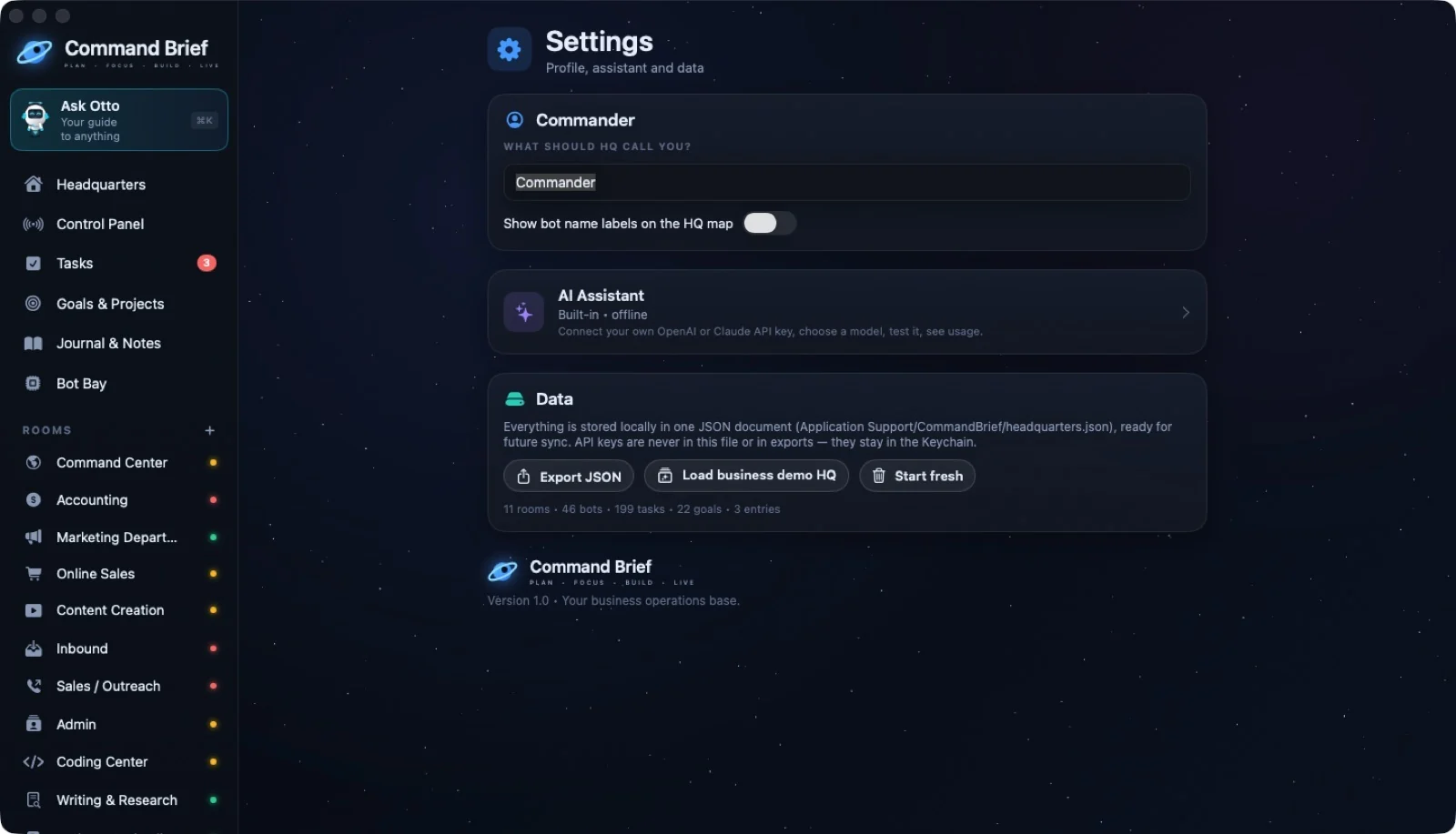
62 / SCREENS
Settings
 ↗ Enlarge
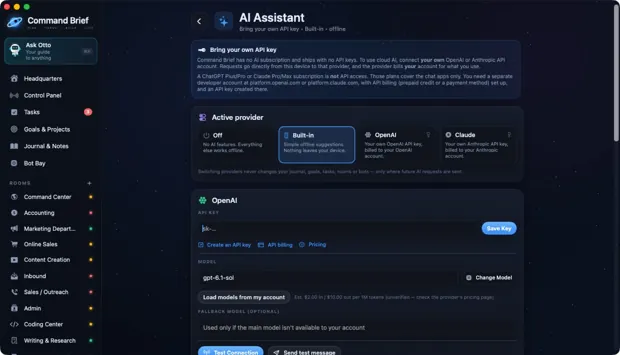
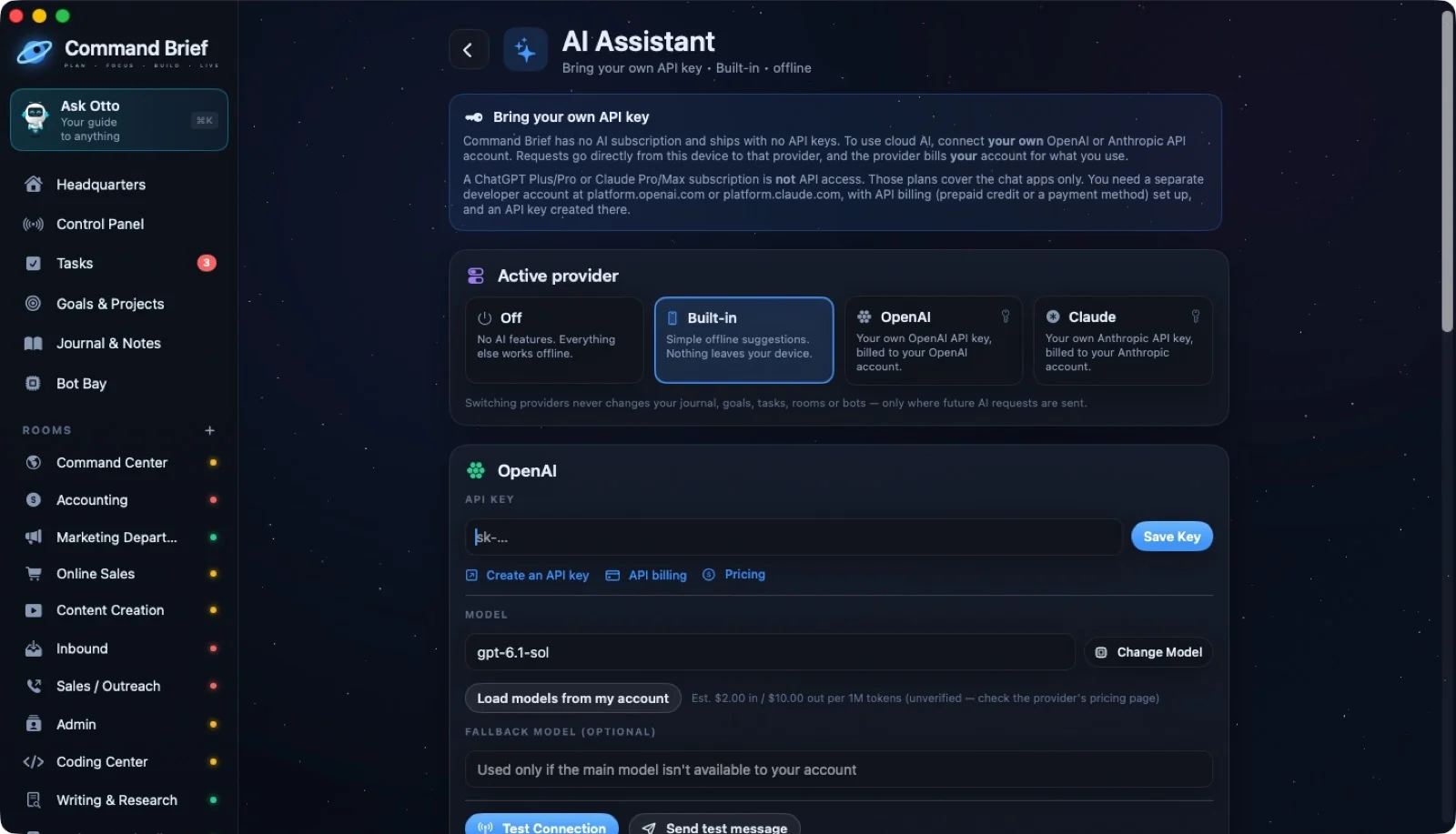
63 / SCREENS
AI Assistant settings
 ↗ Enlarge
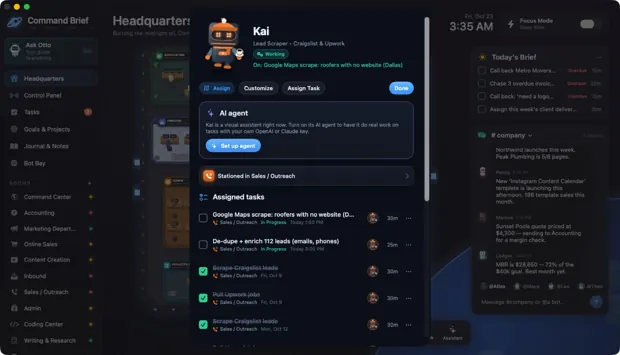
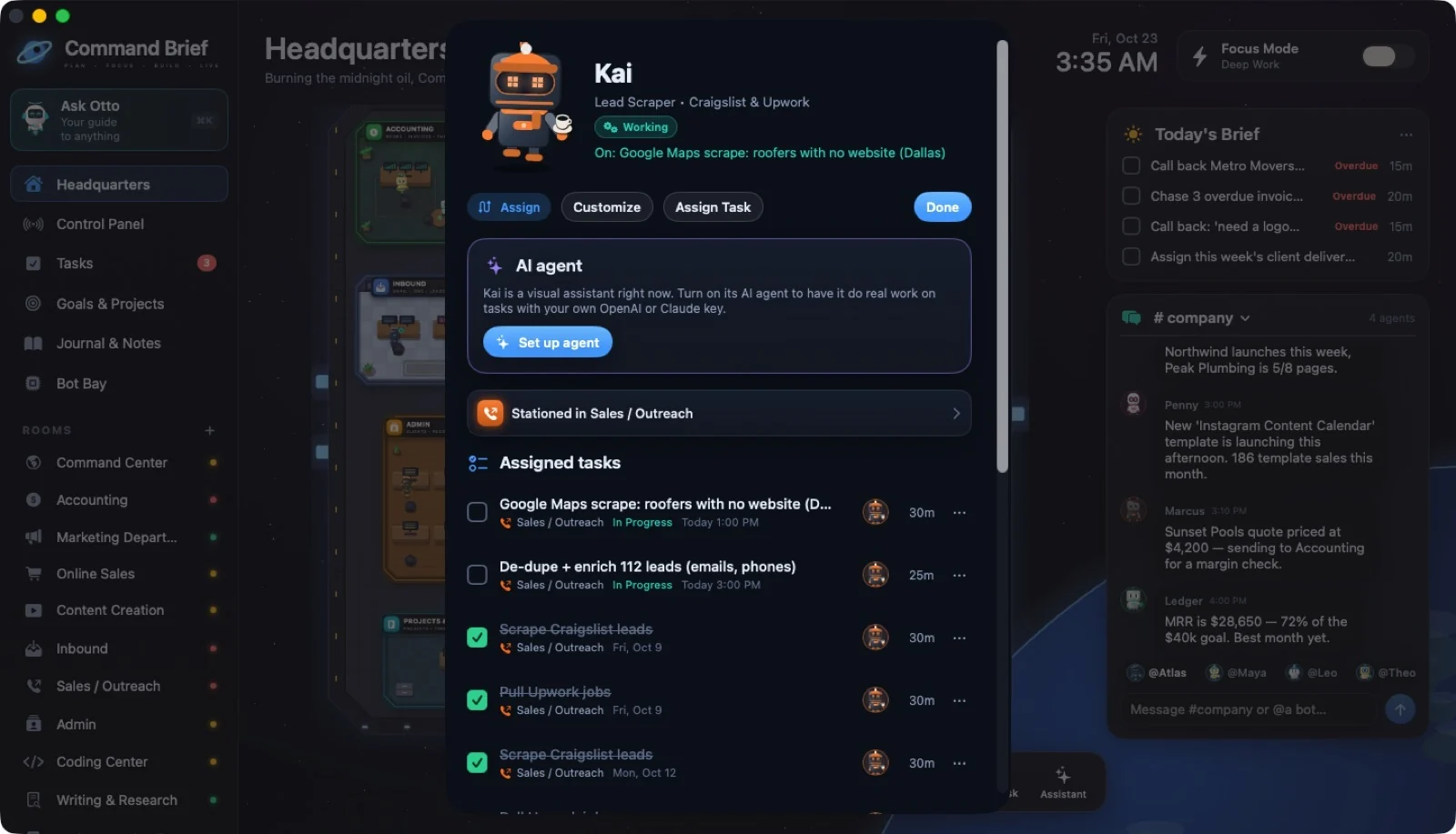
64 / BOTS
Bot status card
 ↗ Enlarge
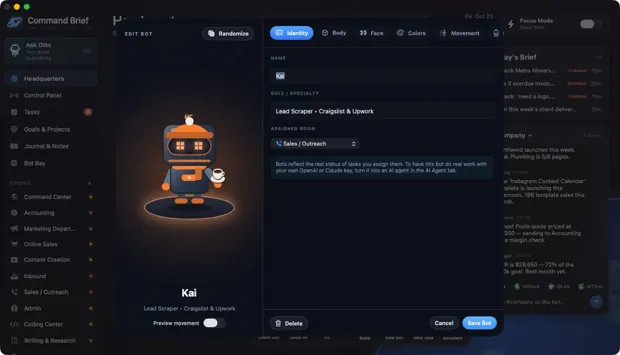
65 / BOTS
Bot designer: Identity
 ↗ Enlarge
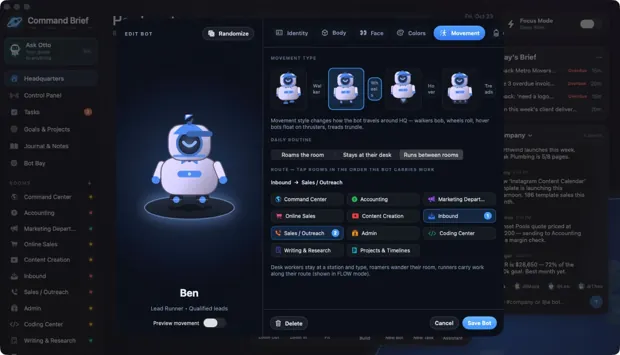
66 / BOTS
Bot designer: Movement & route
 ↗ Enlarge
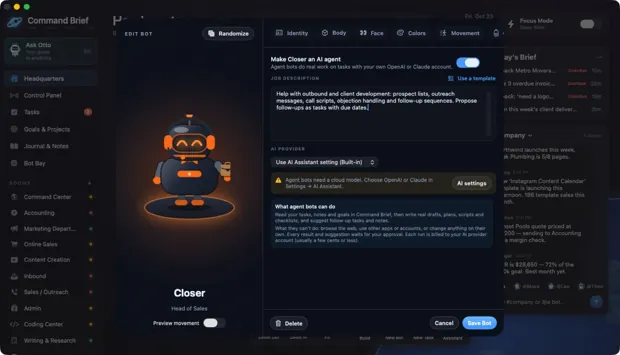
67 / BOTS
Bot designer: AI Agent
 ↗ Enlarge
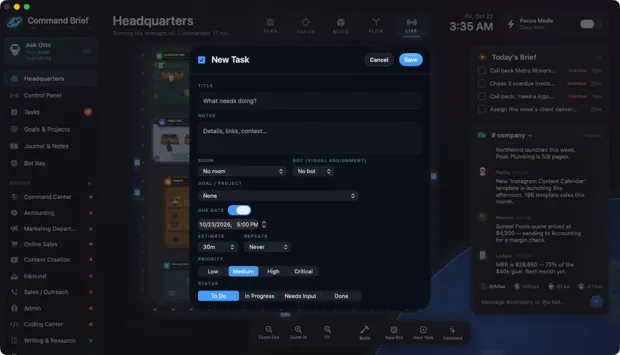
68 / WORK
New task
 ↗ Enlarge
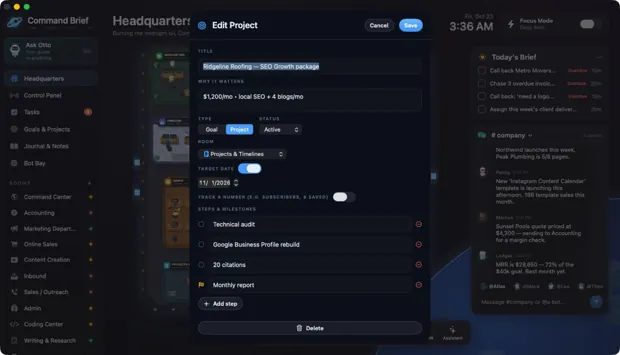
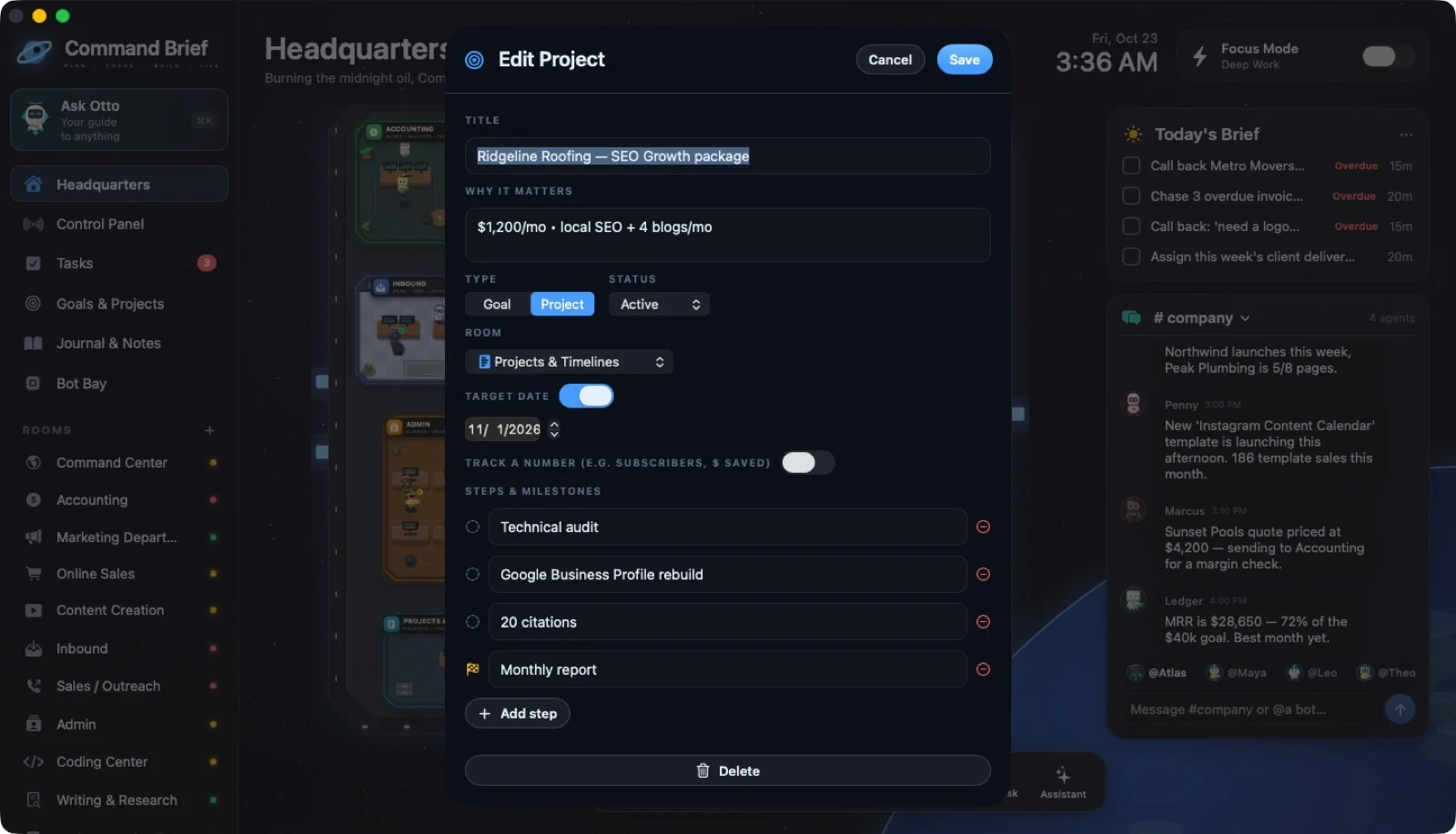
69 / WORK
A client project
 ↗ Enlarge
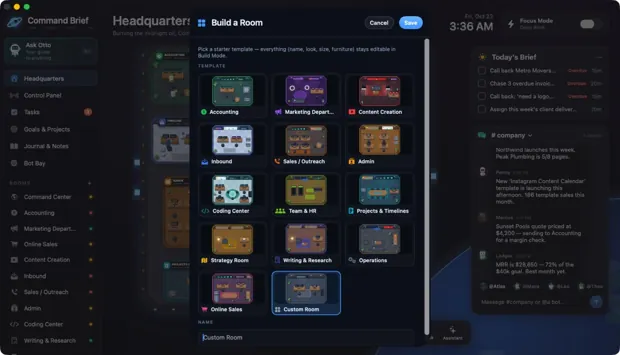
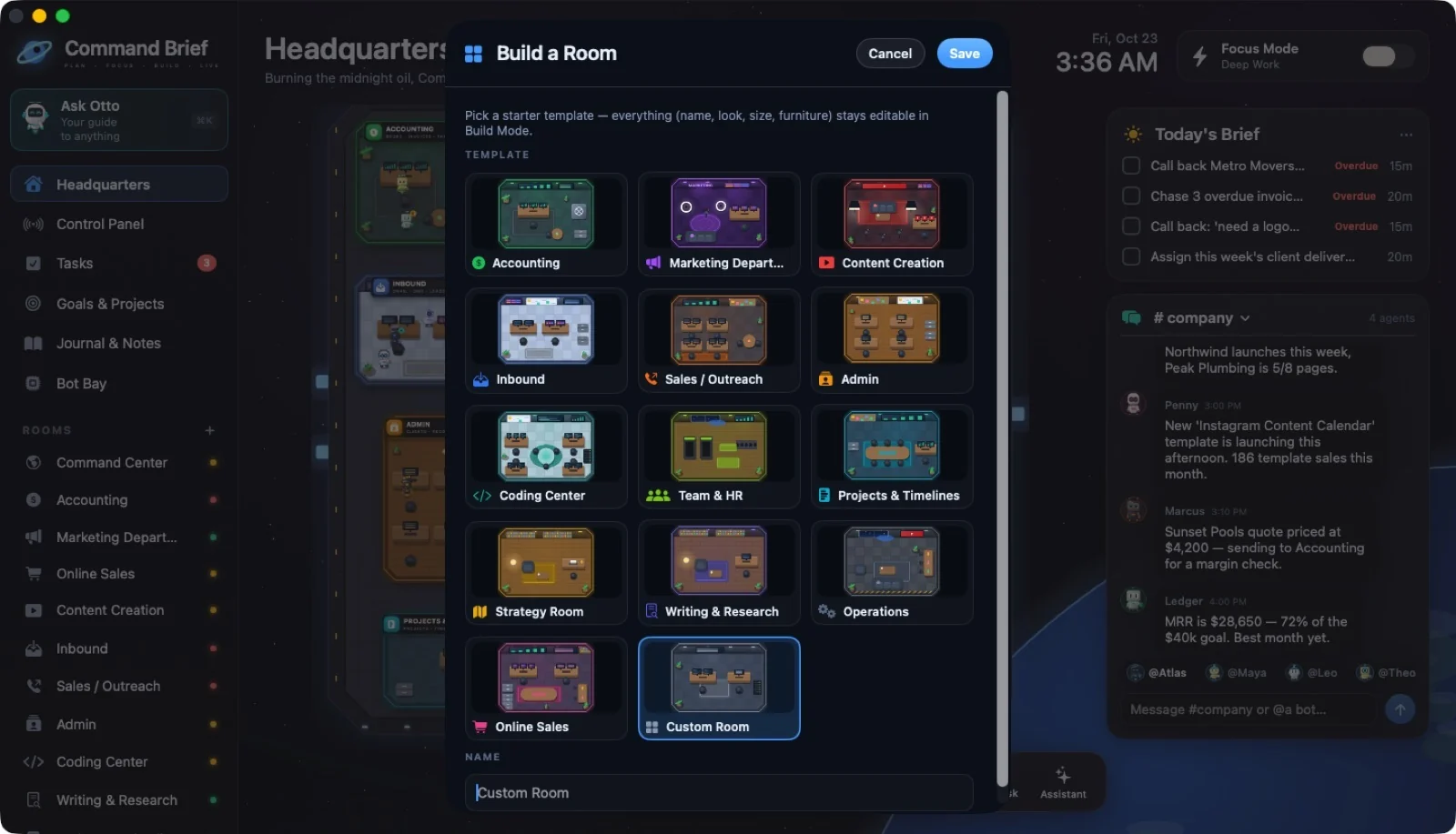
70 / WORK
Add a room
 ↗ Enlarge
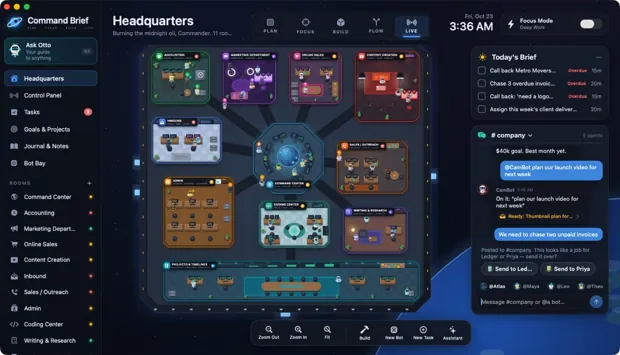
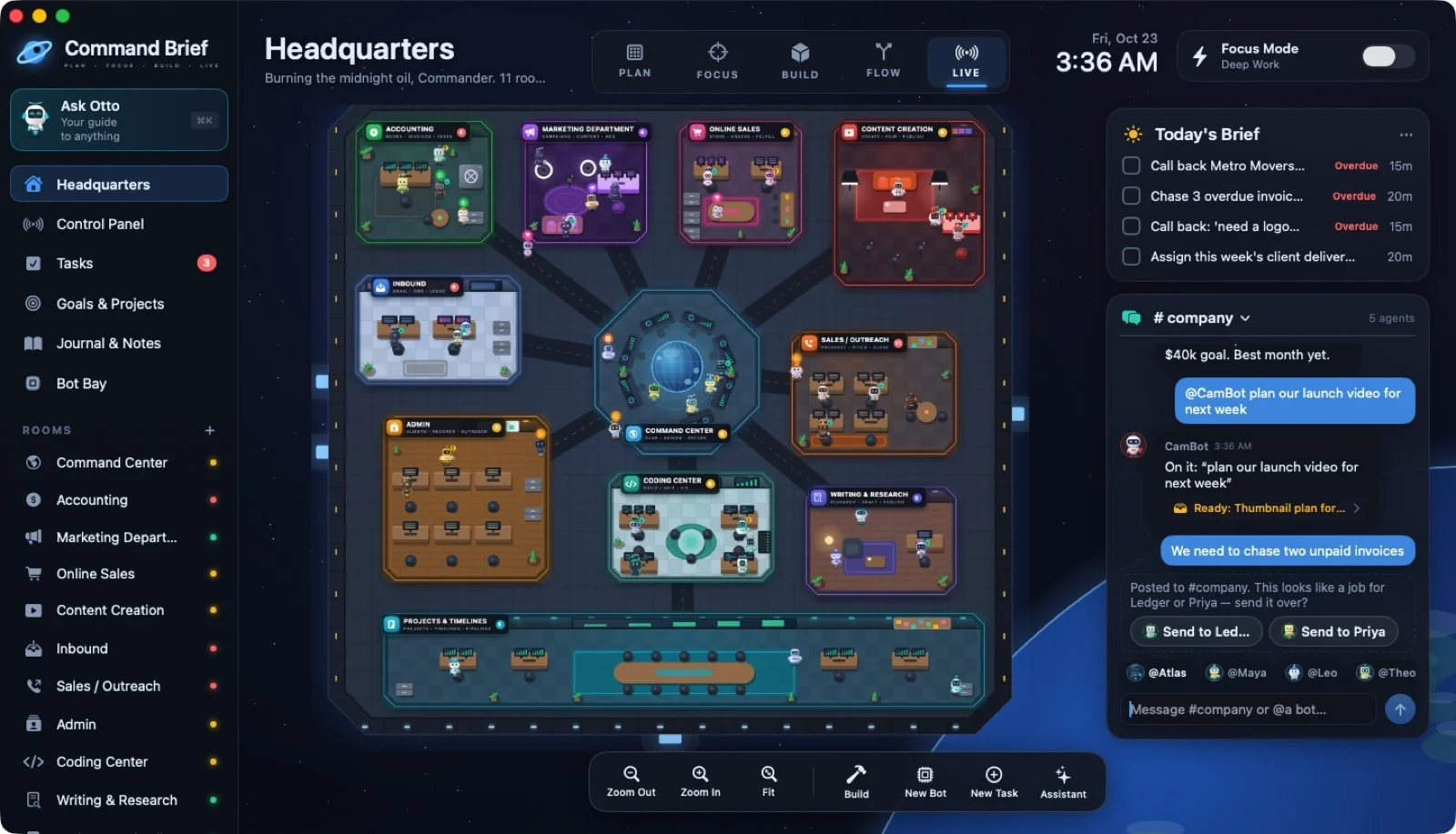
71 / AI CREW
Company chat with AI agents
 ↗ Enlarge
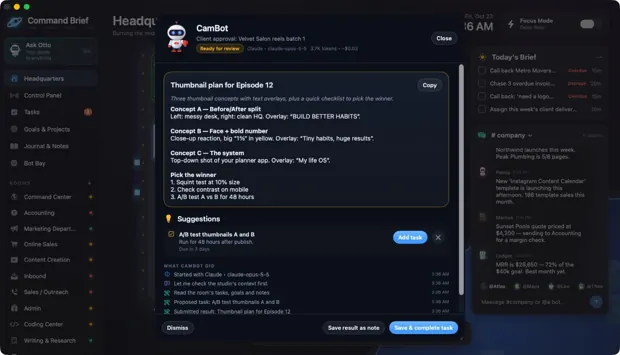
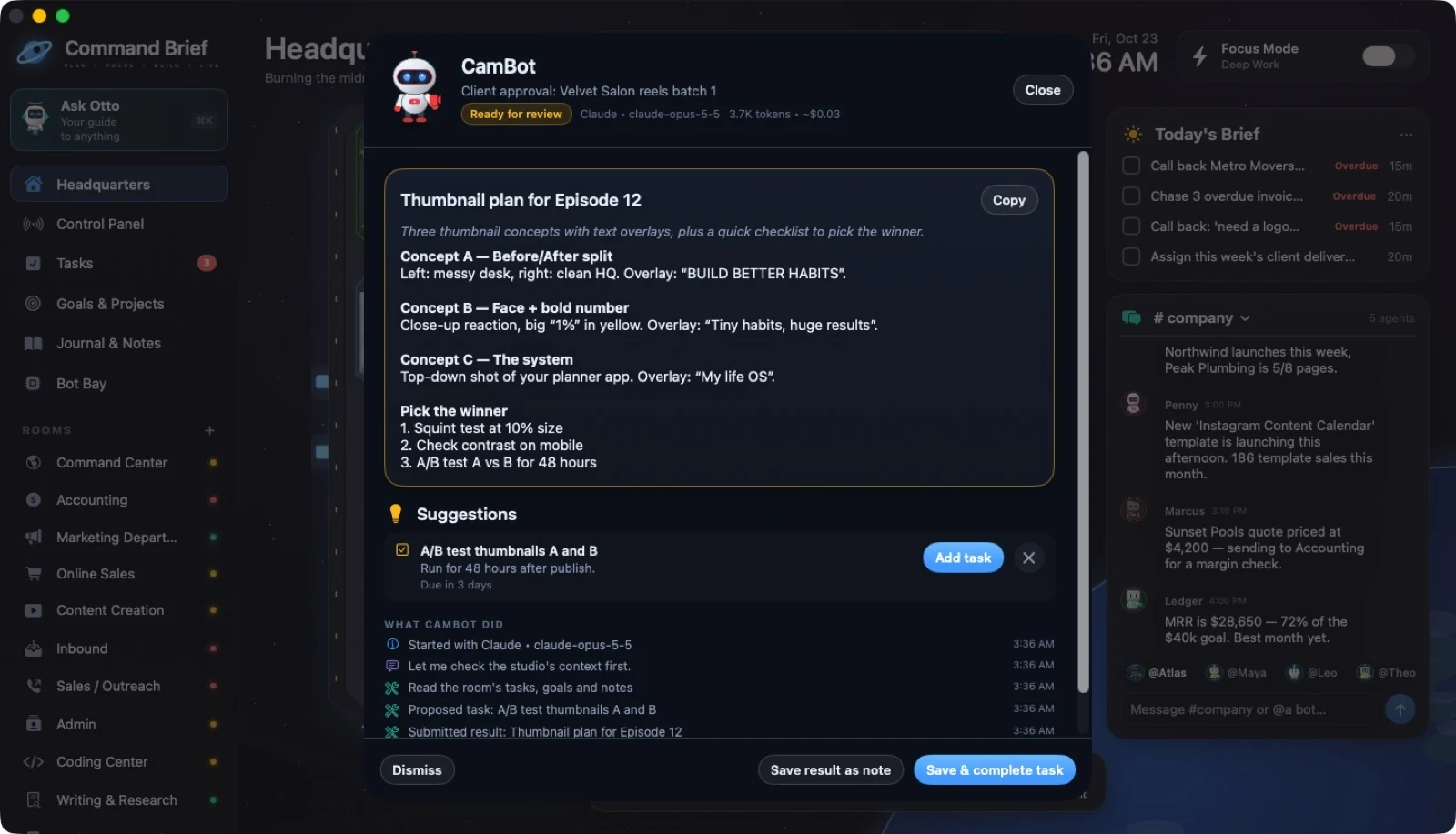
72 / AI CREW
Reviewing an agent's work
No screens match that search. Try another feature or choose all categories.
 ↗ Enlarge
 ↗ Enlarge
 ↗ Enlarge
 ↗ Enlarge
 ↗ Enlarge
 ↗ Enlarge
 ↗ Enlarge
 ↗ Enlarge
 ↗ Enlarge
 ↗ Enlarge
 ↗ Enlarge
 ↗ Enlarge
 ↗ Enlarge
 ↗ Enlarge
 ↗ Enlarge
 ↗ Enlarge
 ↗ Enlarge
 ↗ Enlarge
 ↗ Enlarge
 ↗ Enlarge
 ↗ Enlarge
 ↗ Enlarge
 ↗ Enlarge
 ↗ Enlarge
 ↗ Enlarge
 ↗ Enlarge
 ↗ Enlarge
 ↗ Enlarge
 ↗ Enlarge
 ↗ Enlarge
 ↗ Enlarge
 ↗ Enlarge
 ↗ Enlarge
 ↗ Enlarge
 ↗ Enlarge
 ↗ Enlarge
 ↗ Enlarge
 ↗ Enlarge
 ↗ Enlarge
 ↗ Enlarge
 ↗ Enlarge
 ↗ Enlarge
 ↗ Enlarge
 ↗ Enlarge
 ↗ Enlarge
 ↗ Enlarge
 ↗ Enlarge
 ↗ Enlarge
 ↗ Enlarge
 ↗ Enlarge
 ↗ Enlarge
 ↗ Enlarge
 ↗ Enlarge
 ↗ Enlarge
 ↗ Enlarge
 ↗ Enlarge
 ↗ Enlarge
 ↗ Enlarge
 ↗ Enlarge
 ↗ Enlarge
 ↗ Enlarge
 ↗ Enlarge
 ↗ Enlarge
 ↗ Enlarge
 ↗ Enlarge
 ↗ Enlarge
 ↗ Enlarge
 ↗ Enlarge
 ↗ Enlarge
 ↗ Enlarge
 ↗ Enlarge
 ↗ Enlarge